




Xpress C480
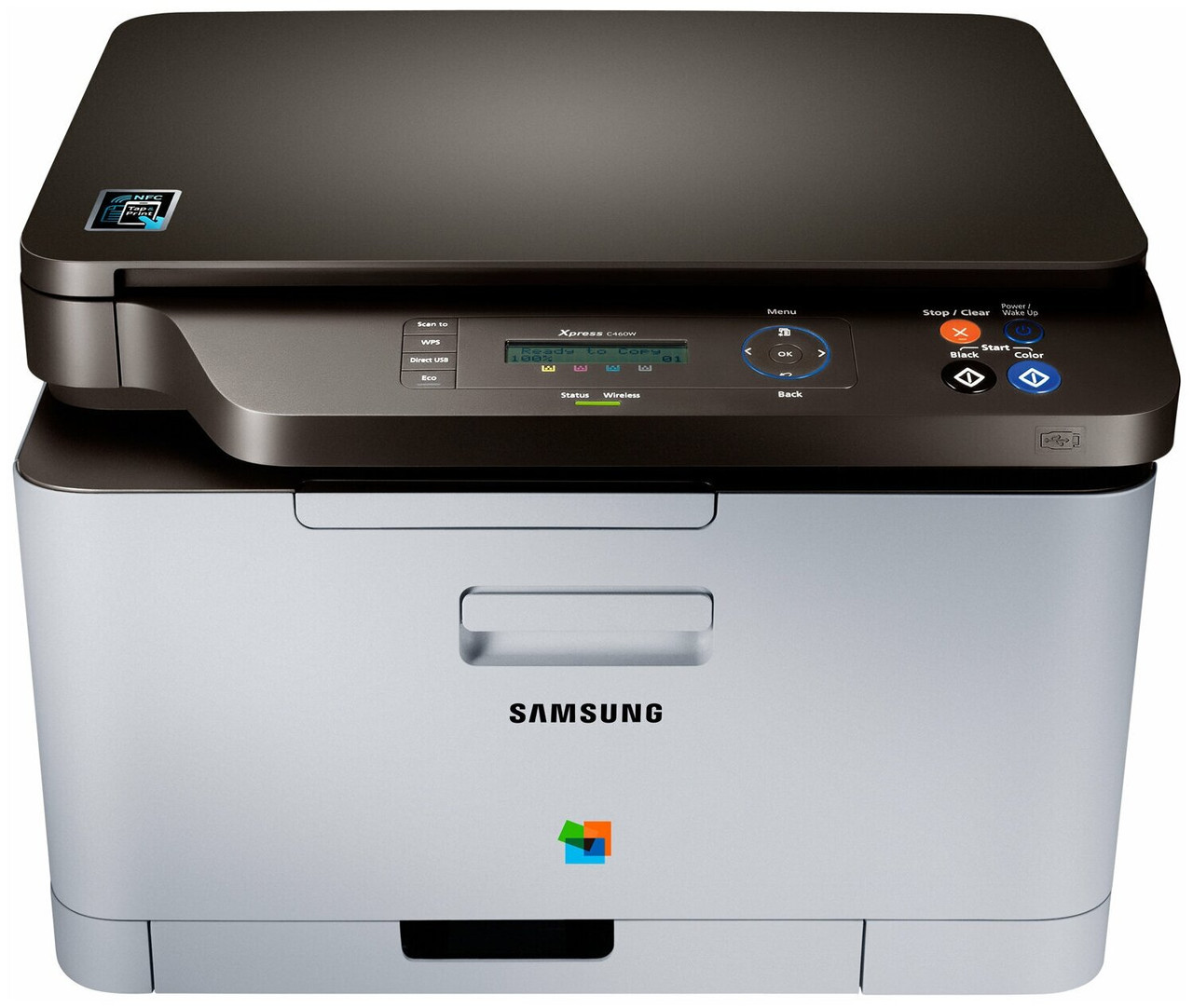
The Xpress C480 is the fast color laser of the Xpress line — the C480's engine under Samsung's badge, built on the SL-C480 platform that Samsung's official datasheets cover for both nameplates. Its toner set is the family's identical one: the CLT-404S cartridges, CLT-K404S for black, CLT-C404S for cyan, CLT-M404S for magenta and CLT-Y404S for yellow, in the shelf order of cyan and yellow for color work, magenta for the reds, black for everything else.
What separates this model from its smaller siblings is not the cartridge — it is the pace at which a workgroup can spend one. That makes driver discipline a genuine toner feature on the Xpress C480: the defaults an office chooses decide whether the black cartridge serves a month of documents or a fortnight of full-color everything. Our compatible CLT-404S cartridges keep the per-page cost sensible either way, but the cheapest cartridge is still the one you do not burn on drafts.
Toner Cartridges for Xpress C480
| Cartridge | Color | Page Yield |
|---|---|---|
| CLT-K404S | Black | See product page |
| CLT-C404S | Cyan | See product page |
| CLT-M404S | Magenta | See product page |
| CLT-Y404S | Yellow | See product page |
Full refreshes come as an Xpress C480 4 Color Set or an Xpress C480 Premium Quality 4 Color Set in this model's name, the shared CLT-404S 4 Color Set, or a CLT-404S 5 Color Set whose extra black cartridge suits the way a fast shared machine actually eats.
Which cartridge should you buy?
Buy the cartridge the machine asks for, when it asks. The Xpress C480's four slots deplete independently, black far ahead of the colors on any normal office mix, so single replacements track real consumption and sets are for beginnings and convergences — a new machine, or a month where several slots land low together. Before any purchase, though, fix the defaults: black-and-white with toner-save for routine internal pages, full-quality color reserved for final documents, and multiple-pages-per-sheet for reference printouts. Those three settings routinely out-save any cartridge deal.
Chip, toner and everyday use
When this printer reports a cartridge low, do not rush the swap. Rock the cartridge gently side to side first: toner settles, the sensor reads the hopper pessimistically, and a low cartridge commonly has hundreds of even pages left in it. Replace when print quality actually fades or the machine insists. Fit replacements with seals fully removed and units seated until they click, and store spares sealed in a cool, dark place — heat and light degrade toner powder and can cause clumping long before a box is opened. Compatible units here are covered by a 1-year warranty and 1-year returns.
Frequently Asked Questions
Which driver settings stretch toner life the most on the Xpress C480?
Set the office default to black-and-white with toner-save enabled for routine work, so everyday pages draw only on the CLT-K404S at reduced density. Keep full-quality color for final documents, and use the multiple-pages-per-sheet option for reference prints nobody will file.
The printer says a cartridge is low, but the prints still look fine. Is it lying?
Not lying — estimating early. The warning arrives while usable toner remains, deliberately, to give you ordering time. Rock the cartridge gently to redistribute what is left, keep printing, and replace it when quality genuinely drops.
Do the four cartridges wear evenly on a shared machine?
Almost never. Text dominates office output, so black carries the load while the three colors serve graphics, charts and photos. Expect to change the CLT-K404S several times between color changes, and stock accordingly.
Can one person running the printer dry stop everyone else?
Yes — an empty color halts the machine for all users, since all four recognized cartridges must be present. A spare black and one of each color on the shelf is the whole insurance policy this model needs.