




ProXpress M3320DW
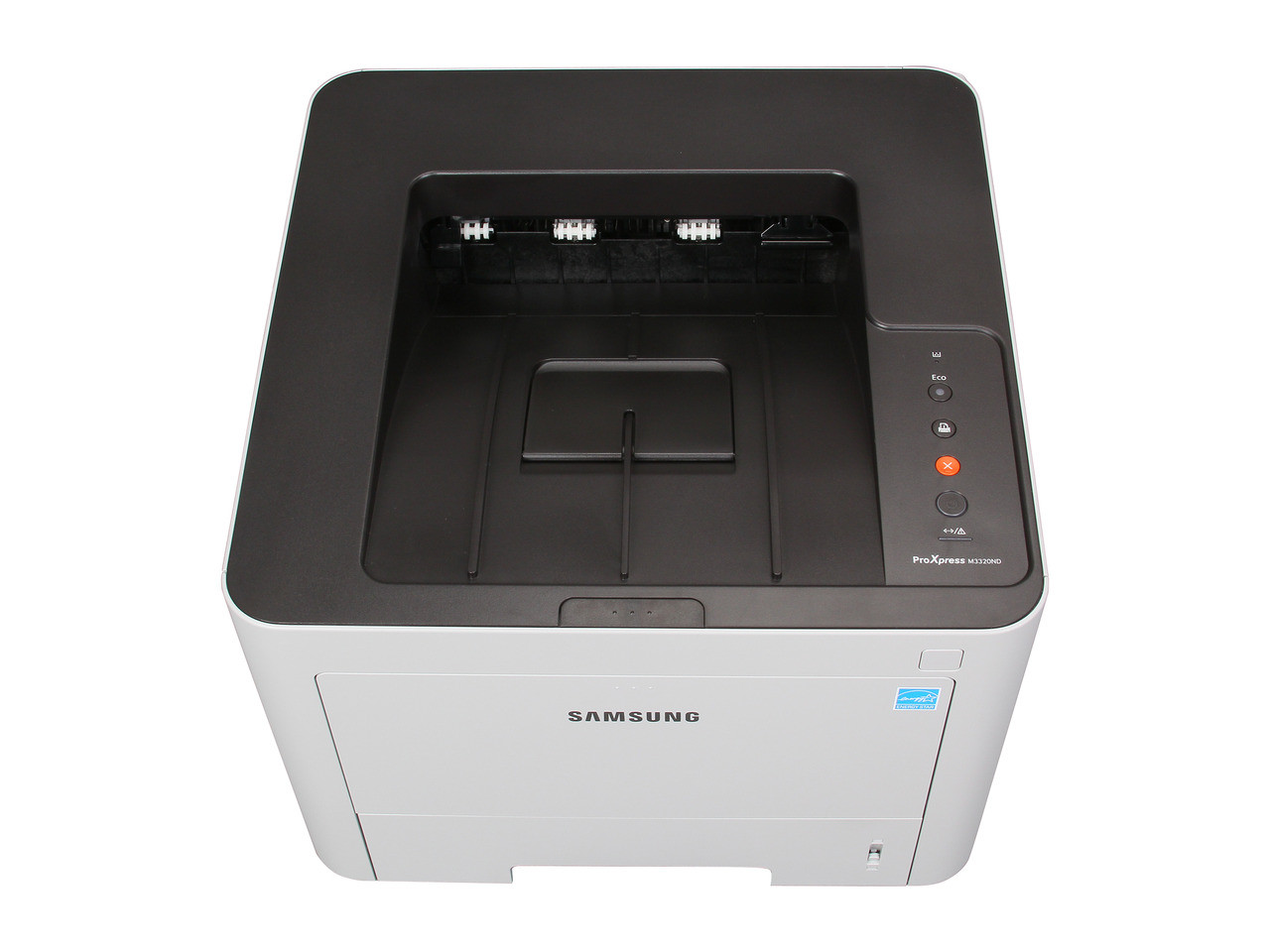
The DW in ProXpress M3320DW stands for duplex plus wireless — the M3320's mono output for offices that do not want to run Ethernet to the printer corner. Wireless convenience does not change the consumable story: it still runs MLT-D203 cartridges, and this page stocks the high-yield MLT-D203L at 5,000 pages, the extra-high MLT-D203E at 10,000 and the ultra-high MLT-D203U at 15,000, plus a cartridge listed under the M3320DW's own name. The family's standard MLT-D203S covers 3,000 pages.
Wireless printing changes habits more than hardware. When every laptop and phone in the building can print in two taps, pages accumulate casually — boarding passes, single-page excerpts, drafts nobody would have walked to a wired printer for. Owners of the DW consistently underestimate how fast that casual volume empties a 3,000-page standard fill, and most size up within a cartridge or two of buying the machine.
Toner Cartridges for ProXpress M3320DW
| Cartridge | Color | Page Yield |
|---|---|---|
| MLT-D203L High Yield | Black | 5,000 pages |
| MLT-D203L High Yield — 3 Pack | Black | 5,000 pages |
| MLT-D203L Premium High Yield — 5 Pack | Black | 5,000 pages |
| MLT-D203E Extra High Yield | Black | 10,000 pages |
| MLT-D203U Ultra High Yield | Black | 15,000 pages |
| ProXpress M3320DW High Yield | Black | See product page |
| ProXpress M3320DW High Yield — 5 Pack | Black | See product page |
Which cartridge should you buy?
Start at the MLT-D203L and treat it as this model's realistic standard size; it is the smallest cartridge that matches how a shared wireless machine is actually used. Homes and offices where several people print daily should look at the MLT-D203E, and the MLT-D203U rewards the busiest setups with the lowest cost per page and the longest intervals. The model-named cartridge gives you the same high-yield class ordered by printer instead of by code. Stepping up a size is the single easiest running-cost decision this printer offers — the fit is identical either way.
Chip, toner and everyday use
The chip on the compatible cartridge lets the ProXpress M3320DW recognize it and report the remaining level, which wireless users should actually check — nobody walks past this printer often enough to notice a warning light. Remember that yield ratings assume 5% coverage; a household printing photos-adjacent graphics and dense school handouts will land well under the rating, while plain documents track it. When output lightens, remove the cartridge and rock it gently side to side to redistribute the toner before concluding it is empty. Keep the spare sealed in the room where the printer lives, away from heat and sun.
Frequently Asked Questions
I print wirelessly from laptops and phones to the ProXpress M3320DW. Will that drain the MLT-D203 faster?
Wireless delivery does not change toner use per page. But mobile users print more casually — and more pages means faster depletion in calendar terms. If your M3320DW serves several wireless users, a high-yield size absorbs that habit; a standard fill will feel short-lived.
Our standard cartridge emptied surprisingly fast. What should we do?
Step up a size rather than hunting for a fault. Between casual wireless printing and the fact that ratings assume 5% coverage, a 3,000-page fill disappears quickly in a shared home or office. The MLT-D203L is the usual correction; busy households go straight to the E.
Does duplex printing on the DW save toner?
It saves paper — two sides per sheet — while toner use per printed side stays the same. On a wireless machine its real gift is a paper tray that needs filling half as often.
Which size suits a home office with two users?
For most two-person home offices, the MLT-D203L's 5,000 pages is the comfortable middle: long intervals without paying for capacity that sits unused. If both of you print all day, every day, the MLT-D203E earns its premium in avoided changeovers.