




C480
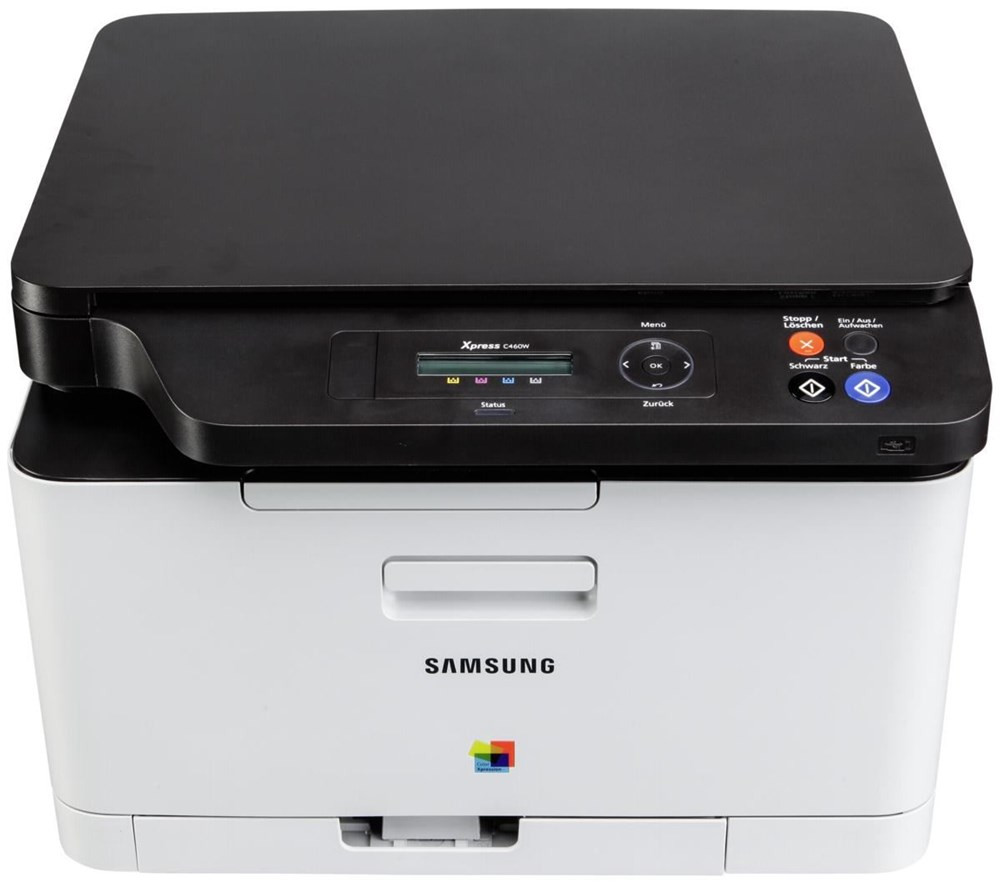
Every office has the moment where the little printer stops keeping up. The C480 is the answer in this line: a faster color engine for workgroups that have outgrown a personal machine's pace, verified against Samsung's official C480 datasheets. Its appetite is the familiar one — the CLT-404S family in four parts, CLT-K404S black, CLT-C404S cyan, CLT-M404S magenta and CLT-Y404S yellow, all standard-yield cartridges that this quicker engine works through at a quicker rate.
A workgroup machine changes the buying problem. Instead of one person nursing one printer, several people feed one C480 all day, nobody owns the toner shelf, and the machine stops at the worst possible moment. The saving grace is consolidation: this whole branch of the family — the compact models and the fast ones — runs on the same four codes, so a single combined stock on one shelf covers every printer in the group, and whoever notices a low warning can grab the right cartridge without a cross-reference chart.
Toner Cartridges for C480
- CLT-K404S — the black cartridge, for text and mono pages
- CLT-C404S — cyan, one of the three process colors
- CLT-M404S — magenta, for reds and photo tones
- CLT-Y404S — yellow, the color that usually fades first in prints
Set options for the shared shelf: a C480 4 Color Set and a C480 Premium Quality 4 Color Set under the model's name, the family CLT-404S 4 Color Set, and a CLT-404S 5 Color Set carrying a second black for groups whose color printing is the exception rather than the rule.
Which cartridge should you buy?
Wait for the warning, not the calendar. Replacing cartridges on a fixed schedule throws away toner that is still printing perfectly well — the low-toner alert arrives with enough pages left to order against, provided somebody actually owns the task. Keep one spare of your fastest-moving color — in most workgroups that is black by a wide margin — and reorder the day the spare goes into the machine. When a quarterly tidy-up shows two or more colors sitting low together, a four-color set resets the whole bay in one order. Singles remain the right buy for the single color that always runs ahead of the rest.
Chip, toner and everyday use
On a shared machine, most mystery faults are really handling faults. Fit cartridges with the seal pulled completely clear and the unit pushed firmly home; a cartridge left a fraction short will be reported missing by a printer that cannot see its chip. If one color starts banding or fading while the others stay clean, that color's cartridge is the suspect — swap it before blaming the machine. Keep the spare shelf boring: sealed boxes, cool and dry, oldest stock at the front. All compatible cartridges on this page carry a 1-year warranty with 1-year returns.
Frequently Asked Questions
Our group runs two sizes of printer from this family. Can we really keep one toner stock?
Yes — the compact and workgroup models alike take the identical four codes, CLT-K404S with CLT-C404S, CLT-M404S and CLT-Y404S. One combined shelf serves all of them interchangeably, which is precisely why this family is popular with small fleets.
Colors print fine but black pages come out blank. Where is the fault?
Blank black output alongside working color points squarely at the black cartridge: it is empty, unseated, or still wearing its shipping seal. Pull the CLT-K404S, confirm the seal is fully removed, reseat it firmly, and replace it if black is still missing afterward.
Should the C480's cartridges be replaced on a monthly schedule?
No. Toner consumption follows what the group prints, not the calendar, and scheduled swaps waste usable toner. Replace on the printer's warning, keep a spare black on hand, and the machine will rarely stop anyone mid-job.
Does one empty color stop the whole workgroup?
It does — the C480 wants all four cartridges present and recognized before it prints anything. That is the strongest argument for the shared-spare system: one shelf, one spare of the fast-moving colors, no archaeology when the warning appears.