




BizHub 282
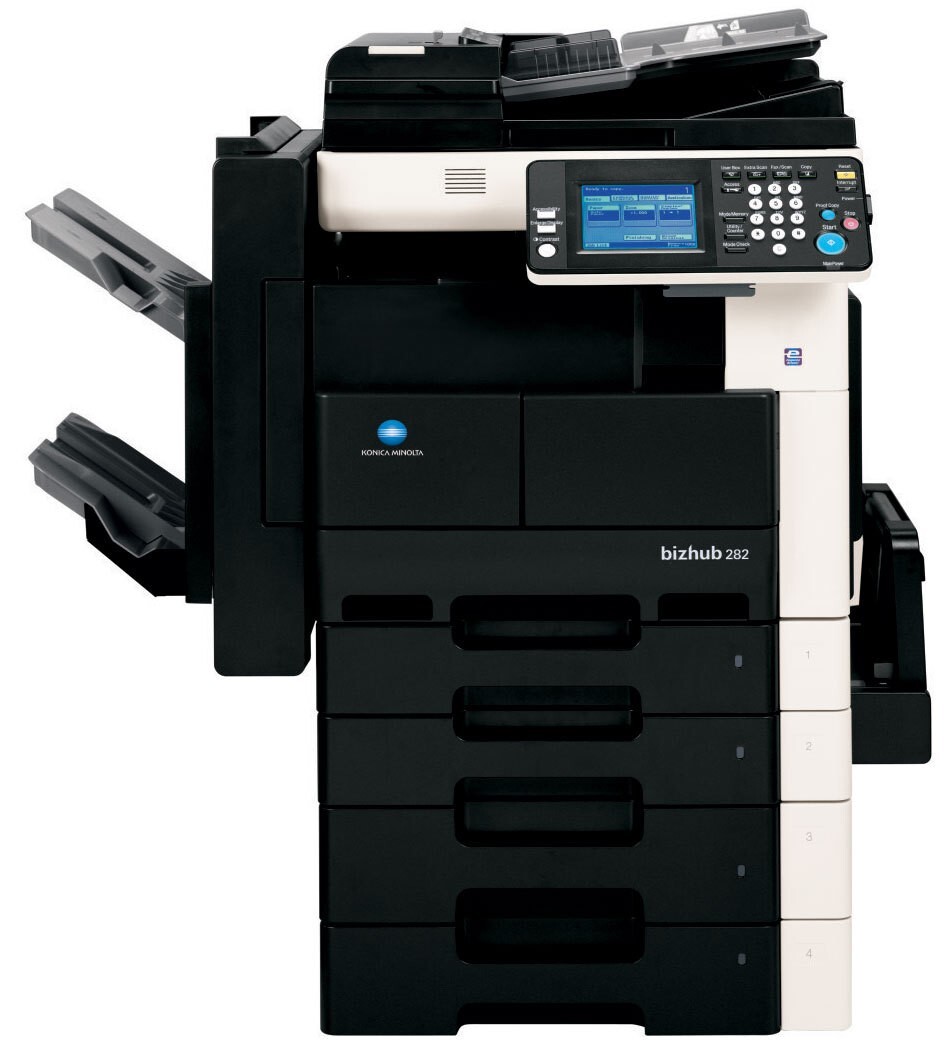
The BizHub 282 tops Konica Minolta's departmental mono family — the fastest engine of the group, aimed at floors where black-and-white volume is a daily tide rather than an occasional wave. Remarkably for the quickest machine in the line, it uses the very same cartridge as its slower siblings: the TN-211 (TN211), Konica Minolta part 8938-413, rated for approximately 17,500 pages. The compatible cartridges on this page keep that flagship workload supplied at a per-page cost that matches the machine's efficiency.
Machines like the 282 become infrastructure: when the office anchor stops, work across the floor backs up behind it. That is why the cartridge commonality matters so much here — the spare pulled from the shelf for the 282 is the same unit the rest of the family uses, so there is never a wrong-cartridge scramble during a deadline run. Between its engine speed and the cartridge's long rated life, the 282 is built to be fed in bulk and thought about rarely between swaps.
Toner Cartridges for BizHub 282
| Cartridge | Color | Page Yield |
|---|---|---|
| TN-211 (8938-413) — Single Cartridge | Black | 17,500 pages |
| TN-211 (8938-413) — 2 Pack | Black | 17,500 pages per cartridge |
| TN-211 (8938-413) — 3 Pack | Black | 17,500 pages per cartridge |
| TN-211 (8938-413) — Premium Quality 3 Pack | Black | 17,500 pages per cartridge |
| TN-211 — 4 Black | Black | 17,500 pages per cartridge |
Which cartridge should you buy?
For the 282, think in terms of uptime rather than single cartridges. One TN-211 installed and one on the shelf is the minimum sensible posture; the low-toner warning arrives with enough lead time that a single spare normally bridges the gap to a reorder. Floors that run the 282 hard usually standardize on the 3 Pack or the 4 Black listing, so reorders become a quarterly habit instead of a monthly errand, and the Premium Quality 3 Pack gives the same format in the premium line. Every compatible option here includes a 1-year warranty and 1-year returns.
Chip, toner and everyday use
If a freshly fitted TN-211 is not recognized by the 282, power the machine down, take the cartridge out, confirm the protective seal has come away completely, and reseat the unit firmly until it clicks — that sequence cures most recognition errors. A chip that still refuses to register points to a faulty cartridge, which the supplier should replace. For everyday economy, run internal drafts in the driver's toner-save mode and reserve full density for final documents; across a high-volume month the savings are substantial. Store spare cartridges sealed and flat, away from sunlight, so the toner inside stays evenly distributed.
Frequently Asked Questions
How many TN-211 spares should we keep for a BizHub 282 that anchors our office?
One spare on the shelf, always. The 282 warns well ahead of empty, and a single backup TN-211 covers the reorder window comfortably. Floors printing near the cartridge's full 17,500-page rating every month should hold two.
Can driver settings make the TN-211 last longer in the BizHub 282?
Yes. Toner-save or economy mode lightens coverage on drafts and internal pages, stretching each cartridge noticeably. Keep full-density settings for client-facing documents and let everyday internal work run lighter.
Is there any compatibility risk in using a compatible TN-211 in the fastest family member?
No special risk attaches to the 282: the cartridge specification is identical across the family, so a compatible TN-211 built for the family fits the 282 exactly as it fits the slower models. Only the engine speed differs.
More printers that use the same cartridges
Every model below runs on the same TN-211 as the BizHub 282: BizHub 200, BizHub 222, BizHub 250.