




BizHub 222
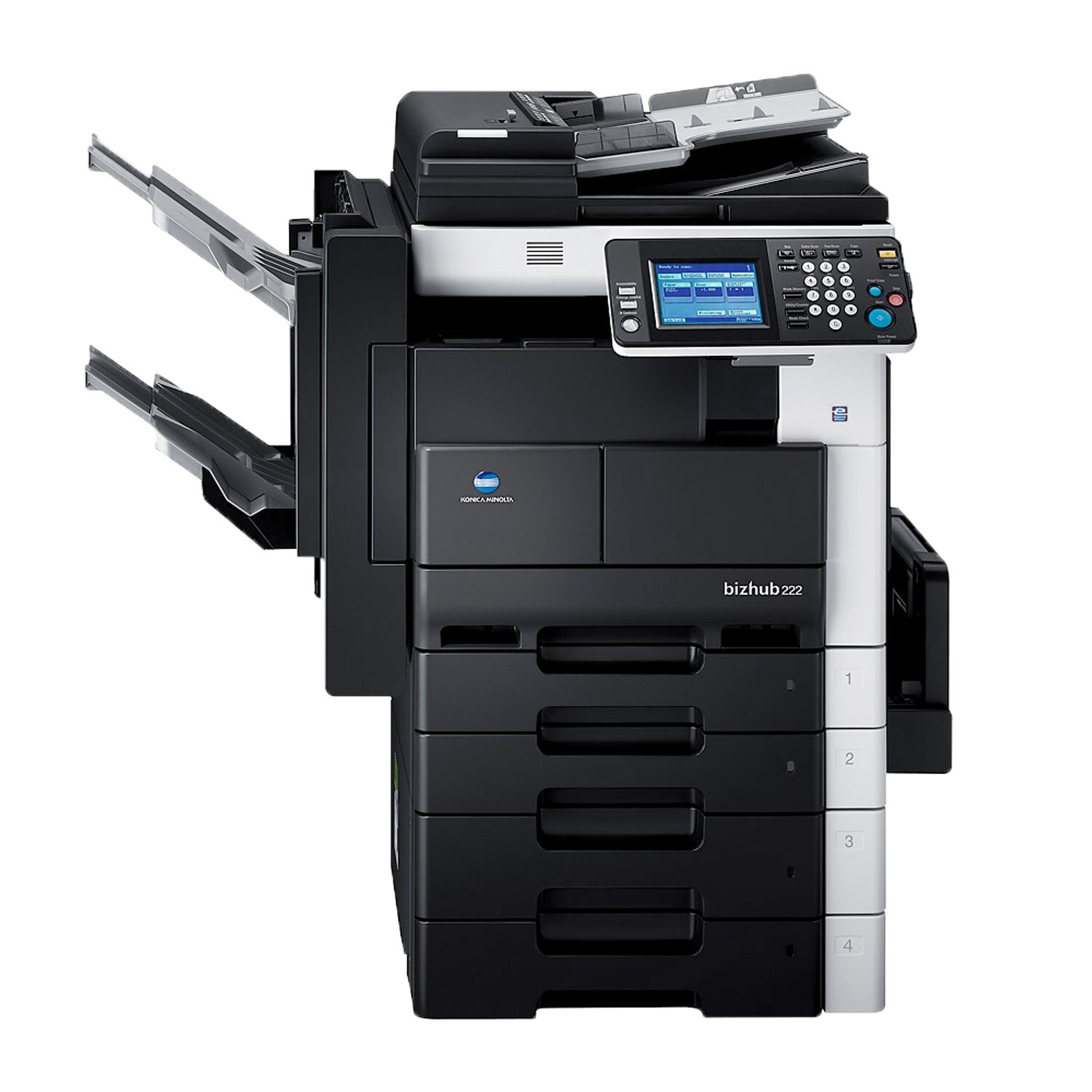
Ask whoever manages toner for a mixed office floor, and the BizHub 222 is the kind of machine they like: it shares the departmental mono platform of its siblings and draws from exactly the same cartridge, the TN-211 (TN211) — Konica Minolta part 8938-413 — rated for approximately 17,500 pages. One cartridge type therefore stocks every machine in this corner of the bizhub range. The compatible cartridges on this page are made for the 222's engine and deliver the cartridge's full rated output.
The 222 typically earns its floor space as a copier as much as a printer, and that matters for toner planning: a page copied at the glass runs the same engine as a page sent from a computer, so copy volume drains the cartridge just as quickly. Departments that budget toner from print counts alone are often surprised by how fast a copy-heavy 222 cycles through a TN-211. Counting both streams gives a truer picture of when the next cartridge will be needed.
Toner Cartridges for BizHub 222
| Cartridge | Color | Page Yield |
|---|---|---|
| TN-211 (8938-413) — Single Cartridge | Black | 17,500 pages |
| TN-211 (8938-413) — 2 Pack | Black | 17,500 pages per cartridge |
| TN-211 (8938-413) — 3 Pack | Black | 17,500 pages per cartridge |
| TN-211 (8938-413) — Premium Quality 3 Pack | Black | 17,500 pages per cartridge |
| TN-211 — 4 Black | Black | 17,500 pages per cartridge |
Which cartridge should you buy?
Because the 222 shares its cartridge with the other models in its family, the buying question is less about which cartridge and more about how your storeroom is organized. A single TN-211 is a sensible spare for a lone machine. Offices running several family members side by side usually do better with the 2 Pack or 3 Pack, since one shelf item covers every machine and the per-cartridge cost drops. The Premium Quality 3 Pack offers the same three-cartridge format in the premium line, and the 4 Black listing serves floors that standardize on bulk spares. All of the compatible options carry a 1-year warranty and 1-year returns.
Chip, toner and everyday use
Light vertical streaks on the 222's output, with toner still in the cartridge, usually implicate the drum unit or a dirty charge wire rather than the TN-211. Run the machine's cleaning cycle before condemning a cartridge — it clears a surprising share of streak complaints. When a cartridge does run down, a gentle side-to-side rock levels the remaining toner and evens out fading pages until the spare goes in. Fit replacements with the seal fully removed and the unit pushed home until it seats; a half-seated cartridge is the usual story behind a "not recognized" message on a fresh install.
Frequently Asked Questions
Does the BizHub 222 share its TN-211 with other machines in the office?
Yes — the same cartridge serves the BizHub 200, BizHub 250 and BizHub 282, so one spare cartridge type can cover several machines in the same office. That is the practical charm of this family: the toner shelf stays simple even when the fleet is mixed.
Why does toner seem to run out faster when the 222 is used mostly for copying?
Copying is printing: the engine lays toner on every copied page exactly as it does for a computer job. A 222 doing heavy copy duty empties its TN-211 at the same rate as a print-heavy one, so copy volume belongs in any cartridge budget.
My BizHub 222 shows light vertical streaks — is the cartridge at fault?
Usually not. Streaks that repeat in a fixed pattern while toner remains point to the drum unit or the charge wire. Try the cleaning cycle first; if the streaks survive a fresh TN-211, have the drum inspected instead of buying another cartridge.
More printers that use the same cartridges
The TN-211 on this page also fits the other departmental models in the family: BizHub 200, BizHub 250, BizHub 282.