




LaserJet Enterprise MFP M527
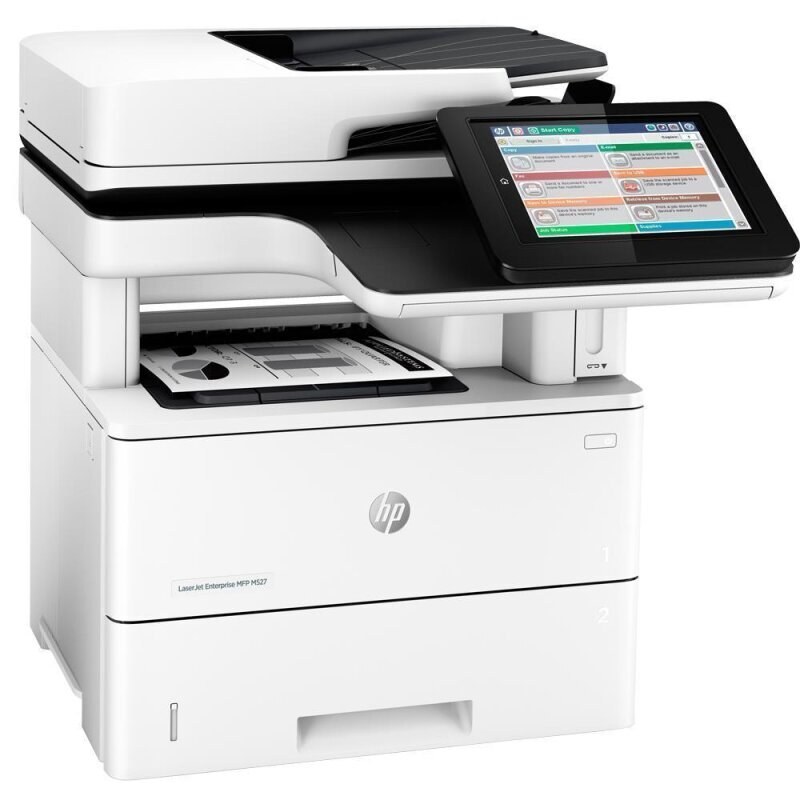
The LaserJet Enterprise MFP M527 keeps one-box convenience alive in the late-2010s Enterprise line: monochrome print, scan, and copy for the workgroup that digitizes as much as it prints. Scan-to-network workflows meet Enterprise-grade reliability.
It takes the HP 87A line (CF287A or CF287X). One black cartridge serves print, copy, and scan-to-print — multifunction without multi-cartridge fuss.
Toner Cartridges for LaserJet Enterprise MFP M527
This printer works with the following toner cartridges:
- HP CF287A
- HP CF287X
More HP Printers
Frequently Asked Questions
Can I use CF287A toner in the LaserJet Enterprise MFP M527?
The correct cartridges for the LaserJet Enterprise MFP M527 are CF287A (standard) and CF287X (high-yield). Check the code printed on your current cartridge to confirm.
My LaserJet Enterprise MFP M527 says toner is low — should I replace it now?
Not necessarily right away: the LaserJet Enterprise MFP M527's low-toner estimate is conservative, and prints often stay good for some time. Order a replacement CF287A now so the LaserJet Enterprise MFP M527 is never caught without one.
Why is my LaserJet Enterprise MFP M527 printing faded or streaky pages?
Faded or streaked output on the LaserJet Enterprise MFP M527 most often means the CF287A cartridge is running low or toner has settled unevenly — remove it, rock it gently side to side, and print a test page; if marks persist with a fresh cartridge, clean the LaserJet Enterprise MFP M527's paper path.