




COLOR LASERJET 4700DTN
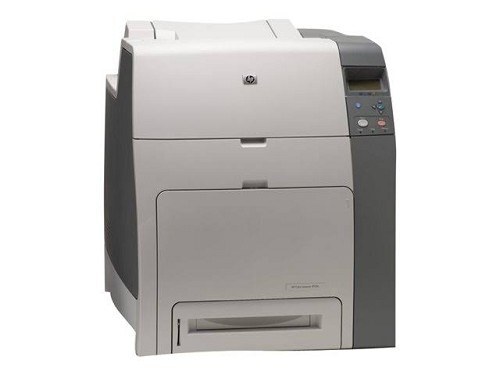
Extra trays distinguished the HP Color LaserJet 4700DTN for high-volume color departments. Combined with duplexing and networking, it handled long jobs quietly in the background.
HP 643A toner powers it — black Q5950A with cyan Q5951A, magenta Q5952A, yellow Q5953A. We stock compatible and genuine OEM cartridges for the 4700DTN.
Toner Cartridges for COLOR LASERJET 4700DTN
This printer works with the following toner cartridges:
- HP Q5950A
- HP Q5951A
- HP Q5952A
- HP Q5953A
More HP Printers
Frequently Asked Questions
What toner does the COLOR LASERJET 4700DTN take?
The COLOR LASERJET 4700DTN needs all four of these cartridges installed: Q5950A, Q5951A, Q5952A, Q5953A. Any cartridge set marketed as a replacement for these exact codes will work in the COLOR LASERJET 4700DTN.
How do I get the COLOR LASERJET 4700DTN onto my office network?
Plug an Ethernet cable into the network port on the COLOR LASERJET 4700DTN and it will pick up an address automatically from most routers. Print a configuration page from the control panel to find the COLOR LASERJET 4700DTN's IP address for driver setup.
What should I do when the COLOR LASERJET 4700DTN shows a toner-low warning?
A toner-low warning on the COLOR LASERJET 4700DTN means one of the Q5950A, Q5951A, Q5952A, Q5953A cartridges is nearly empty, though you can usually keep printing for a while. Check the supplies status on the control panel to see which color needs attention, then keep a replacement on hand.