




Laser 1600N
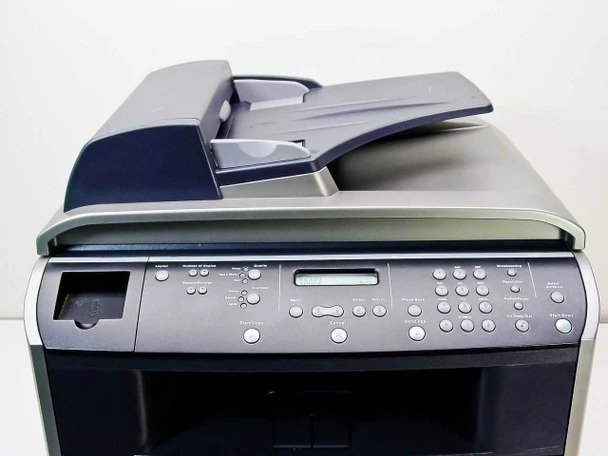
The Dell 1600N is a compact monochrome multifunction with networking — print, copy, scan, and fax at around 20 pages per minute for small offices. It’s an all-in-one that fits the budget and the desk of a growing business.
Its black cartridge family (310-5417, 310-5416, and equivalents) offers yield choices for different volumes. Compatible Dell 1600N toner cartridges produce the same crisp text and clean copies as OEM at a lower price, keeping a small office’s printing costs firmly under control.
Toner Cartridges for Dell 1600N
This printer works with the following toner cartridges:
- Dell 310-5417
- Dell 310-5416
- Dell P4210
- Dell K4671
- Dell X5015
- Dell T5870
Frequently Asked Questions
Does the 1600N use the same toner as the Laser 1600?
Yes: the 1600N takes the identical 310-5416 and 310-5417 black toner cartridges (alternates P4210, K4671, X5015, T5870). The 'N' only adds network connectivity; the print engine and supplies are the same, so cartridges are interchangeable between the two models.
How do I set up the 1600N on a network?
Connect an Ethernet cable, print a network settings page from the control panel to get its IP address, then add it as a network printer on each computer. Assigning a static IP in your router keeps the address from changing and avoids 'printer offline' headaches later.
Network printing is slow on the 1600N, how do I speed it up?
Slow network printing is rarely a toner issue: first try printing with a direct USB connection to isolate the network. If USB is fast, check for an IP address conflict or outdated driver; large graphics jobs also spool slowly over older 10/100 Ethernet, so enable any driver option for faster raster processing.