




Laser 1600
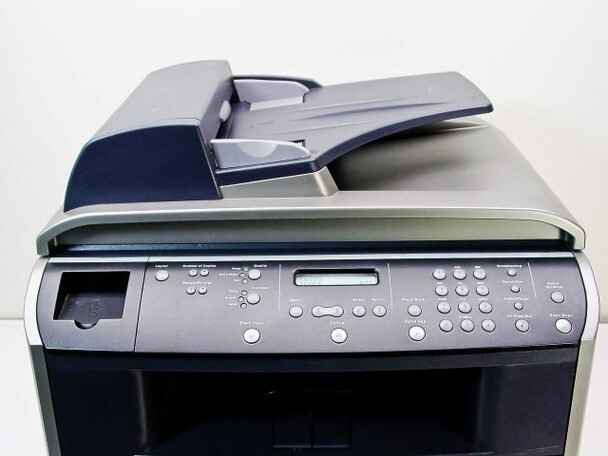
The Dell 1600 packs print, copy, scan, and fax into a compact monochrome unit for home offices and micro-businesses — everything a one-person operation needs to handle paperwork professionally. Simple to set up and easy to live with.
With a single black cartridge family to manage (310-5417 and equivalents), supplies stay simple and affordable. Our compatible Dell 1600 toner cartridges match OEM page yields and sharp output at a lower cost — ideal for keeping home-office printing economical.
Toner Cartridges for Dell 1600
This printer works with the following toner cartridges:
- Dell 310-5417
- Dell 310-5416
- Dell P4210
- Dell K4671
- Dell X5015
- Dell T5870
Frequently Asked Questions
What toner does the Dell 1600 use?
The 1600 uses the 310-5416 standard and 310-5417 high-capacity black toner cartridges; P4210, K4671, X5015 and T5870 are alternate Dell numbers for the same two cartridges. Check the number on your installed cartridge to match the capacity you want.
Can the 1600 handle envelopes and labels?
Yes: feed envelopes and label sheets through the manual tray one at a time or in small batches, with the paper-type setting matched to the media. Labels in particular demand the right setting, since the wrong fuser temperature can melt label adhesive inside the printer, causing jams that are miserable to clean.
The 1600 prints the first page fine, then fades, what is wrong?
Fading after the first page usually means the cartridge is nearly empty: the initial pages use loose toner near the feed, then output drops off. Rock the 310-541x cartridge gently to redistribute toner for a temporary reprieve, but plan on replacing it soon.