




Color Laser Laser 3330
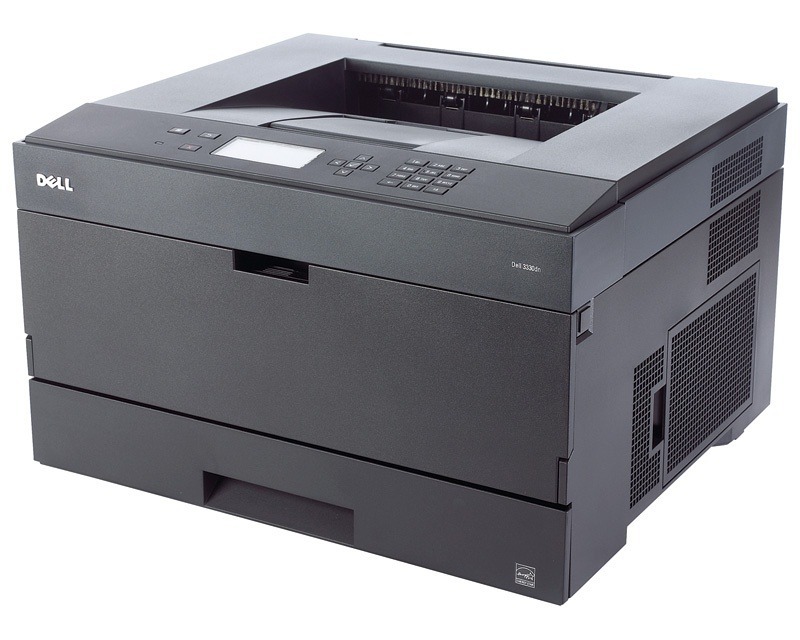
When one printer serves a whole department, it has to keep up without constant babysitting. The Dell 3330 handles that role well: a quick first page, automatic two-sided printing, and enough paper capacity to get through a busy Monday without refills.
Its black-only cartridge setup keeps running costs predictable — one cartridge to track, with yield options for light or heavy print months. Compatible 3330 toner cartridges cut that cost further while delivering clean, professional black-and-white output for reports, invoices, and everyday paperwork.
Toner Cartridges for Dell 3330
This printer works with the following toner cartridges:
- Dell 330-5207
- Dell U903R
Frequently Asked Questions
What cartridges fit the Dell 3330?
Dell lists 330-5207, U903R as the verified toner numbers for the 3330. When in doubt, pull out the spent cartridge and compare its part number before ordering.
How do I print envelopes on the 3330 without jamming?
The 3330 can print envelopes, labels, and cardstock through its manual feed or multipurpose tray — feed them one at a time and select the matching media type in the driver so the fuser uses the right temperature. Keep the stack small and the guides snug.
What do the toner status messages on the 3330 mean?
To read 3330 supply status, open the printer's web interface or driver utility if it's networked, or use the control panel's supplies screen. It lists each cartridge in the set (330-5207, U903R) so you can see exactly which color needs attention.