




Color Laser Laser 1720
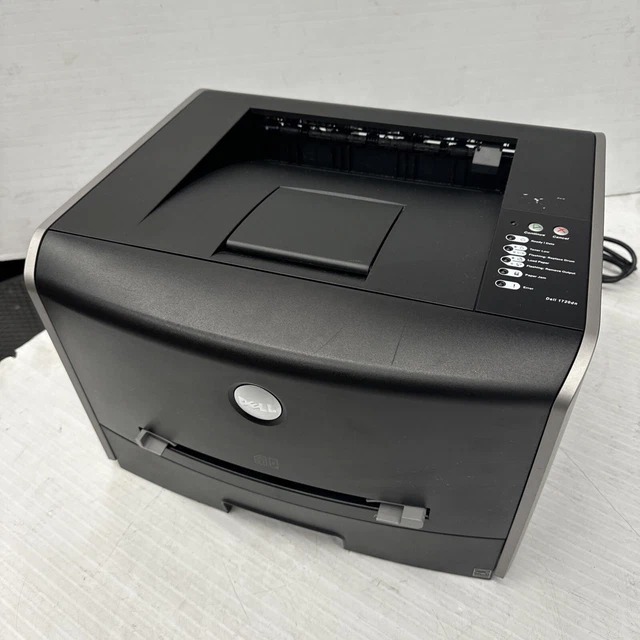
Compact, quick, and economical — the Dell 1720 mono laser was built for desks where space is tight but document volume isn't. Its 28 ppm engine outpaces most personal lasers in its class, and the 250-sheet drawer plus single-sheet manual feed handle envelopes and labels alongside plain paper.
The 1720's 310-8700-series toner in high-capacity form (6,000 pages) is the value play: compatible versions below deliver crisp 1200 dpi text at a fraction of OEM cost per page.
Toner Cartridges for Dell 1720
This printer works with the following toner cartridges:
- Dell 310-8700
- Dell 310-8706
- Dell 310-8707
- Dell 310-8708
- Dell 310-8709
- Dell GR332
- Dell MW558
- Dell MW559
- Dell PY449
- Dell RP380
- Dell RP441
Frequently Asked Questions
Which replacement toner is compatible with the Dell 1720?
The Dell 1720 uses the Dell cartridge family that includes 310-8700, 310-8706, 310-8707, 310-8708, 310-8709, GR332, and more. Match the part number on your old cartridge to be sure you get the right color.
There's toner dust inside the 1720. Is that a problem?
Light toner dust inside the 1720 is normal — when you swap a cartridge, take a moment to wipe the accessible surfaces with a dry cloth. Also run the printer's built-in cleaning cycle periodically to keep the transfer path clean.
How do I install a new toner cartridge in the Dell 1720?
After inserting the new 1720 cartridge (310-8700, 310-8706, 310-8707, 310-8708, 310-8709, GR332, and more), close the cover and let the printer run its short initialization. If the printer still shows the old cartridge, reseat it — a cartridge that isn't fully clicked in won't be recognized.