




Color Laser 3130CDN
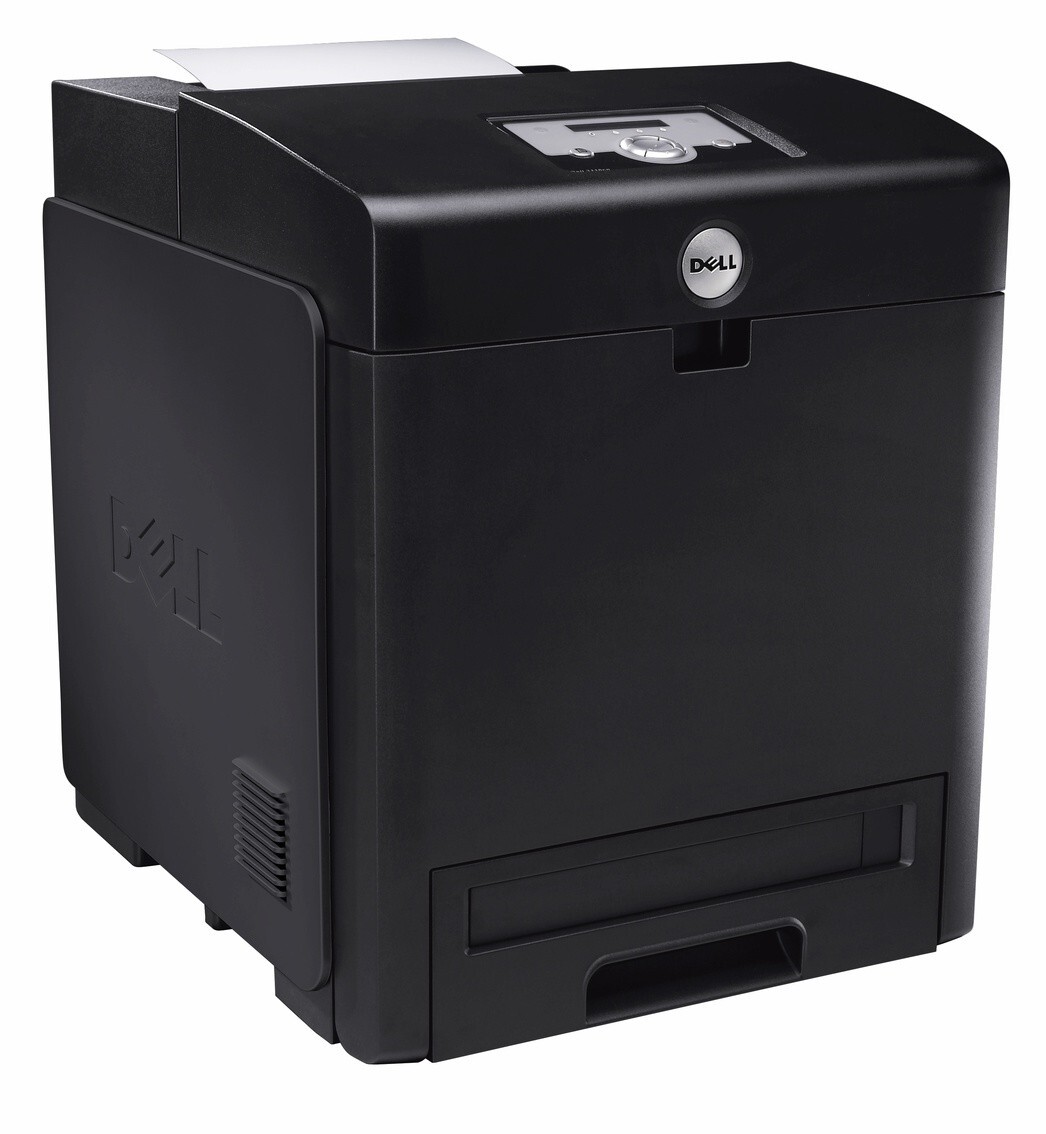
The Dell 3130CDN is the fully equipped version of the 3130 color laser: automatic duplexing and full networking wrapped around the same engine, rated at 26 pages per minute in color and 31 in monochrome, with a 70,000-page duty cycle for mid-size workgroup loads. It shares the family's high-yield cartridge set, and the three color cartridges are stocked on this page individually — cyan 330-1199, magenta 330-1200, and yellow 330-1204.
Double-sided color documents are this variant's home territory: reports, handouts, and drafts that print on both sides with minimal speed penalty. Networking makes it a managed resource rather than a desk accessory — supplies can be checked from a browser instead of a walk down the hall, and that changes how toner should be bought for it.
Toner Cartridges for Dell 3130CDN
| Cartridge | Color | Page Yield |
|---|---|---|
| 330-1199 — Cyan, High Yield | Cyan | See product page |
| 330-1200 — Magenta, High Yield | Magenta | See product page |
| 330-1204 — Yellow, High Yield | Yellow | See product page |
Which cartridge should you buy?
Buy against the supplies screen, not against the calendar. The 3130CDN reports each color separately through its web interface and control panel, so you can watch a particular slot trend down and order that single cartridge before it interrupts a job. The colors are stocked singly here for exactly that pattern. The family's black cartridge, 330-1198, is grouped with the family models and the cartridge category below. Two different economies run on this machine at once: duplexing cuts the paper bill, while the high-yield build of these cartridges holds down cost per printed page — use both, and the 3130CDN is a cheap departmental printer to feed.
Chip, toner and everyday use
If the 3130CDN reports an unsupported cartridge, work through the boring causes first: confirm the part number matches the family list, since a wrong-number cartridge is the most common explanation by far. Then reseat the cartridge so it is fully home, and power-cycle the printer. That sequence clears the rest of recognition problems in practice. Keep spare cartridges sealed and indoors; a networked departmental machine tends to live for years, and its spares should be stored like they will be needed eventually — because they will.
Frequently Asked Questions
Which replacement toner is compatible with the Dell 3130CDN?
The 3130CDN uses the same family as the rest of the 3130 line: 330-1198 for black, 330-1199 for cyan, 330-1200 for magenta, and 330-1204 for yellow. Match the part number on the old cartridge when you reorder to be certain of the color.
How do I check toner levels on the Dell 3130CDN?
Three ways: open the printer's web interface from any browser on the network, use the driver utility on your computer, or read the supplies screen on the control panel itself. Each lists the cartridges individually, so you can see exactly which color needs attention.
My 3130CDN does not recognize the new cartridge. What do I do?
Verify the number first — an unsupported-cartridge report most often means the cartridge's part number is not on this model's list. If the number is correct, take the cartridge out, reseat it firmly until it clicks, and restart the printer. Recognition normally follows the fresh start.
Is the black cartridge for the 3130CDN sold here?
The black member of the family is 330-1198. This page carries the three colors for the 3130CDN; the black cartridge sits with the family's shared listings, reachable through the family links below.
More printers that use the same cartridges
Models sharing this cartridge family, plus the category that gathers the family's numbers: Color Laser 3130, Color Laser 3130CN, Color Laser 3130CND, Dell (330-1198, 330-1199, 330-1200, 330-1204).