




Color Laser 3130
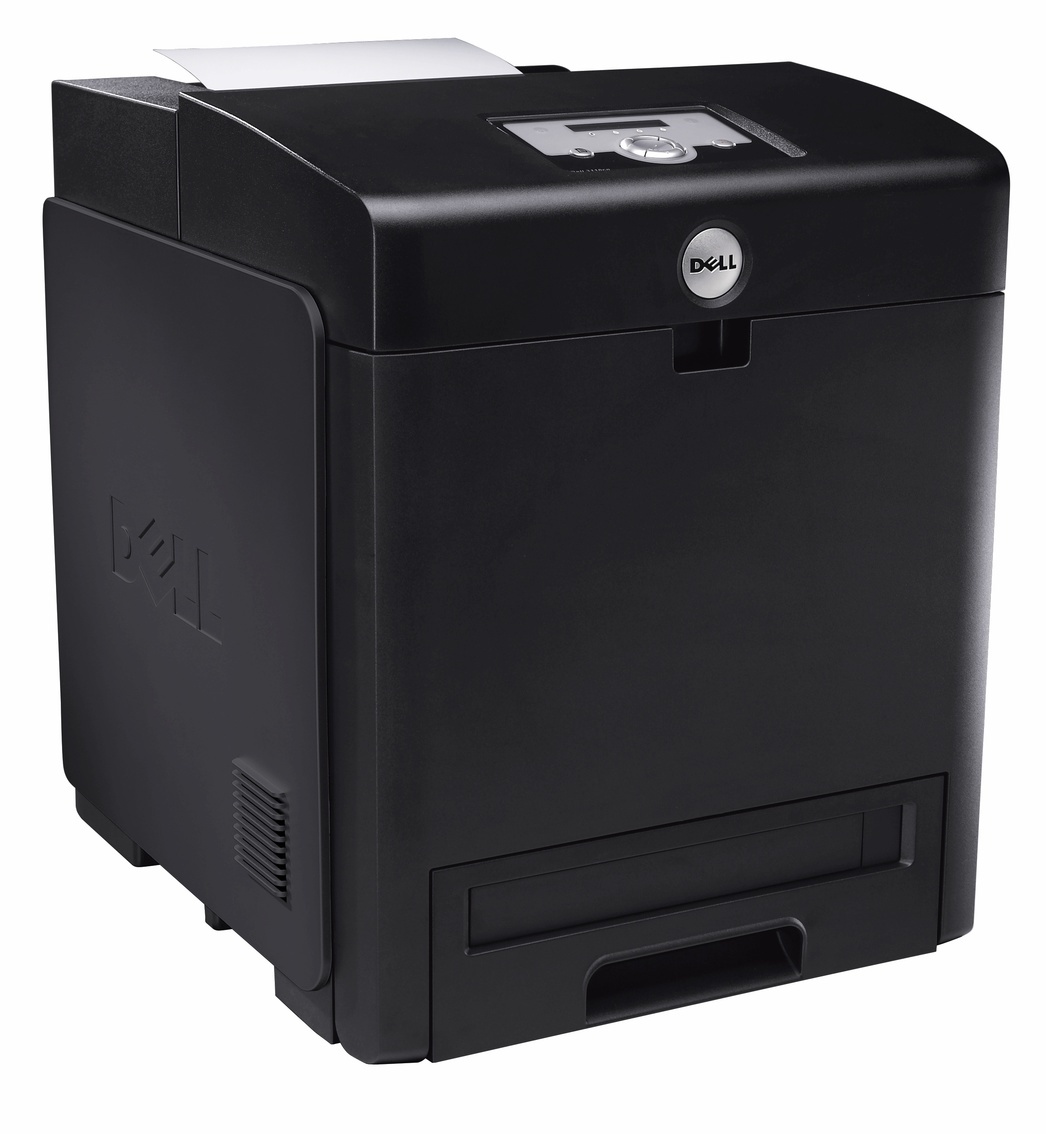
The Dell 3130 is the workgroup color laser that anchors the 3130 family: fast color output up to 26 pages per minute, 31 in monochrome, and a 70,000-page monthly duty cycle for departments with serious print volume. Network-ready with PostScript support, it was built for shared office use from day one. Its high-yield cartridge family runs from black 330-1198 through the three colors stocked on this page — cyan 330-1199, magenta 330-1200, and yellow 330-1204.
A departmental printer lives a different life from a desktop one. Dozens of users send it everything from invoices to color reports, and it is expected to absorb all of it without a queue forming at the output tray. That duty cycle is why the 3130's toner was designed as a high-yield family: at departmental volumes, cost per page is decided by cartridge capacity as much as by cartridge price.
Toner Cartridges for Dell 3130
| Cartridge | Color | Page Yield |
|---|---|---|
| 330-1199 High Yield Cyan | Cyan | See product page |
| 330-1200 High Yield Magenta | Magenta | See product page |
| 330-1204 High Yield Yellow | Yellow | See product page |
Which cartridge should you buy?
This page is the color shelf for the 3130: the three color cartridges, each sold singly so you replace the one slot that runs dry and no more. Color consumption is never even — the department that prints blue-heavy reports will empty cyan while magenta is still half full — so single-color replacement is where the savings live on a four-cartridge machine. The black member of the same family carries the number 330-1198 and is stocked under the family's cartridge category, linked below with the other 3130 models. Whichever slot you are filling, match the full part number on the cartridge you remove; in this family the colors sit one digit apart, and a hurried order is an easy mistake.
Chip, toner and everyday use
Treat the 3130's low-toner message as an early warning rather than a hard stop: the printer estimates what remains, and most users get dozens to hundreds of additional pages after the first notice. That grace period is your ordering window — use it, and keep one spare color on the shelf so a long job is never held hostage. When a cartridge does go in, seat it firmly and let the machine initialize. A gentle side-to-side rock of a fading cartridge redistributes settled toner and often restores even coverage for the pages that remain in it.
Frequently Asked Questions
How can I tell I am buying the right toner for my Dell 3130?
The 3130 family is 330-1198 (black), 330-1199 (cyan), 330-1200 (magenta), and 330-1204 (yellow). Keep the list handy, and check the number on the spent cartridge before ordering — matching the part number is the surest way to get the right color in the right slot.
Colors look wrong on my Dell 3130 — shadows around text in the wrong hues. How do I fix that?
Colored shadows around text are a registration issue: the cyan, magenta, yellow, and black layers are landing slightly off from one another. The printer's built-in color registration adjustment realigns the layers and takes a minute or two to run — try it before suspecting any cartridge.
How do I know when the Dell 3130 really needs new toner?
The low-toner message is an estimate, not a shutoff. Pages remaining after the warning range from dozens to hundreds depending on coverage. Watch output quality: when a color starts fading consistently even after a gentle rock of its cartridge, that slot is genuinely done.
Where is the black cartridge for the 3130?
Black in this family is 330-1198. This page stocks the three color cartridges for the 3130; the black cartridge is listed with the family's models under the cartridge category linked in the section below.
More printers that use the same cartridges
The rest of the 3130 family, and the cartridge category for the full set of numbers: Color Laser 3130CDN, Color Laser 3130CN, Color Laser 3130CND, Dell (330-1198, 330-1199, 330-1200, 330-1204).