





 See Compatible Printers
 Read more about our ink!
Epson
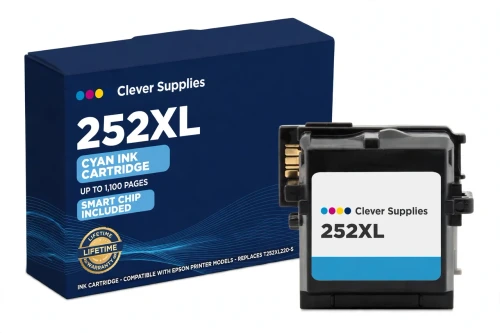
Compatible Epson 252XL T252XL220 Cyan Ink Cartridge
- Page Yield:
- Up to 1,100 pages (ISO/IEC 24711)
- Shipping:
- Calculated at Checkout

Amazon Price:

- Page Yield:
- Up to 1,100 pages (ISO/IEC 24711)
- Shipping:
- Calculated at Checkout
- Compatible Printers
- Specifications
- SKU:
- CS-EP-252-CXL
- Condition:
- New Compatible
- OEM Part #:
- T252XL220-S
- Color:
- Cyan
- Ink Type:
- Pigment
- Page Yield:
- Up to 1,100 pages (ISO/IEC 24711)
- Chip:
- New compatible chip
- Warranty:
- Lifetime Warranty
- Returns:
- 1-Year Free Returns
- Description
- Reviews
Color documents are where the standard 252 tier runs short — a standard cyan is rated just 300 pages. This compatible T252XL220-S is the high-capacity cyan for the Epson 252 family: DURABrite Ultra pigment ink rated up to 1,100 pages (ISO/IEC 24711), the same rating as the XL black, so color-heavy reports, charts and handouts stop draining the color slots three times faster than the black.


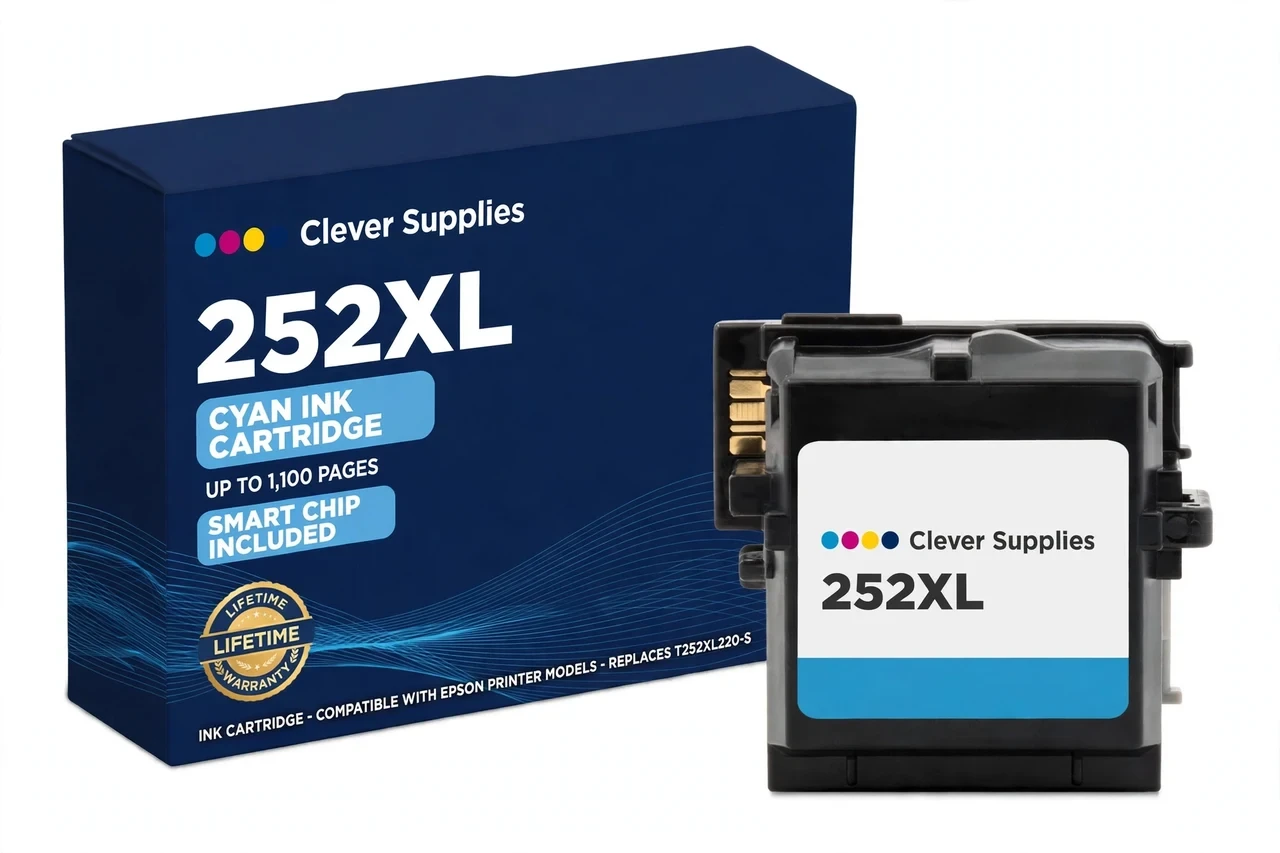
All four 252 colors are pigment ink, so this cyan keeps the DURABrite behavior — resistant to smudging, fading and water once dry — rather than the dye behavior of photo lines. The cartridge carries a new compatible chip for ink-level reporting. Honest note: this cartridge carries a new compatible chip. If your printer's firmware has been updated, recognition issues can occasionally occur — reseat and restart first if a warning appears. Sibling codes: T252XL120-S black, T252XL320-S magenta and T252XL420-S yellow.
It fits all eight verified 252-family printers — WF-3620, WF-3640, WF-7110, WF-7210, WF-7610, WF-7620, WF-7710 and WF-7720. Replace only the color that is low; the other slots are untouched. Covered by our lifetime warranty, with free returns for the first year.
Shop the Epson 252 family: T252XL120 Black Ink Cartridge · T252XL320 Magenta Ink Cartridge · T252XL420 Yellow Ink Cartridge · Set of 4 BCMY Ink Cartridge · Set of 9 3 Black 2 Cyan 2 Magenta 2 Yellow Ink Cartridge
Browse by series: WorkForce
Frequently Asked Questions
What yield does the T252XL220 carry?
Up to 1,100 pages per Epson's ISO/IEC 24711 rating for this code — against 300 pages for the standard-capacity cyan (T252220-S).
Why is the XL color rated the same as the XL black here?
That is Epson's own rating shape for the 252XL tier: 1,100 pages for black and for each color. The standard tier is lower and uneven — 350 black, 300 per color.
Which printers use it?
The eight verified 252 models: WF-3620, WF-3640, WF-7110, WF-7210, WF-7610, WF-7620, WF-7710 and WF-7720.
Pigment or dye?
Pigment. The whole 252 family uses DURABrite Ultra pigment ink, cyan included — documents first, with smudge and water resistance once dry.
Does this cartridge have a chip?
Yes — a new compatible chip. This cartridge carries a new compatible chip. If your printer's firmware has been updated, recognition issues can occasionally occur; reseat the cartridge and restart the printer before judging it faulty.
Can I replace cyan alone, mid-set?
Yes. The 252 family is four individual cartridges; each slot is replaced independently whenever its color runs low.
Will it mix with a standard-capacity magenta I already have?
Yes — capacities mix freely slot by slot. Nothing requires all four cartridges to be the same tier.
Is the color a match for charts and presentations?
It is DURABrite Ultra pigment cyan built to the T252XL220-S specification — the business-color role this family was designed for. For gallery photo printing, Epson's Claria photo lines are a different family.
Why is there no millilitre figure?
Epson's US documentation does not publish an mL volume for this family, so we leave Volume blank instead of repeating a reseller number. Judge the cartridge by its ISO page yield: 1,100 pages.
Is it genuine Epson?
No. It is a Clever Supplies compatible, labeled compatible on the box and this page, and not manufactured by Epson.
What if it leaks or prints weakly from new?
That is a warranty case: a cartridge that fails to perform is replaced under the lifetime warranty, and free returns apply within the first year.
When does the Set of 4 beat this single?
When two or more colors are low together — the all-XL Set of 4 is priced below the four XL singles combined.
My prints have started leaning red. Could this cyan be running low?
Very possibly. Cyan is the balancing color in charts and documents, and as a T252XL220 fades, reds and magentas take over — logos look sunburned and blues turn purple. Run the printer's nozzle check to separate the causes: a complete cyan pattern printing in shifted colors means the cartridge is running dry, while a broken pattern with gaps points to a clogged nozzle instead. If the pattern is complete, replacing the cyan — on its own, leaving the other slots untouched — restores the balance.
How should I keep a spare cyan ready on the shelf?
Sealed, upright, at room temperature and away from sunlight, tape untouched. The T252XL220 is an XL cartridge rated up to 1,100 pages, so a spare can wait a long time between purchase and installation on a WF-3640 or WF-7620; sealed storage is what keeps it ready for that whole wait. When the installed cyan finally empties, swap promptly rather than leaving the slot open, and let the printer charge the new cartridge before the next print run.
Related Items
Epson
Compatible Epson 252XL T252XL420 Yellow Ink Cartridge
Yellow rarely gets the attention black does — until a color document comes out wrong because the yellow quietly ran dry. This compatible T252XL420-S is the high-capacity yellow for the Epson 252...


Epson
Compatible Epson 252XL T252XL120 Black Ink Cartridge
For a WorkForce printer, black is the cartridge that does the heavy lifting — invoices, contracts, shipping labels, school paperwork. This compatible T252XL120-S is the high-capacity black for the...

Epson
Compatible Epson 252XL T252XL320 Magenta Ink Cartridge
Magenta is usually the color that quietly empties first in office color work — logos, charts and highlighted documents lean on it. This compatible T252XL320-S is the high-capacity magenta for the...

Epson
Compatible Epson 252XL Set of 4 BCMY Ink Cartridge
One box, the whole printer reset at XL capacity: this set holds all four 252XL cartridges — T252XL120-S black, T252XL220-S cyan, T252XL320-S magenta and T252XL420-S yellow — every one high-capacity...