





 See Compatible Printers
 Read more about our ink!
Canon
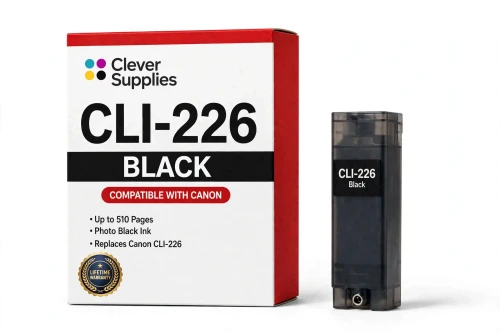
Compatible Canon CLI-226BK Black Ink Cartridge
- Page Yield:
- Up to 510 pages
- Shipping:
- Calculated at Checkout

Amazon Price:

- Page Yield:
- Up to 510 pages
- Shipping:
- Calculated at Checkout
- Compatible Printers
- Specifications
- SKU:
- CS-CN-226-BK
- Condition:
- New Compatible
- OEM Part #:
- CLI-226BK
- Color:
- Black
- Ink Type:
- Dye
- Page Yield:
- Up to 510 pages
- Chip:
- New compatible chip
- Warranty:
- Lifetime Warranty
- Returns:
- 1-Year Free Returns
- Description
Why does this printer family use two different black cartridges?
One black handles photographs and the other handles documents. This CLI-226BK is the dye-based photo black, formulated for rich, glossy dark tones on photo paper. Everyday text on plain paper is printed by the separate pigment black tank instead. The two tanks live side by side in the machine, and each one is swapped out only when it runs dry.
What page yield should I expect from the CLI-226BK?
The supplier rates it at up to 510 pages, and that figure deserves a footnote: Canon never released an official yield table for the CLI-226 family. Ratings like this come from standard test pages at roughly 5% coverage, so treat 510 as a ceiling rather than a promise — pages full of photos draw far more ink than pages of plain text.
Can this tank sit next to genuine Canon cartridges in the same printer?
It can. The printer reads every slot on its own, so this compatible black works alongside genuine Canon tanks without conflict — and the reverse is equally true. Plenty of owners convert a single color at a time instead of changing the whole set at once.
Is this an original Canon cartridge?
No — this is a compatible cartridge from Clever Supplies, manufactured to the CLI-226BK specification and backed by our lifetime warranty. Canon did not make it; the Canon name is used on this page strictly to show which printers the cartridge fits.
Which Canon PIXMA models use the CLI-226BK?
Four of the confirmed models are Canon PIXMA iP4820, Canon PIXMA iP4920, Canon PIXMA iX6520 and Canon PIXMA MG5120, with 10 further models also verified. You will find the full list in the Compatible Printers section of this page; cross-check your model against it before you order.
Will the printer still track ink levels with this cartridge?
Yes. The tank carries a brand-new compatible chip that communicates ink levels to the printer, keeping the low-ink alerts functional. This is not a refilled Canon shell running on a reset chip.
A warning appeared on the screen right after I installed it — how do I clear it?
Confirm the message on screen, then lift the cartridge out and press it back in until you feel it click, and power the printer off and back on. Should the warning return, clean the gold contacts on the chip using a dry, lint-free cloth before refitting the tank.
What protection do I have if this cartridge fails?
If it leaks, refuses to be recognized, or produces poor output, stop printing and get in touch with us rather than pushing through. Our lifetime warranty covers all three failure types — recognition problems, leaks and print-quality defects — with a replacement or a refund, and returns cost you nothing during the first year.
Why does this black last so much longer than the other one?
Because everyday text barely touches it. The CLI-226BK is the dye-based photo black — plain-paper letters and reports are printed by the pigment tank instead — so this cartridge is drawn on mainly when photographs and rich dark tones are printed on photo paper. A household that prints documents daily but photos only now and then can watch the pigment tank cycle several times while the CLI-226BK's level hardly moves. Judge it by your photo output, not your page count: a burst of photo printing is what empties it, and its 510-page rating is consumed in photo pages, not in text.
How do I check a fresh photo black is printing properly?
Reprint a photograph you already know well, on photo paper. This tank's work shows in the dark areas — deep, glossy, even tones are what it is formulated for — so compare the shadows and dark clothing in the new print against the version you remember. If the dark tones are rich and smooth, the CLI-226BK is seated and flowing correctly; if they look washed or banded while the rest of the photo is fine, take the tank out, check it has clicked fully into its slot, and try again before judging it faulty.
- Reviews
The Clever Supplies compatible Canon CLI-226BK Black ink cartridge replaces the Canon CLI-226BK and fits 14 verified printers — Canon PIXMA iP4820, Canon PIXMA iP4920, Canon PIXMA iX6520 and 11 more are in the full list under Compatible Printers below. It is rated at up to 510 pages (the cartridge supplier's rating — Canon published no official yield table for this family) and carries a new compatible chip that reports ink levels to the printer.
This cartridge belongs to the PGI-225 / CLI-226 family — a five-tank system — pigment PGI-225 black beside dye CLI-226 colors — with a sixth Gray tank on the MG6120, MG6220, MG8120, MG8120B and MG8220 photo models. Canon never published an official page-yield table for this family, so the ratings printed here are the cartridge supplier's figures, quoted exactly as supplied. Covered by our lifetime warranty with free returns for the first year.


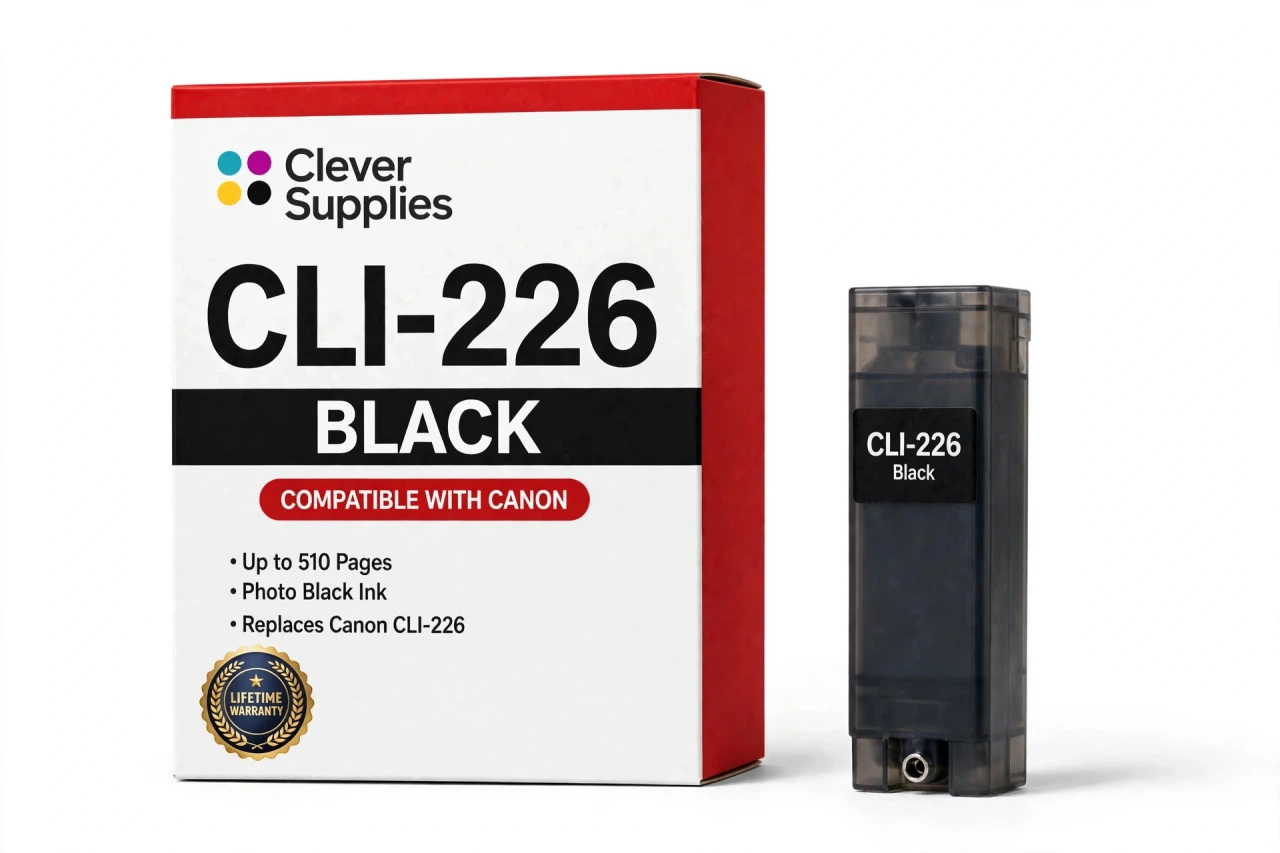
Shop the Canon PGI-225 / CLI-226 family: PGI-225PGBK Pigment Black Ink Cartridge — $8.24 · CLI-226BK Black Ink Cartridge — $8.24 · CLI-226C Cyan Ink Cartridge — $8.24 · CLI-226GY Gray Ink Cartridge — $8.24 · CLI-226M Magenta Ink Cartridge — $8.24 · CLI-226Y Yellow Ink Cartridge — $8.24 · PGI-225 / CLI-226 Set of 10 BCMY Ink Cartridges — $71.82 · PGI-225 / CLI-226 Set of 14 BCMY + Gray Ink Cartridges — $83.79 · PGI-225 / CLI-226 Set of 5 BCMY Ink Cartridges — $35.55 · PGI-225 / CLI-226 Set of 6 BCMY + Gray Ink Cartridges — $42.66
Frequently Asked Questions
Related Items
Canon
Compatible Canon CLI-251XL Black Ink Cartridge
The Clever Supplies compatible Canon CLI-251XL Black ink cartridge replaces the Canon CLI-251XL and fits 13 verified printers — Canon PIXMA iP7220,


Canon
Compatible Canon CLI-8BK Black Ink Cartridge
The Clever Supplies compatible Canon CLI-8BK Black ink cartridge replaces the Canon CLI-8BK and fits 26 verified printers — Canon PIXMA Pro9000,
Canon
Compatible Canon CLI-271XL Black Ink Cartridge
The Clever Supplies compatible Canon CLI-271XL Black ink cartridge replaces the Canon CLI-271XL and fits 11 verified printers — Canon PIXMA MG5720,

Canon
Compatible Canon CLI-281XXL Black Ink Cartridge
The Clever Supplies compatible Canon CLI-281XXL Black ink cartridge replaces the Canon CLI-281XXL and fits 16 verified printers — Canon PIXMA TR7520,