




What Toner Does the Brother MFC-8710DW Use?
Posted by Clever Supplies on Nov 18th 2026
Quick Answer: The Brother MFC-8710DW uses the TN720 standard-yield black cartridge (about 3,000 pages) or the TN750 high-yield black cartridge (about 8,000 pages), paired with a separate DR720 drum unit (about 30,000 pages). The 12,000-page TN780 you may see advertised for its bigger brothers does not fit the MFC-8710DW.
Ask owners what the W in this model name bought them and they will say freedom of placement: the MFC-8710DW added built-in Wi-Fi to the family's all-in-one formula — 40 ppm printing and copying, fax, a 50-sheet document feeder and a legal-size glass — so the machine could live wherever the work was instead of wherever the network cable ended. Placement freedom multiplies senders, senders multiply pages, and pages are what a toner guide is for.
What You Will Pay Per Page
| Supply | Rated yield | Our compatible price* | Cost per page |
|---|---|---|---|
| TN720 | ~3,000 pages | $29.21 | ~1.0¢ |
| TN750 | ~8,000 pages | $29.21 | ~0.4¢ |
| DR720 drum | ~30,000 pages | $36.33 | ~0.1¢ |
*Prices isolated from the product pages on November 2, 2026; they can change.
Start with the oddity in rows one and two: identical prices. At $29.21 either way, the TN720's only remaining purpose is to be the cartridge a nearly-retired machine finishes its days on. For a working all-in-one, the TN750 delivers about 5,000 extra pages at no extra cost and cuts toner cost per page by more than half. The drum's line — $36.33 across 30,000 pages — is there to show how small its share is, not to argue for early replacement.
Wireless Senders, Wired Accounting
The MFC-8710DW prints from phones and tablets via AirPrint, Brother iPrint&Scan and Wi-Fi Direct, scans to network destinations, and PC-faxes over the same connections. None of that changes the physics of the page: every printed or copied sheet draws down the cartridge, and received faxes print whether anyone asked them to or not. The realistic planning figure for a shared wireless all-in-one is its page counter, not its seating chart — check the counter in the machine's reports when a cartridge seems to vanish, and the mystery usually resolves into arithmetic.
How to Replace the Toner Cartridge
1. Wake the machine if it is asleep, open the front cover, and draw the drum-and-toner assembly out toward you. 2. Set the assembly down on spare paper, press the green lock lever, and lift the used cartridge out of the drum frame. 3. Rock the fresh cartridge gently from side to side, pull off its protective cover, and lower it into the drum until the lock lever rises with a click. 4. Wipe the corona wire clean by sliding the drum's green tab from one end to the other and back, parking it where the arrow indicates. 5. Return the assembly to the machine, close the cover firmly, and let the display settle back to Ready.
Should the Drum Ride Along?
Budget the drum separately in your head: one DR720 serves roughly four TN750 cartridges, so its replacement is a rare, foreseeable event rather than a surprise. On the occasion it lands together with a toner need, our TN750 + DR720 set packages the pair for $49.46 instead of the $65.54 the parts cost bought piecemeal — $16.08 stays in the budget. Every other occasion calls for toner alone; a drum with life left in it makes any bundle a waste of a perfectly good part.
Frequently Asked Questions
Will the 12,000-page TN780 fit my MFC-8710DW? It will not, tempting as the extra capacity is. That cartridge was built for four specific machines — HL-6180DW, HL-6180DWT, MFC-8950DW and MFC-8950DWT — and this all-in-one is not among them. Your largest option is the 8,000-page TN750.
Does the legal-size glass change which toner I need? No — it changes what you can copy, not what you copy with. Legal-size originals from the glass or the 50-sheet feeder print through the same cartridge and drum as everything else.
My wireless prints arrive but copies look faded. Where do I start? Fading limited to one function is rarely the cartridge — the print engine is shared. If prints are crisp and copies are pale, suspect the scanner side (a dirty glass or feeder strip). If everything fades together, rock the cartridge side to side to redistribute toner, then judge again.
How do I tell a dying drum from a dying cartridge? Work by elimination: if a fresh cartridge restores perfect output, the drum was innocent all along. Defects that persist through the swap — a spot repeating at the same interval down every page, a gray haze no new cartridge cures — belong to the drum, and they tend to gather as its counter closes on 30,000 printed pages. Scanning, remember, never advances that counter; printing and copying do.
Is PC fax worth using to save toner? Genuinely, yes. Every fax sent from the computer instead of printed-and-faxed, and every incoming fax routed to a folder instead of the output tray, is a page the cartridge never pays for. On a shared machine those pages add up to a cartridge a year.
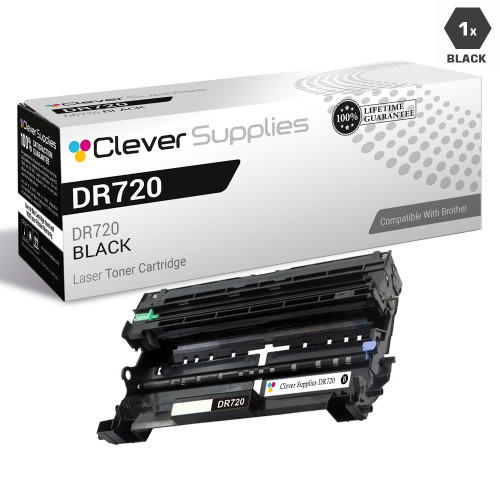 brother tn720 laser toner compatible cartridge black
 brother tn750 laser toner compatible cartridge high yield bl
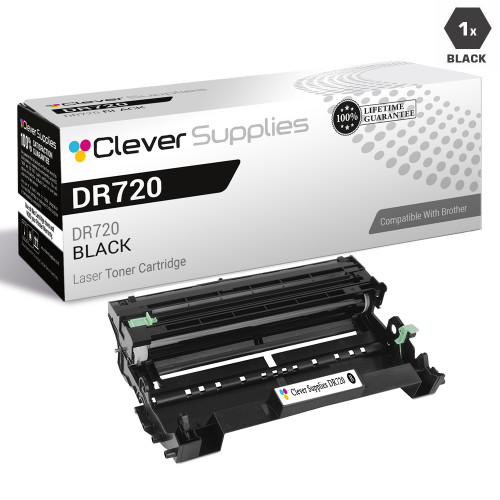 brother dr720 laser drum unit compatible cartridge
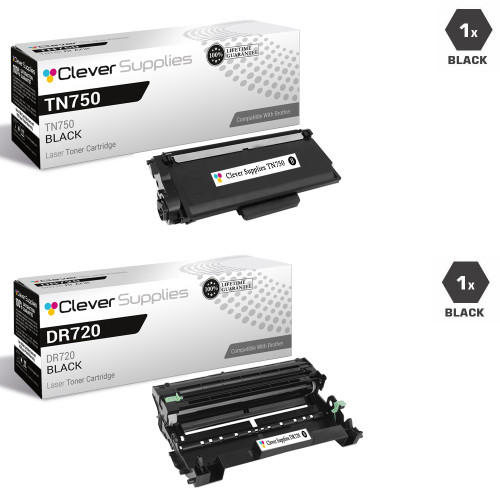 brother tn750 dr720 laser toner and drum unit compatible car
Key takeaways
- The top cartridge here is rated at 8,000 pages — fewer swaps, lower cost per page.
- Lowest cost per page in this family: ~0.4¢ with the highest-yield cartridge.
- Toner and drum are separate parts on this printer — replace only the one the printer asks for.
Other Printers That Use TN720, TN750 and DR720
The same two cartridges and the same drum serve this whole generation:
- HL-5440D
- HL-5450DN
- HL-5470DW
- HL-5470DWT
- HL-6180DW
- HL-6180DWT
- DCP-8110DN
- DCP-8150DN
- DCP-8155DN
- MFC-8510DN
- MFC-8810DW
- MFC-8910DW
- MFC-8950DW
- MFC-8950DWT
Ready to restock? Start from our MFC-8710DW toner page, which lists every cartridge, drum and set that fits this printer.