




What Toner Does the Brother MFC-9340CDW Use?
Posted by Clever Supplies on Nov 14th 2026
Quick answer: The Brother MFC-9340CDW uses TN221BK black toner (about 2,500 pages) and one cartridge per color — standard TN221C / TN221M / TN221Y (about 1,400 pages each) or high-yield TN225C / TN225M / TN225Y (about 2,200 pages each). This family offers no high-yield black. The cartridges mount in the DR221CL drum set, rated at about 15,000 pages.
The Flagship: Two-Sided Everything
The MFC-9340CDW tops this family, and its signature is that nothing needs flipping by hand. It prints two-sided automatically, and its feeder scans, copies and faxes two-sided originals in a single pass — the trick its siblings cannot do. Add up to 23 pages per minute, a 3.7-inch touchscreen, Ethernet beside Wi-Fi and Wi-Fi Direct, and duplex faxing, and you have the office version of the platform. Yet for all that hardware, the supply bay is the same humble bay fitted to the cheapest model in the line: four TN221/TN225-family cartridges and the DR221CL drums. Flagship running costs, in other words, without flagship-priced supplies.
Single-pass duplex scanning has an underappreciated supply benefit: it halves the time the scanner spends on two-sided stacks, so a scanning-heavy office finishes its paper work faster while using toner only on the pages it chooses to print. On this machine, scanning is the free function; printing is the metered one.
The Numbers: Yield and Cost per Page
Yields are Brother's ISO/IEC 19798 ratings; prices are our compatible cartridges, isolated from their product pages on November 2, 2026.
| Cartridge | Color | Yield | Price | Cost per page |
|---|---|---|---|---|
| TN221BK | Black | ~2,500 pages | $23.71 | ~0.9¢ |
| TN221C | Cyan | ~1,400 pages | $24.24 | ~1.7¢ |
| TN221M | Magenta | ~1,400 pages | $24.24 | ~1.7¢ |
| TN221Y | Yellow | ~1,400 pages | $24.24 | ~1.7¢ |
| TN225C | Cyan | ~2,200 pages | $24.24 | ~1.1¢ |
| TN225M | Magenta | ~2,200 pages | $24.24 | ~1.1¢ |
| TN225Y | Yellow | ~2,200 pages | $24.24 | ~1.1¢ |
The pricing pattern makes the tier decision for you: high-yield colors cost the same $24.24 as standard colors on our shelf and print about 800 pages more, dropping color cost from roughly 1.7 to 1.1 cents per page. On a machine bought for volume, the TN225 row is the default; the standard row exists for colors that genuinely sit idle.
Every Color, Linked
Standard yield
High yield (colors)
Replacing a Cartridge on the Flagship
Same choreography as the rest of the family. Power on, top cover up, and the four labeled units slide out. Release the spent color's cartridge from its drum with the green lever, rock the new one side to side, remove its cover, and click it in. Return the unit to its labeled station and close the cover; the touchscreen confirms the new cartridge level. The one flagship-specific habit worth forming: when you swap, also slide the green corona-wire tab on that drum across and back — high-volume machines lay down enough toner dust that this ten-second cleaning prevents the streaks owners misdiagnose as bad cartridges.
Four Drums, Four Separate Decisions
The DR221CL set is four independent drums, each rated around 15,000 pages and each aging at the speed of its own color. A duplex-everything office works the black drum hardest — two-sided printing and faxing both run on black — so it will meet the drum warnings in that order. Buy drums the way they wear: one at a time, by color. The DR221 black drum is $28.88 on our shelf, with the color drums listed individually alongside it. Replacing the whole set because one drum faded would roughly quadruple the cost of the repair.
The Set Case, From the Top of the Range
Our compatible TN221/TN225 four-color set — the black plus all three high-yield colors — runs $48.20 against $96.43 for the same cartridges singly, a saving of about $48. A flagship in a working office tends to pull its colors down together, and for that pattern the set is simply the cheaper standing order. The counter-case: an MFC-9340CDW used mainly as a scanner and fax hub, printing little color. Its colors could outlast the machine's time in the office — singles, bought on the rare occasions a color actually fades, keep that money in the business instead of in a supply drawer.
Frequently Asked Questions
What does single-pass duplex scanning change about toner use? Nothing directly — scanning uses no toner at all. It changes how fast two-sided originals get digitized. Toner is only spent when pages are printed or copied.
Is there a TN225 black to complete the high-yield set? No. Brother never released one; the TN221BK at about 2,500 pages is the black across both tiers, which is why our four-color set pairs it with the TN225 colors.
Does duplex faxing need a special cartridge? No. Faxes print in black from the TN221BK like everything else; duplex faxing only changes how the pages are handled.
A repeating defect appears in one color only. Where do I look? At that color's drum in the DR221CL set. Repeating marks at a fixed spacing that ignore a fresh cartridge are the drum's signature.
Can the MFC-9340CDW share cartridges with our older HL-3140CW? Completely — same toners, same drums. One shelf of spares covers both machines.
How long should the starter cartridges last? They are rated around 1,000 pages per color, so expect the first replacement round sooner than the ratings in the table above suggest.
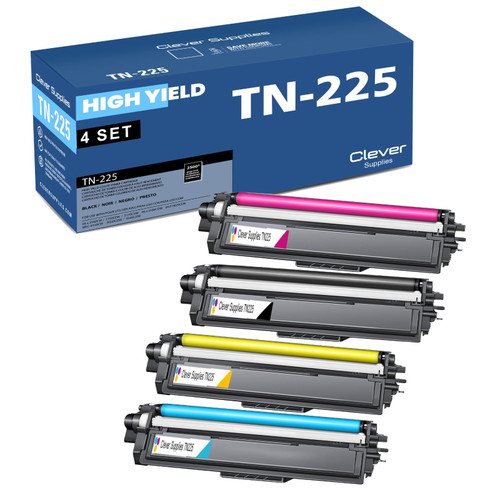 brother tn221 tn225 laser toner compatible cartridge high yi
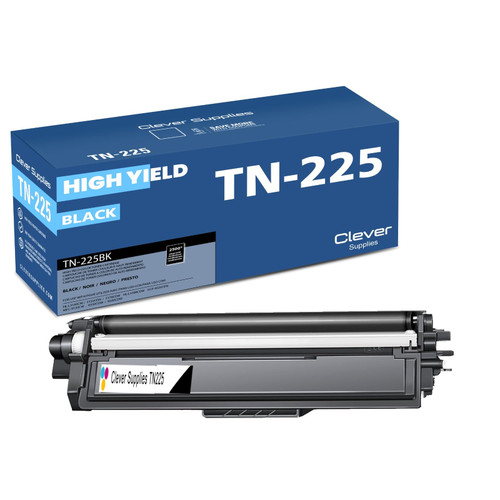 brother tn221bk laser toner compatible cartridge black
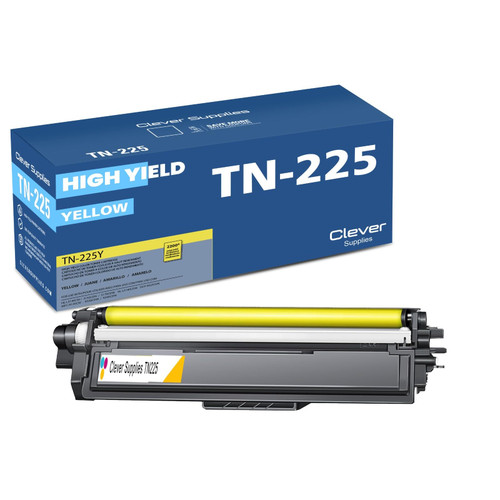 brother tn221 tn225 TN 225y toner cartridge cyan
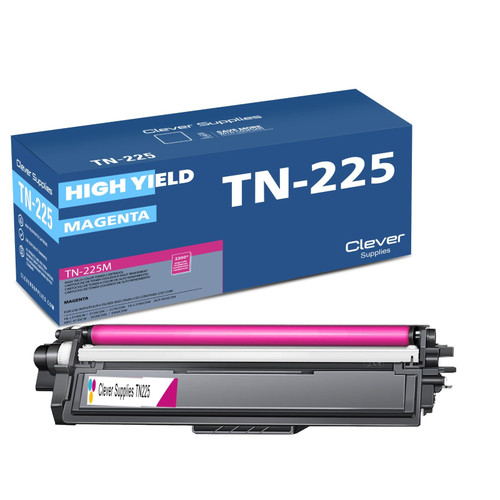 brother tn221 toner cartridge magenta
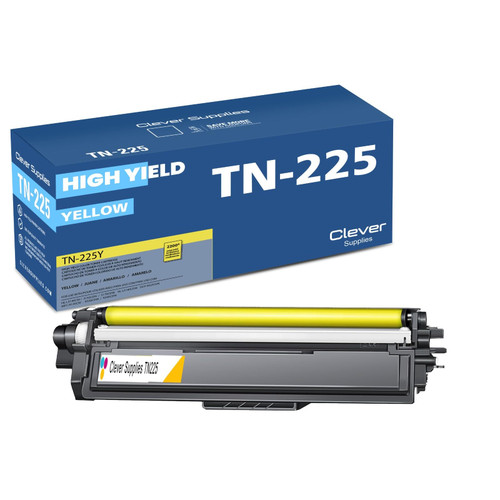 brother tn221 toner cartridge yellow
Key takeaways
- The top cartridge here is rated at 2,500 pages — fewer swaps, lower cost per page.
- Lowest cost per page in this family: ~0.9¢ with the highest-yield cartridge.
- Buying the toner + drum set instead of the parts separately saves $48.
Other Printers That Use TN221 and TN225
Ready to order? Start from our MFC-9340CDW toner page, which lists every cartridge, drum and set that fits this printer.