




What Toner Does the Brother MFC-9130CW Use?
Posted by Clever Supplies on Nov 12th 2026
Quick answer: The Brother MFC-9130CW uses TN221BK black toner (about 2,500 pages) plus one cartridge per color: standard TN221C / TN221M / TN221Y (about 1,400 pages each) or high-yield TN225C / TN225M / TN225Y (about 2,200 pages each). There is no high-yield black in this family. The cartridges ride in a DR221CL drum set rated at about 15,000 pages.
An Honest Look at the Entry-Level All-in-One
The MFC-9130CW is the family's starter all-in-one: print, scan, copy and fax at up to 19 pages per minute, a 3.7-inch color touchscreen, and Wi-Fi with Wi-Fi Direct. Two honest gaps define it as much as its features do. There is no Ethernet port — wireless or USB are the only connections — and there is no automatic two-sided anything: printing, scanning and copying are all one-sided unless you flip pages yourself. For a small office that mostly prints black documents and needs color on demand, neither gap is fatal, and the supplies are the family's shared supplies either way, so running costs match its faster siblings page for page.
The fax side is worth one supply note: received faxes print in black only, so a busy fax line drinks from the TN221BK, never from the color cartridges. A 500-page fax memory means the machine can hold incoming pages briefly if the black runs dry, but they print — and consume that black cartridge — the moment you replace it.
What Each Cartridge Costs You per Page
Yields are Brother's ISO/IEC 19798 ratings; prices are our compatible cartridges taken from their product pages on November 2, 2026.
| Cartridge | Color | Yield | Price | Cost per page |
|---|---|---|---|---|
| TN221BK | Black | ~2,500 pages | $23.71 | ~0.9¢ |
| TN221C | Cyan | ~1,400 pages | $24.24 | ~1.7¢ |
| TN221M | Magenta | ~1,400 pages | $24.24 | ~1.7¢ |
| TN221Y | Yellow | ~1,400 pages | $24.24 | ~1.7¢ |
| TN225C | Cyan | ~2,200 pages | $24.24 | ~1.1¢ |
| TN225M | Magenta | ~2,200 pages | $24.24 | ~1.1¢ |
| TN225Y | Yellow | ~2,200 pages | $24.24 | ~1.1¢ |
On our shelf the standard and high-yield colors are the same $24.24 cartridge price with very different page counts, so the TN225 colors cut color cost per page from about 1.7 cents to about 1.1 cents for no extra money down. Black, at 0.9 cents, is the cheapest page in the building — another reason the black cartridge is the one this machine empties first.
Links for Every Color
Standard yield
High yield (colors)
Changing a Cartridge
Leave the machine switched on, lift the top cover, and the four drum-and-toner units come into view, each labeled by color. Pull the unit for the color that is out, press the green release lever, and separate the toner from its drum. Rock the new cartridge side to side a few times, strip the protective cover, and click it into the drum until the lever rises. Slide the unit back into its own labeled slot — the inside of the cover shows the order — and close the cover. The touchscreen will walk you through anything it still wants confirmed.
Drums: Four Separate Clocks
The DR221CL is not one drum but four, one beneath each toner, and Brother rates the set at about 15,000 pages. In practice the black drum clocks up pages far faster than the color drums on a print-mostly-black machine like this one, so drums should be bought the way they wear: individually. Our DR221 black drum is $28.88, and the color drums are listed the same way, each replaced only when its own output shows the repeating marks or grey wash that a fresh toner did not cure.
The Four-Color Set Question
The compatible TN221/TN225 set — black plus the three high-yield colors — costs $48.20 against $96.43 for the singles, roughly half. For an MFC-9130CW in a genuinely mixed print-and-copy office, that is the economical standing order. The counter-case is the fax-heavy or black-heavy desk: if your colors last a year or more, tying money up in a set means two of its cartridges age on a shelf while the black does all the work — buy the black on its own cycle and replace colors singly as each one fades.
Frequently Asked Questions
Does receiving faxes use up my color toner? No. Faxes print in black only, from the TN221BK. A heavy fax week shows up in your black cartridge's life, not the colors'.
Can this printer do two-sided printing automatically? No. The MFC-9130CW has no automatic duplex for print, scan or copy. If two-sided work is routine, that is the MFC-9330CDW's step-up — and it uses these same cartridges.
My colors are fine but black is out — do I have to replace everything? No. Each cartridge and each drum is independent. Replace the TN221BK and keep printing.
Why did the starter cartridges finish so quickly? They are rated at about 1,000 pages per color, less than half a retail black. The first replacement cycle is always the short one.
Does the MFC-9130CW have an Ethernet port I'm missing? You are not missing it — there isn't one. It is Wi-Fi, Wi-Fi Direct or USB. It takes the same TN221/TN225 supplies regardless of how it connects.
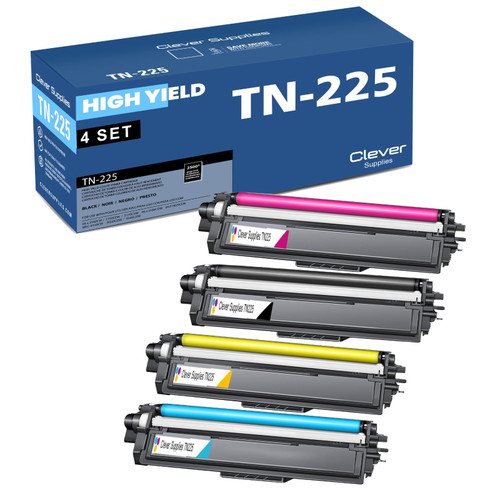 brother tn221 tn225 laser toner compatible cartridge high yi
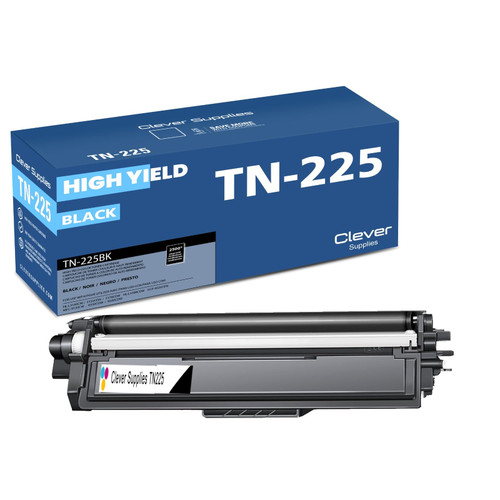 brother tn221bk laser toner compatible cartridge black
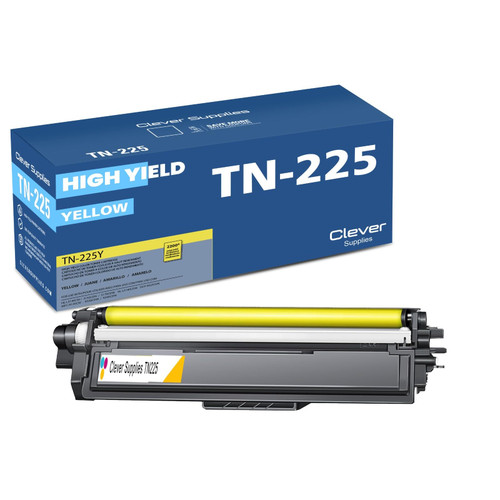 brother tn221 tn225 TN 225y toner cartridge cyan
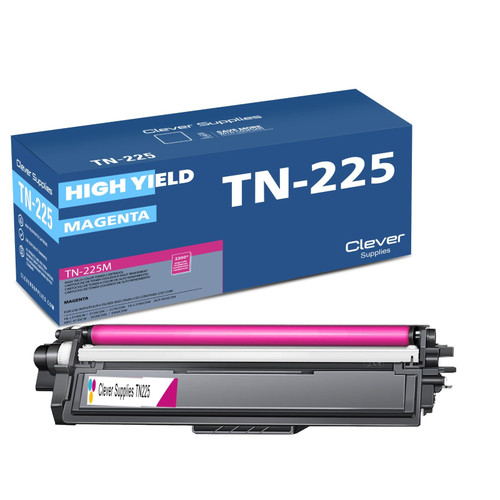 brother tn221 toner cartridge magenta
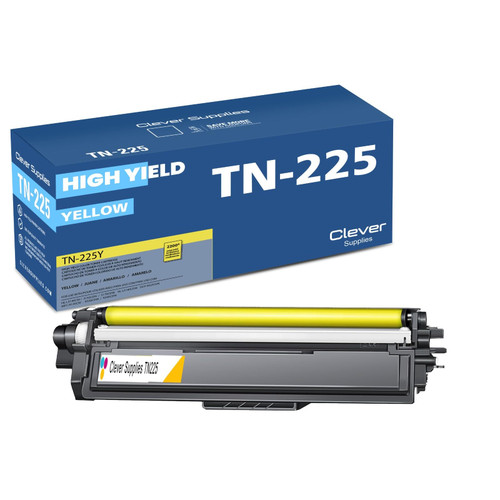 brother tn221 toner cartridge yellow
Key takeaways
- The top cartridge here is rated at 2,500 pages — fewer swaps, lower cost per page.
- Lowest cost per page in this family: ~0.9¢ with the highest-yield cartridge.
- Toner and drum are separate parts on this printer — replace only the one the printer asks for.
Other Printers That Use TN221 and TN225
Ready to order? Start from our MFC-9130CW toner page, which lists every cartridge, drum and set that fits this printer.