




What Toner Does the Brother HL-3180CDW Use?
Posted by Clever Supplies on Nov 11th 2026
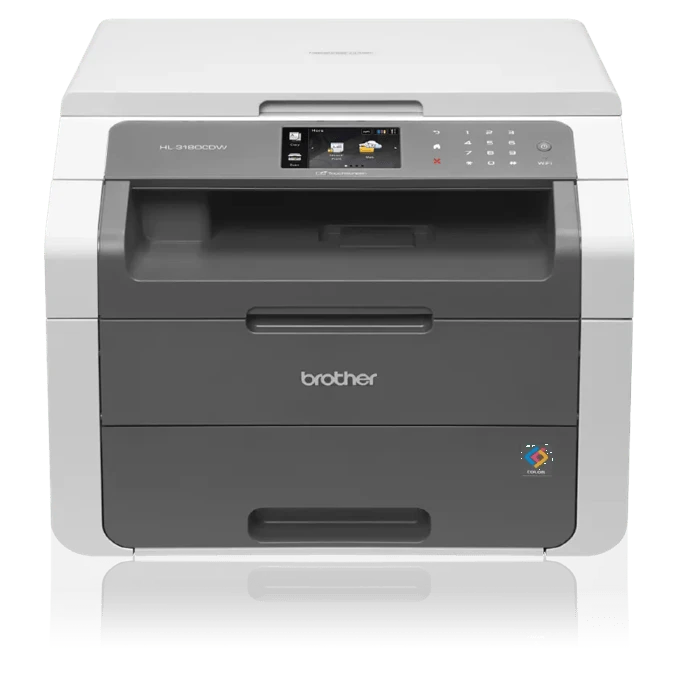
Quick answer: The Brother HL-3180CDW takes TN221BK black (about 2,500 pages) and a choice of color cartridges: standard TN221C / TN221M / TN221Y at about 1,400 pages each, or high-yield TN225C / TN225M / TN225Y at about 2,200 pages each. This family has no high-yield black. Under the cartridges sits the DR221CL drum set, rated around 15,000 pages.
Wait — an "HL" That Copies and Scans?
Yes, and the badge confuses people into ordering for the wrong machine class. The HL-3180CDW wears a printer-family name but carries a flatbed scanner on top: it copies and scans as well as prints, at up to 23 pages per minute, with automatic two-sided printing and a 3.7-inch color touchscreen. It connects by Wi-Fi or USB (no Ethernet). What it does not have is a document feeder or a fax modem — copying here means one sheet on the glass at a time. The important part for this page: despite the extra hardware, its supply bay is the plain family bay. If a listing tries to sell you a special "3180" cartridge at a special price, it is dressing up an ordinary TN221 or TN225.
One practical consequence of the scanner: scanning a document to your computer uses no toner at all. Copying the same document does. Owners who scan far more than they copy watch their cartridges last longer than the page ratings suggest, because a good share of the machine's work never touches the toner.
Yields and Prices Together
Yields are Brother's ISO/IEC 19798 ratings; prices are our compatible cartridges from their product pages on November 2, 2026.
| Cartridge | Color | Yield | Price | Cost per page |
|---|---|---|---|---|
| TN221BK | Black | ~2,500 pages | $23.71 | ~0.9¢ |
| TN221C | Cyan | ~1,400 pages | $24.24 | ~1.7¢ |
| TN221M | Magenta | ~1,400 pages | $24.24 | ~1.7¢ |
| TN221Y | Yellow | ~1,400 pages | $24.24 | ~1.7¢ |
| TN225C | Cyan | ~2,200 pages | $24.24 | ~1.1¢ |
| TN225M | Magenta | ~2,200 pages | $24.24 | ~1.1¢ |
| TN225Y | Yellow | ~2,200 pages | $24.24 | ~1.1¢ |
The pattern across the table: the three standard colors and the three high-yield colors all wear the same $24.24 tag on our shelf. Same money, roughly 57% more pages from the TN225 row. Unless a color sits nearly unused for years, the high-yield row is where a replacement order should land.
The Cartridge List, Color by Color
Standard yield
High yield (colors)
Replacing a Cartridge
Open the top cover with the power on and the four units present themselves in a row, each stamped with its color code. Draw out the unit for the spent color, press the green lever, and lift the toner away from its drum. Give the new cartridge a gentle side-to-side rock, remove its protective cover, and press it into the drum until the lever snaps back. Return the unit to the matching station — the order is printed on the inside of the cover — then close up and let the printer return to Ready. Because this model also scans, wipe the flatbed glass while the cover is up; a surprising number of "print quality" complaints on this machine are really specks on the glass showing up in copies.
The Drum Set's Separate Schedule
Four separate drums make up the DR221CL set, each living under its color's toner and each rated at about 15,000 pages. Toner messages and drum messages are not interchangeable on this machine: "replace toner" is the cartridge, while repeating spots down the page or a grey film that survives a new cartridge is the drum underneath it. We carry the drums individually by color — DR221 black drum, $28.88 — which keeps a drum replacement a one-color expense instead of a whole-set one.
The Set, and the Case Against It
Our compatible four-color set combines the TN221BK with the three high-yield TN225 colors at $48.20, versus $96.43 for the four singles — about $48 saved. Households that print family photos and school projects tend to drain colors unevenly, though: one summer of photo printing can empty the magenta while the yellow is still half full. In that pattern, singles track real usage and the set overbuys two colors. Buy the set when the low warnings arrive in a cluster; buy singles when they arrive one at a time.
Frequently Asked Questions
Is the HL-3180CDW really a printer, or an all-in-one? Both, mostly. It prints, copies and scans like an all-in-one, but there is no fax and no automatic document feeder. Its toner bay is the standard TN221/TN225 bay either way.
Does copying use more toner than printing the same page? Roughly the same per page. Scanning to a computer or email uses none — the toner only flows when paper comes out.
Why is there no TN225 black cartridge in your list? Because Brother does not make one. Black is the TN221BK at about 2,500 pages for both tiers; only the three colors have a high-yield TN225 version.
The touchscreen says a color is low but the prints still look fine. Swap now? Not yet. The warning is an estimate with margin built in. Order the replacement so it is on hand, and swap when output for that color visibly fades.
Can I use the TN225 colors left over from an HL-3170CDW? Yes — the two models share the entire supply list, drums included. Any TN221 or TN225 stock on your shelf fits both.
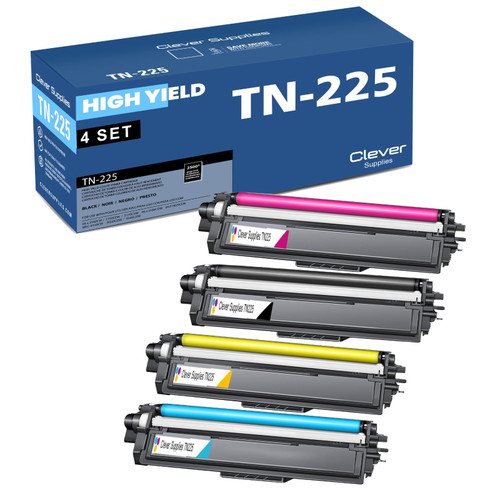 brother tn221 tn225 laser toner compatible cartridge high yi
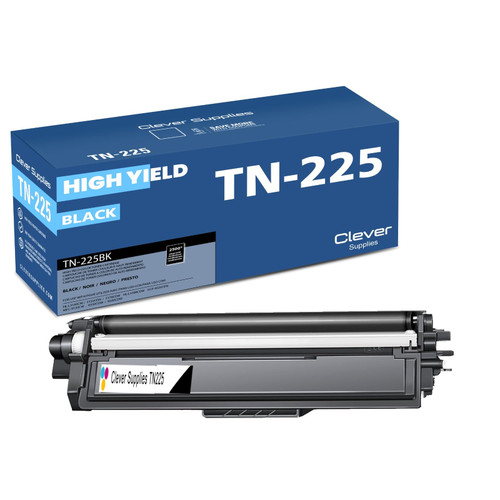 brother tn221bk laser toner compatible cartridge black
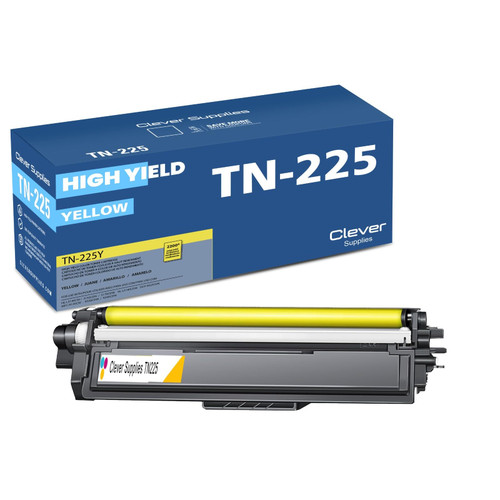 brother tn221 tn225 TN 225y toner cartridge cyan
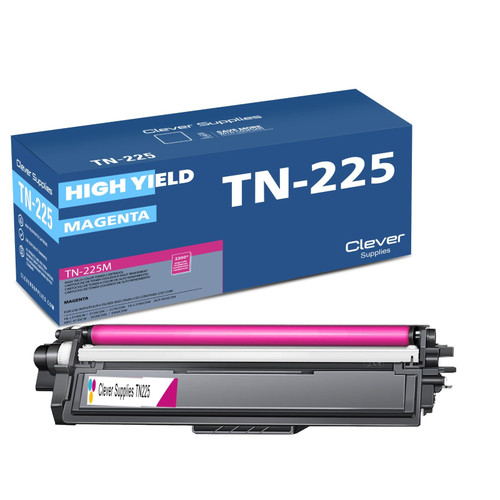 brother tn221 toner cartridge magenta
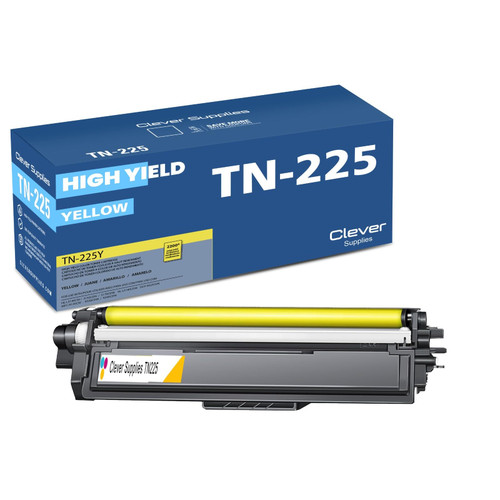 brother tn221 toner cartridge yellow
Key takeaways
- The top cartridge here is rated at 2,500 pages — fewer swaps, lower cost per page.
- Lowest cost per page in this family: ~0.9¢ with the highest-yield cartridge.
- Toner and drum are separate parts on this printer — replace only the one the printer asks for.
Other Printers That Use TN221 and TN225
Ready to order? Start from our HL-3180CDW toner page, which lists every cartridge, drum and set that fits this printer.