




What Toner Does the Brother HL-3140CW Use?
Posted by Clever Supplies on Nov 9th 2026
Quick answer: The Brother HL-3140CW uses four toner cartridges: black is TN221BK (about 2,500 pages), and cyan, magenta and yellow come in two sizes — standard TN221C / TN221M / TN221Y (about 1,400 pages each) or high-yield TN225C / TN225M / TN225Y (about 2,200 pages each). There is no high-yield black in this family; the TN221BK serves both tiers. The cartridges sit in a DR221CL drum set rated at about 15,000 pages.
The Simplest Machine in the Family
The HL-3140CW is where Brother's color laser line of this generation starts: print-only, up to 19 pages per minute in both color and black, a 250-sheet tray, and a plain one-line display with buttons. It connects over Wi-Fi or USB — there is no Ethernet port — and two-sided printing is manual, with the driver prompting you to turn the stack over yourself. Nothing about that modest spec sheet changes the supply bay: this entry-level printer takes exactly the same cartridges as the faster all-in-ones listed at the bottom of this page.
One thing catches new owners out. The cartridges in the box are starters rated at roughly 1,000 pages per color, well short of a full retail cartridge. Your first "toner low" warning arriving sooner than expected is normal — it is the starter running out, not a fault.
The Two Tiers, Color by Color
| Part number | Color | Yield | Our compatible price* | Cost per page |
|---|---|---|---|---|
| TN221BK | Black | ~2,500 pages | $23.71 | ~0.9¢ |
| TN221C | Cyan | ~1,400 pages | $24.24 | ~1.7¢ |
| TN221M | Magenta | ~1,400 pages | $24.24 | ~1.7¢ |
| TN221Y | Yellow | ~1,400 pages | $24.24 | ~1.7¢ |
| TN225C | Cyan | ~2,200 pages | $24.24 | ~1.1¢ |
| TN225M | Magenta | ~2,200 pages | $24.24 | ~1.1¢ |
| TN225Y | Yellow | ~2,200 pages | $24.24 | ~1.1¢ |
*Prices read from each product page on November 2, 2026. Yields are Brother's ISO/IEC 19798 ratings at 5% coverage.
Read the color rows carefully: on our shelf a high-yield TN225 color costs the same $24.24 as the standard TN221 color, yet prints about 800 pages more. When standard and high yield sit at the same price, the high yield is the rational default for the three colors. Black never got a high-yield sibling because the standard TN221BK already carries the family's biggest yield at 2,500 pages.
Every Cartridge, With Its Own Link
Each color is its own cartridge, and you only ever replace the one the printer names:
Standard yield
High yield (colors)
Changing a Cartridge
Leave the printer on and open the top cover; the four drum-and-toner units slide out toward you on a tray. Note the color order printed inside the cover — it matters. Lift out the unit for the empty color, press its green release lever and lift the toner cartridge off the drum, then unpack the new cartridge, rock it gently side to side, pull its protective cover, and click it into the same drum until the lever locks. Slide the tray back, close the cover, and let the machine settle to Ready. Swapping the wrong color into the wrong drum slot is the one mistake this design allows, so match the label on the cartridge to the label on the slot.
The Drum Set Underneath
The toners click into the DR221CL, a set of four individual drum units (one per color) that Brother rates at about 15,000 pages. Drums and toner age on separate clocks: a "replace toner" message is never a drum problem, and faded output that survives a fresh cartridge usually is. We stock the drums individually by color — the DR221 black drum is $28.88 — so you replace only the drum for the color that is misbehaving, which is typically the black one years before the colors.
Buying the Set Instead
Our compatible TN221/TN225 four-color set — the TN221BK black plus high-yield TN225 cyan, magenta and yellow — is $48.20, against $96.43 for the same four cartridges bought one at a time. That is a saving of about $48, the widest set-versus-singles gap in this family. The honest counter-case: if only one color is empty and the others are nearly full, the single cartridge is the right buy and the set just parks three spares in a cupboard. The set earns its money when several colors are low together, which is how these printers usually age.
Frequently Asked Questions
Is there a TN225 black cartridge? No. Brother never made a high-yield black for this family — the TN221BK at about 2,500 pages is the only black, and it is already the highest-yield cartridge in the standard tier. Listings advertising a "TN225BK" are mislabeled.
Can I mix TN221 and TN225 cartridges in the same printer? Yes. The tiers share the same shell and slot. Plenty of owners run a high-yield cyan beside a standard magenta; the printer reads each cartridge independently.
Why did my first cartridges run out so fast? Because they were starters of about 1,000 pages per color. A retail TN225 color gives you roughly 2,200, so the second set lasts noticeably longer.
Does the HL-3140CW print two-sided automatically? No. Duplex on this model is manual — the driver prints the odd pages, then prompts you to reload the stack. If unattended two-sided printing matters, that is the step-up the HL-3170CDW makes.
My printer says "Drum End Soon" but prints fine. What do I do? Keep printing. The DR221CL drums are rated around 15,000 pages, and the warning arrives early. Order the drum for that color when print quality actually starts to show repeating marks or a grey wash.
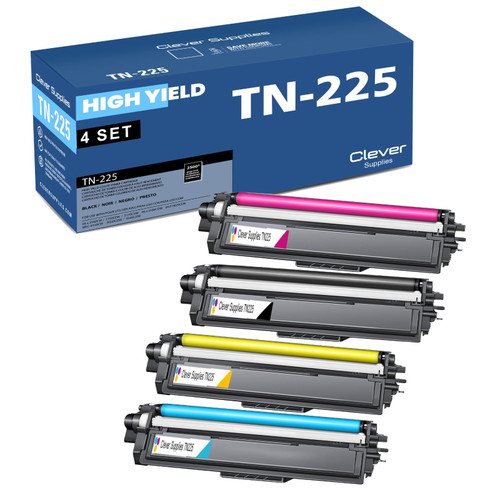 brother tn221 tn225 laser toner compatible cartridge high yi
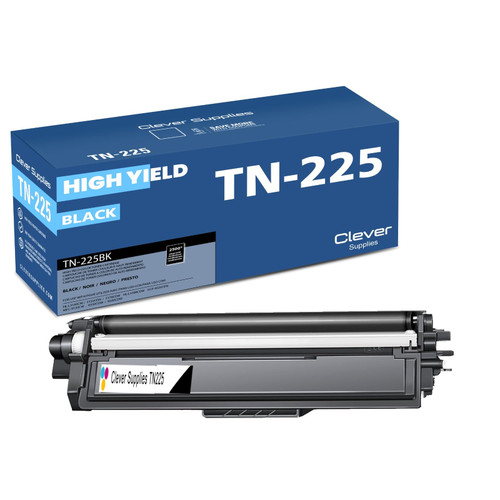 brother tn221bk laser toner compatible cartridge black
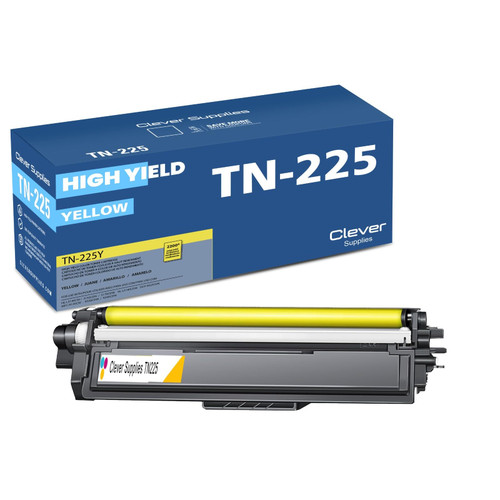 brother tn221 tn225 TN 225y toner cartridge cyan
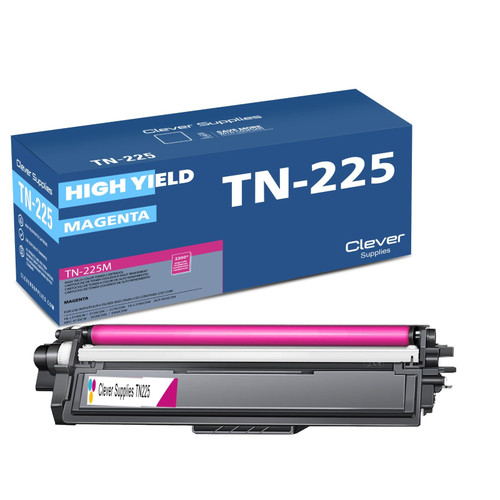 brother tn221 toner cartridge magenta
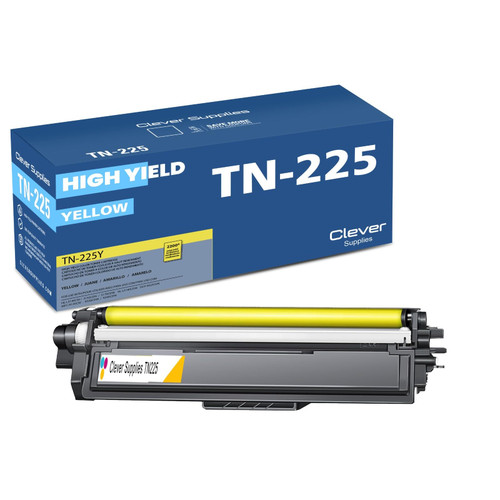 brother tn221 toner cartridge yellow
Key takeaways
- The top cartridge here is rated at 2,500 pages — fewer swaps, lower cost per page.
- Lowest cost per page in this family: ~0.9¢ with the highest-yield cartridge.
- Buying the set instead of the individual cartridges saves $48.
Other Printers That Use TN221 and TN225
Ready to order? Start from our HL-3140CW toner page, which lists every cartridge, drum and set that fits this printer.