




Phaser 8500SN
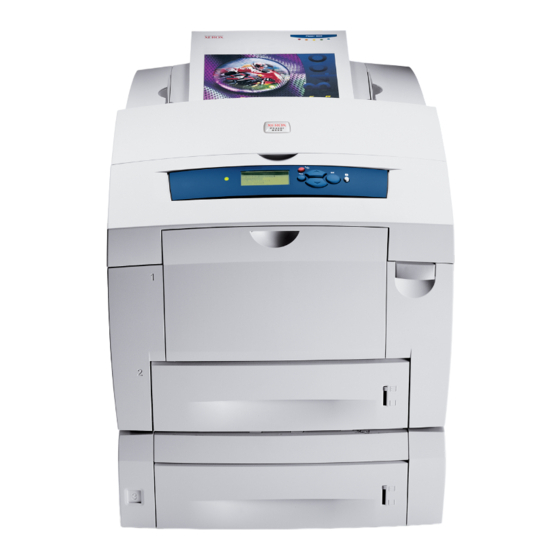
The Xerox Phaser 8500SN brings solid ink color printing to busy workgroups, delivering rich, glossy output without a single toner cartridge. Its fuel is the Xerox 108R00668 solid ink stick — just load the sticks into the ink loader and keep printing. We carry 108R00668 solid ink for the 8500SN so you can reorder before you run dry.
Solid Ink Sticks for Phaser 8500SN
| Cartridge | Color | Page Yield | OEM # |
|---|---|---|---|
| Xerox 108R00668 (Compatible) | Black | See product listing | 108R00668 |
Frequently Asked Questions
What ink does the Phaser 8500SN use?
The Phaser 8500SN is a solid ink printer and uses Xerox 108R00668 solid ink sticks. The OEM ink carries the same 108R00668 part number, and compatible versions are listed alongside it.
How many pages does the Xerox 108R00668 print?
Page yield varies by cartridge; check the individual product listing for the rated yield.
Are compatible 108R00668 solid ink sticks safe for the Phaser 8500SN?
Compatible 108R00668 solid ink sticks are designed to work in the Phaser 8500SN. If your printer is still under warranty, check the warranty terms before using third-party supplies.
How do I install 108R00668 ink in the Phaser 8500SN?
Open the ink loader cover on the Phaser 8500SN, drop a 108R00668 solid ink stick into the matching color slot — each slot only accepts its own color — and close the cover.
More Printers That Use 108R00668 Solid Ink
SELECT YOUR PRINTER FAMILY TO SHOP Phaser 8500SN PRODUCTS
There are no products listed under this category.