




Phaser 6128MFP/N
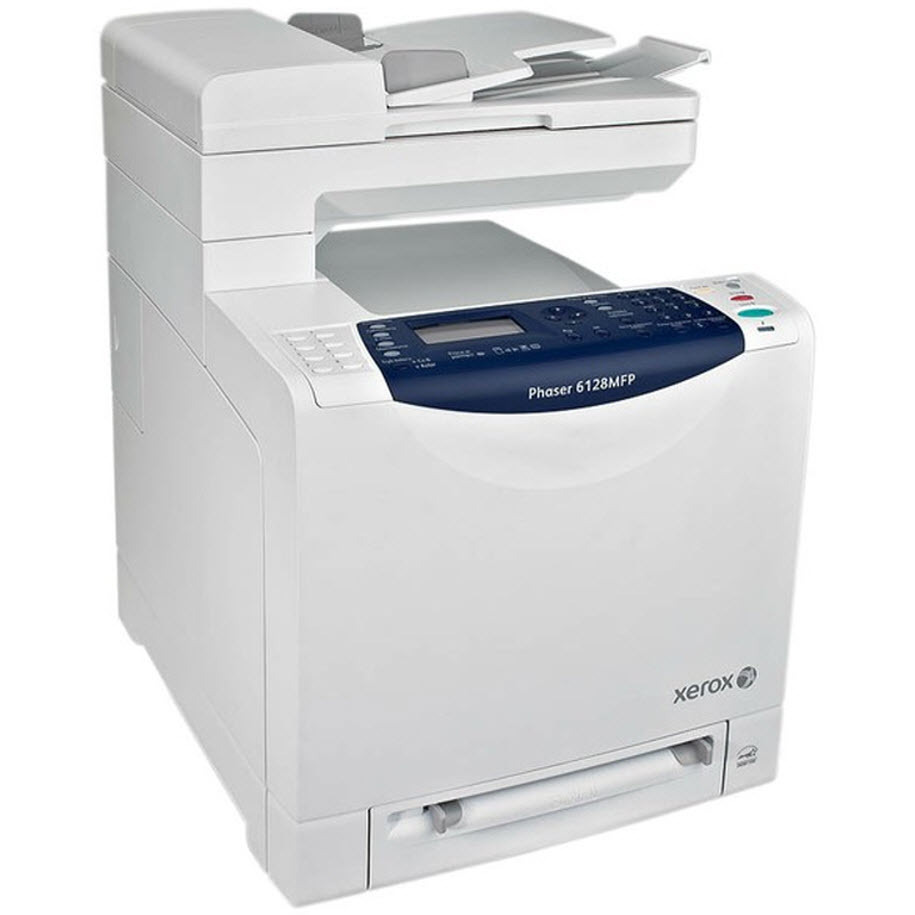
Offices that need consistent, reliable output from a machine that does not eat desk space are the Xerox Phaser 6128MFP/N's audience — a multifunction laser printer whose footprint fits comfortably in crowded office corners. Reordering for it is straightforward once you know the numbers: it takes 106R01455 in black, 106R01452 in cyan, 106R01453 in magenta and 106R01454 in yellow, and the compatible listings below are stocked for exactly this model.
A multifunction machine earns its keep in short bursts all day — a scan here, a copy there, a printed report in between — and every one of those jobs draws on the same four cartridges. Because the work is so mixed, levels tend to drift down together rather than one color vanishing early, and a complete set within reach is worth more than a drawer of mismatched singles.
Toner Cartridges for Phaser 6128MFP/N
| Cartridge | Color | Page Yield |
|---|---|---|
| 106R01455 | Black | — |
| 106R01452 | Cyan | — |
| 106R01453 | Magenta | — |
| 106R01454 | Yellow | — |
| 106R01455 + 106R01452 + 106R01453 + 106R01454 | 4 Color Set | One of each cartridge |
| 106R01455 + 106R01452 + 106R01453 + 106R01454 | 4 Color Set, Premium | One of each cartridge |
| 106R01455 + 106R01452 + 106R01453 + 106R01454 | 4 Color Set | One of each cartridge |
Which cartridge should you buy?
The range stocked for this model is deliberately short. Buy a single when the machine names one color — all four numbers are listed individually, and each drops into its own slot. Buy the Phaser 6128MFP/N 4 Color Set when the whole unit is getting tired, or keep it as the office spare so any of the four slots can be answered from the same box. The Premium Quality 4 Color Set covers the same ground in the premium line. Yield figures for this family are shown on the product listings themselves, so use those when weighing a single against a set.
Chip, toner and everyday use
A shared multifunction unit is used by people who may never have changed a cartridge before, so keep the routine simple and visible: when the display names a color, that cartridge — and only that one — comes out, gets a gentle side-to-side rock in its replacement form, and clicks back into the matching slot. The printer reads each new cartridge's chip and updates that color's level on its own. If a freshly fitted cartridge is not recognized, opening the cover and reseating it almost always settles the matter. Store the spare set in the same cupboard as the paper, sealed and flat, so whoever hits the empty warning first can finish the job.
Frequently Asked Questions
What toner does the Phaser 6128MFP/N take?
Four cartridges: 106R01455 black, 106R01452 cyan, 106R01453 magenta and 106R01454 yellow. The listings above are the compatible options stocked for this model.
Are these the same cartridges as the Phaser 6128 uses?
Yes — the same four cartridge numbers serve both machines, and the Phaser 6128 is listed in the family section below. The set listings on this page are the ones packaged for the 6128MFP/N.
Is there a premium full set for the 6128MFP/N?
There is. The Premium Quality 4 Color Set contains one cartridge in each color plus black, matching the standard set's coverage in the premium line.
Faded black text — which cartridge do I replace?
The black one, 106R01455. Text and copies lean on the black cartridge, so weak black output is its signal; the three color cartridges can be left alone.
More printers that use the same cartridges
This multifunction model shares its cartridge family with the other 6128 variants. All of them: Phaser 6128, Phaser 6128MFP, Phaser 6128N.