




ML-3750
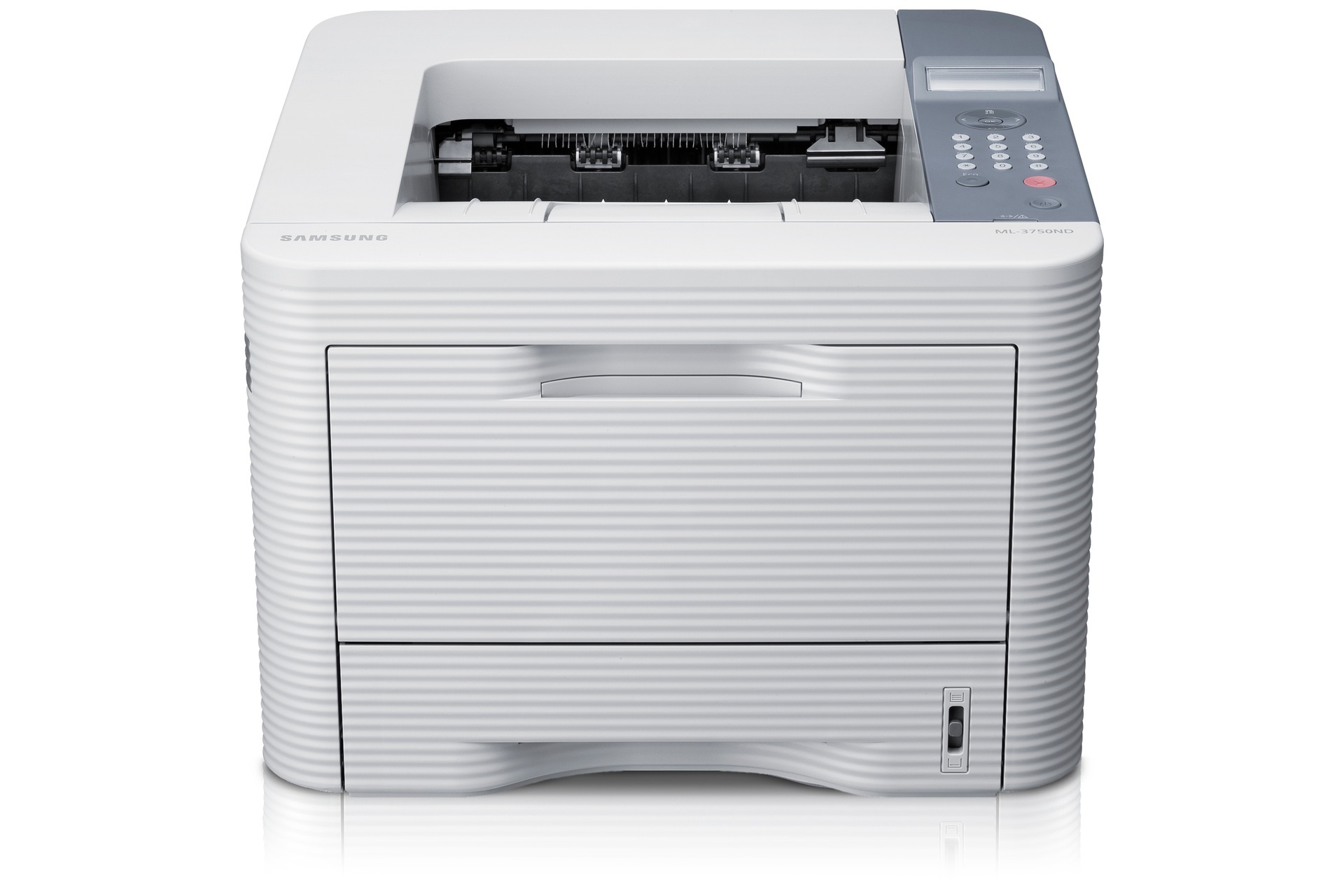
The Samsung ML-3750 is a mid-volume monochrome laser printer for offices that have outgrown entry-level machines. Samsung built it around two cartridges: the MLT-D305S standard cartridge and the MLT-D305L high-yield cartridge, the latter for longer stretches between changes. The listings on this page are the high-yield side of that pair — the coded single, the same cartridge sold under the printer's own name, and multipacks for offices that plan ahead.
There is a recognizable stage in an office's life when the personal printer on someone's desk becomes the department's bottleneck, and the ML-3750 is the machine bought for that stage: too much volume for an entry-level unit, not yet a floor-standing departmental engine. Its single cartridge decision — standard or high yield — mirrors that position. Offices at this stage print enough that cartridge changes are a recurring calendar item, which is precisely what the high-yield side of the family exists to space out.
Toner Cartridges for ML-3750
| Cartridge | Color | Page Yield |
|---|---|---|
| MLT-D305L High Yield Laser Toner Cartridge Black | Black | See product page |
| ML-3750 High Yield Laser Toner Cartridge Black | Black | See product page |
| ML-3750 High Yield Laser Toner Cartridges Black 3 Pack | Black | See product page |
| MLT-D305L Premium Quality High Yield Laser Toner Cartridge Black 3 Pack | Black | See product page |
Which cartridge should you buy?
The standard MLT-D305S suits an ML-3750 that prints in modest daily amounts, where a cartridge lasts long enough that changing it is a minor event. Most offices running this model as a shared mid-volume machine will land on the high-yield MLT-D305L instead: the longer stretch between changes is worth more than the smaller fill saves, especially once several people's queues depend on the same device. Between the two high-yield singles below there is no functional difference to choose — one is labeled by cartridge code, the other by printer name. The 3 packs are for offices that would rather think about toner once a quarter.
Chip, toner and everyday use
Handle a cartridge the way the toner inside it deserves: keep it level, and if output fades before the cartridge should be finished, remove it and rock it slowly side to side for a few seconds — the redistributed toner is often good for dozens more pages. Bare hands are fine for the cartridge body, but avoid touching the drum surface, and wipe any stray toner with a dry cloth rather than water. Gloves are optional; care is not. A spent cartridge is worth handing to a recycler rather than the trash, since the shell gets remanufactured or broken down for its materials.
Frequently Asked Questions
Our print is getting faint — does that mean the cartridge is finished?
Not necessarily. Fading is often just toner settled to one end of the cartridge. Pull the MLT-D305S or MLT-D305L out, keep it level, rock it gently side to side, and reinstall; dozens more clean pages commonly follow. It is the oldest trick in laser printing precisely because it keeps working.
What is the difference between shelf life and in-printer life for these cartridges?
Toner cartridges do not expire like food — there is no hard cutoff date after which one stops working. The install-by guidance on the box is the manufacturer's cautious estimate for average storage conditions. A cartridge past that date may print perfectly well; run a test page and judge the output rather than the calendar.
What should we do with a spent cartridge from the ML-3750?
Recycle it. A spent MLT-D305S is not worthless — remanufacturers rebuild sound shells into new cartridges, and recyclers recover the plastics and metals from the rest. For a single office, a drop-off bin at an office supply store is the easiest route; offices running several of these printers can usually arrange scheduled bulk pickups.
More printers that use the same cartridges
Only one other printer shares this exact shelf, alongside the cartridge family page itself: ML-3750ND, Samsung-MLTD305L.