




Xpress C460
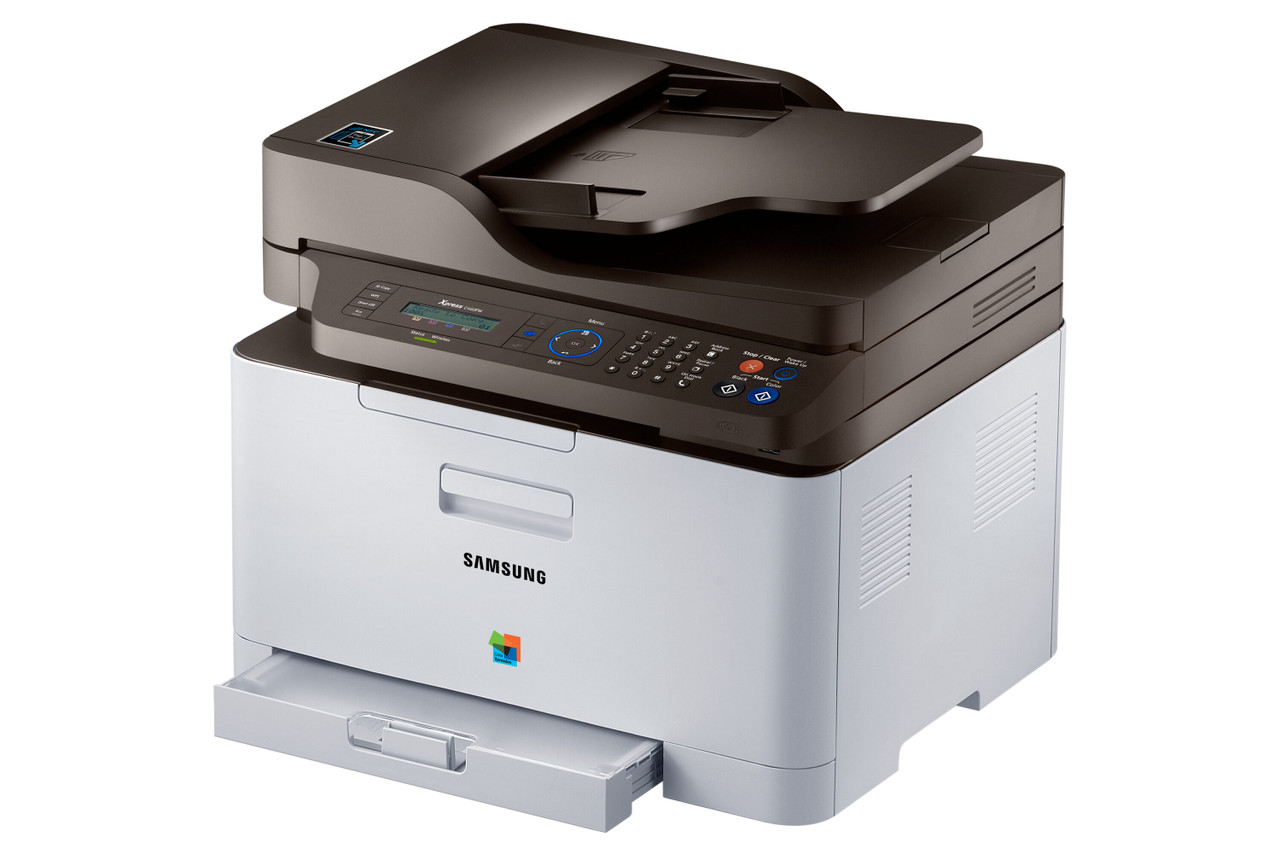
The Xpress C460 moves up Samsung's color range with a faster engine aimed at workgroups that print in color every day, and it stays on the same CLT-406S toner family as the smaller models in the line: CLT-K406S black plus CLT-C406S cyan, CLT-M406S magenta and CLT-Y406S yellow. Same cartridges, quicker machine — the consumable decision stays simple while the volume climbs.
Volume is the lens for everything about this printer. A workgroup color machine does not sip toner; it schedules it. More pages per week means the cost question stops being the price of one cartridge and becomes the cost of the page it produces, multiplied by everything the team prints. The four separate CLT-406S channels are what keep that multiplication honest: each color is consumed, measured and reordered on its own evidence, so a black-heavy team is never forced to subsidize colors it barely opens.
Toner Cartridges for Xpress C460
| Cartridge | Color | Page Yield |
|---|---|---|
| CLT-K406S | Black | See product page |
| CLT-C406S | Cyan | See product page |
| CLT-M406S | Magenta | See product page |
| CLT-Y406S | Yellow | See product page |
| CLT-406S 4 Color Set | Black, Cyan, Magenta, Yellow | See product page |
| Xpress C460 4 Color Set | Black, Cyan, Magenta, Yellow | See product page |
| Xpress C460 Premium Quality 4 Color Set | Black, Cyan, Magenta, Yellow | See product page |
Which cartridge should you buy?
Keep one full set in reserve and buy against the gauges from there. In a workgroup rhythm, the CLT-K406S black turns over fastest and deserves a standing spare; colors are drawn down unevenly by whatever the team is producing, so the CLT-C406S, CLT-M406S and CLT-Y406S are replaced individually as each level falls. When a big color job is on the calendar — a catalog run, a presentation cycle — refreshing with the CLT-406S 4 Color Set or the model-named Xpress C460 4 Color Set (also offered as a Premium Quality set) beforehand is cheaper insurance than a mid-run emergency order. The reserve set then rotates into service and the cycle repeats without drama.
Chip, toner and everyday use
A workgroup machine rewards a small amount of shelf discipline. Rotate spares oldest-first so no cartridge ages in the back of the cabinet, and note which color each replacement was for on the storeroom list — three months of that log predicts your next quarter of orders better than any estimate. Remember that family yields are quoted at 5% page coverage; a team printing dense color documents will land well under the quoted figure on every cartridge, predictably, and should budget per page rather than per box. Installs follow the family pattern: power steady, cartridge straight in until it clicks, and a test page before the queue is released.
Frequently Asked Questions
Does the C460's faster engine burn more toner per page?
No. Per-page consumption follows coverage — how much of the sheet is actually printed — not engine speed. What the faster machine changes is the calendar: the same cartridge reaches its end sooner in days simply because more pages pass through it each week.
Why does black turn over about twice as fast as the colors on our C460?
Workgroup output is document-led. Even nominally color pages carry their text in black, and the bulk of daily volume — reports, emails, forms — is black outright. The color cartridges deplete only on graphics, charts and images, so their cycle stretches while black's repeats.
Our prints look dull compared with the screen. What should we check first?
Start with the driver: toner-save or draft mode dulls everything and is easily left on. Then identify whether one color or all four look weak — rock and reseat the single dull cartridge, because a lone weak color points at distribution or a low unit, while uniform dullness across all colors points past the cartridges toward the imaging components.