




BizHub C554E
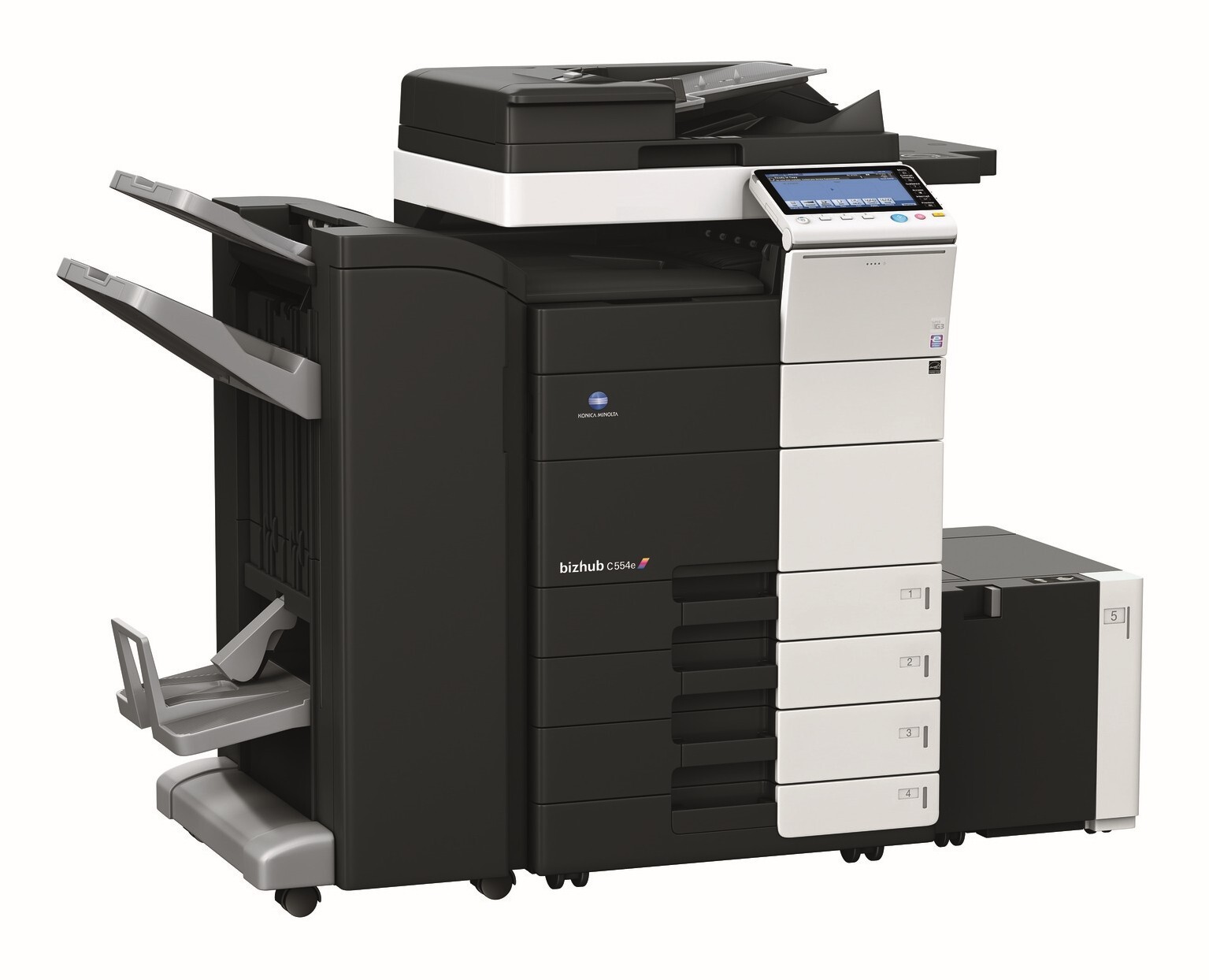
The BizHub C554E is the enhanced C554 — current-engine color MFP on the verified TN-512 platform. Same four cartridges (TN-512K black, TN-512C/M/Y colors), same compatible economics. Our TN-512K/C/M/Y set fits the C554E.
Toner Cartridges for Konica Minolta BizHub C554E
This printer works with the following toner cartridges:
- Konica Minolta TN-512C
- Konica Minolta TN-512K
- Konica Minolta TN-512M
- Konica Minolta TN-512Y
Frequently Asked Questions
I print mostly black-and-white documents on my BizHub C554E - will the color toners still run out?
The C554E uses a four-cartridge CMYK set - TN-512K black plus TN-512C cyan, TN-512M magenta and TN-512Y yellow - and the printer monitors each color separately. Black-and-white pages barely touch the color cartridges, so you will replace TN-512K far more often while the colors last much longer.
When one TN-512 color runs out on the C554E, do I have to replace all four?
No - each TN-512 cartridge is independent, so replace only the empty color. In a text-heavy office that is usually TN-512K, which makes keeping a spare black cartridge the smartest stocking move.
My BizHub C554E says a TN-512 cartridge is not recognized after I installed a compatible - what should I check?
Power the machine off, remove the cartridge, and reseat it firmly so the chip contacts line up, then power back on. If the message persists, the compatible's chip may not match this machine's firmware - try a cartridge from a different batch or an OEM TN-512.