




BizHub C300
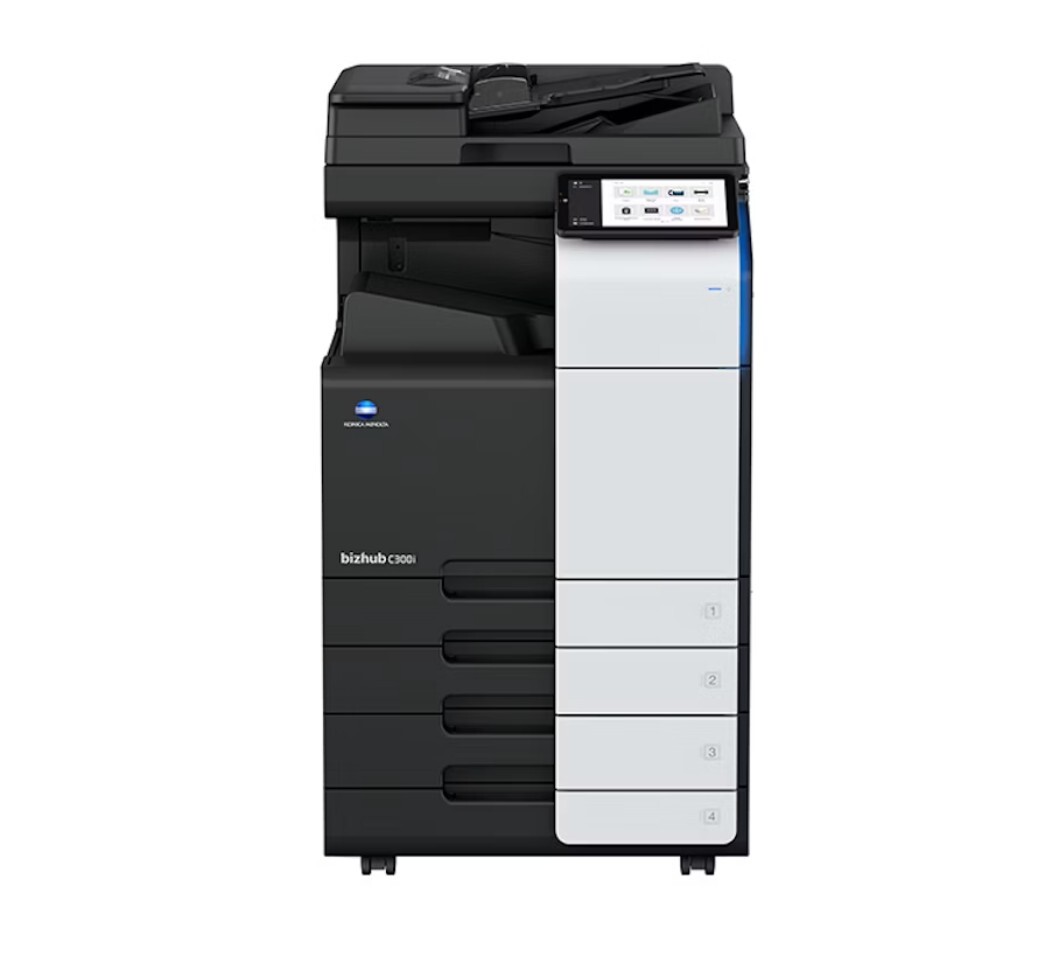
The first thing to get right when ordering toner for the BizHub C300 is the family number itself: this departmental color MFP runs TN-312 toner, not the almost identically named TN-311, and the two families do not interchange. Four cartridges feed the engine — black standing alongside cyan, magenta and yellow — and the three colors are the ones stocked on this page, each of them carrying two names. Cyan is the 8938-704 (TN-312C), magenta the 8938-703 (TN-312M) and yellow the 8938-702 (TN-312Y), so a restock list written in OEM part numbers lands on exactly the same cartridges as one written in TN numbers.
A C300 usually anchors a workgroup: shared reports, presentations and marked-up drafts all funnel through it, often from people who never think about toner until the machine stops. One empty color slot halts the queue for everyone, black-only jobs included. Running this model well is less about the cartridges than about never letting a single slot surprise you — the colors decline together, while black follows its own busier rhythm.
Toner Cartridges for BizHub C300
| Cartridge | Color | Page Yield |
|---|---|---|
| 8938-704 (TN-312C) | Cyan | See product page |
| 8938-703 (TN-312M) | Magenta | See product page |
| 8938-702 (TN-312Y) | Yellow | See product page |
Which cartridge should you buy?
Buy the colors individually, as each one empties. Every slot in the C300 is its own cartridge, so a low yellow asks for a yellow and nothing else — there is no reason to retire three cartridges that still hold toner because the fourth ran dry. Because the engine needs all four in place before it will print anything, the practical question is not which cartridge to buy but which spare to keep: watch which color your office reaches for most over a couple of replacement cycles and hold one of those on the shelf. Black deserves the same attention, since text-heavy work drains it independently of the colors. Ordering by the 8938 part numbers or the TN-312 names makes no difference to what arrives.
Chip, toner and everyday use
Each TN-312 cartridge carries a chip the C300 reads on installation, and the slots are color-keyed, so a cartridge physically refuses to sit in the wrong position. If a freshly installed cartridge reads lower than expected, a gentle side-to-side shake redistributes the toner inside and often settles the reading. Keep unopened spares stored flat, out of direct heat and sunlight, and keep at least one spare of the color your office uses hardest: on a shared machine, the cost of an empty slot is measured in stalled coworkers, not pages. Our compatible cartridges for this model are covered by a 1-year warranty and 1-year returns.
Frequently Asked Questions
Does the BizHub C300 use TN-311 cartridges?
No. The near-identical number causes genuine ordering mistakes, but the C300 was built for the TN-312 family in all four slots, and a TN-311 cartridge is a different unit that does not fit this machine.
Can the C300 keep printing when one color runs out?
It cannot. The print engine expects every cartridge present before it runs any job, so an empty cyan blocks a plain black memo just as completely as it blocks a color brochure. Swap the empty color and work resumes.
Why does the black cartridge on the C300 empty so much sooner than the colors?
Black does double duty in this machine: it prints ordinary text and also lays down the black separation inside every color page. In office use that makes the black cartridge deplete first, so it pays to stock black more heavily than any single color.
My parts list shows 8938 numbers instead of TN numbers — am I ordering the right cartridges?
Yes, for the colors. Konica Minolta lists the cyan as 8938-704, the magenta as 8938-703 and the yellow as 8938-702; those are the TN-312C, TN-312M and TN-312Y under their OEM part numbers, and either name orders the same cartridge.
More printers that use the same cartridges
The same TN-312 color set also serves the BizHub C352 and the BizHub C352P.