




BizHub c287
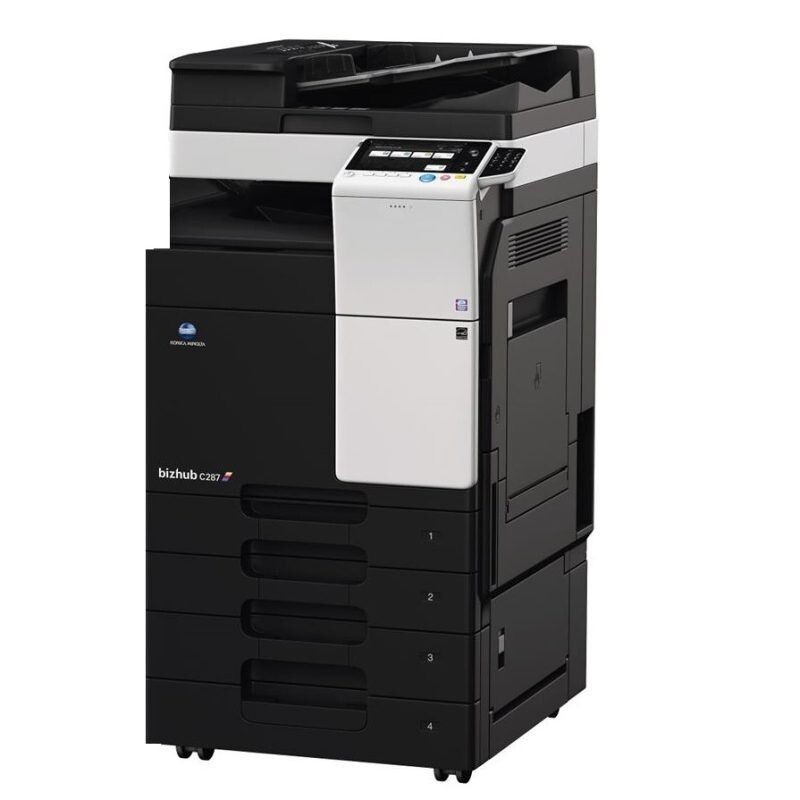
Speed is the BizHub c287's reason to exist. It steps Konica Minolta's current-generation color line up in pace from its smaller sibling while drinking from the very same shelf: the TN221 family, with TN221K black, TN221C cyan, TN221M magenta and TN221Y yellow. One caution travels with the model: the verified cartridge for this line is TN221, not the similar TN-323, so the code on the box matters more than the shape of the cartridge inside it.
The faster engine changes the management problem, not the toner. Per page, the c287 spends exactly what its sibling spends — consumption follows coverage, not velocity. What velocity changes is the calendar: at the same monthly volume a quicker machine can empty a cartridge in fewer working days of heavy use, so the offices that run a c287 happily are the ones that glance at toner levels weekly instead of discovering them at the worst moment.
Toner Cartridges for BizHub c287
| Color | Cartridge | Page Yield |
|---|---|---|
| Black | TN221K | See product page |
| Cyan | TN221C | See product page |
| Magenta | TN221M | See product page |
| Yellow | TN221Y | See product page |
Multi-cartridge choices: the TN221 2 Black pair aimed at this machine's document appetite, a colors-only TN221 3 Color Set, the complete TN221 4 Color Set, and a TN221 5 Color Set for deeper restocks.
Which cartridge should you buy?
Stock for pace. A c287 in a busy office can run a black cartridge down inside a single heavy week, so the two-black pack is the natural standing order and a full color set belongs on the shelf as the reserve. Colors themselves are replace-one-at-a-time items — graphics workloads vary too much by office for any schedule to beat the machine's own warnings. The discipline that actually saves money here is a weekly level check: five seconds on a Monday prevents the Friday-afternoon outage that makes people buy toner at panic prices. Compatible TN221 cartridges carry a 1-year warranty and 1-year returns.
Chip, toner and everyday use
The c287 expects all four TN221 cartridges present and recognized at all times — including the months when you print nothing but black and white. The colors may sit nearly full, but removing one triggers an error, so treat the bay as a set of four residents rather than four consumables on rotation. Fit each cartridge with its seal removed and the unit pushed firmly home so the chip seats; store spares sealed, cool and dry, and bring a cold spare to room temperature before fitting it for the cleanest first read.
Frequently Asked Questions
We upgraded within this line — can our leftover TN221 stock move to the c287?
Yes. The c287 takes the exact same TN221K, TN221C, TN221M and TN221Y set as the smaller model in the line, so existing spares transfer directly. An upgrade that does not orphan your toner shelf is one less reorder to plan.
Will the c287's speed burn through cartridges faster per page?
No — only if you print more pages. Per-page toner use is identical; the faster engine simply lets you spend a cartridge in fewer hours of heavy work. Volume, not velocity, is what empties cartridges.
Does the c287 really need all four colors installed for black-and-white printing?
Yes. The machine expects TN221K, TN221C, TN221M and TN221Y all present and recognized before it will run. You can print monochrome for months on a single black cartridge while the colors sit nearly full, but an absent color cartridge stops the machine outright.
How often should a busy office check levels on this model?
Weekly. The c287's pace compresses the gap between a comfortable level and an empty slot, and a Monday glance at the counters is enough to keep replacements ahead of demand.
More printers that use the same cartridges
The c287 shares its TN221 family with one other model in the line: BizHub c227.