




Color Laser S3840CDN
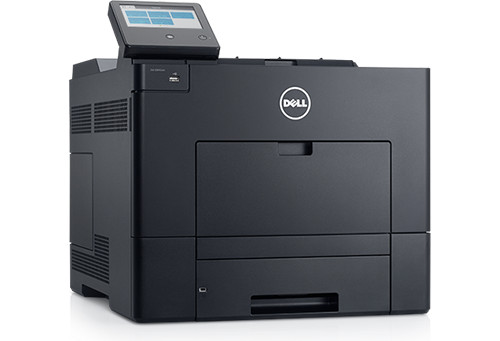
The Dell S3840CDN is a color laser built for workgroup volume — around 36 pages per minute in full color, with duplex and networking for shared-floor printing. Departments that produce color documents daily will appreciate its speed and paper capacity.
Its CMYK cartridge set (593-BCBC family) is designed for exactly this kind of steady color use. We carry genuine OEM Dell S3840CDN toner and compatible cartridges with equivalent yields and rich color reproduction — keeping high-volume color printing affordable.
Toner Cartridges for Dell S3840CDN
This printer works with the following toner cartridges:
- Dell 593-BCBC
- Dell 593-BCBF
- Dell 593-BCBE
- Dell 593-BCBD
Frequently Asked Questions
Which cartridges does the Dell S3840cdn use?
The S3840cdn runs on the 593-BCBC, 593-BCBD, 593-BCBE and 593-BCBF cartridge set, one per color: black, cyan, magenta and yellow. Each color has its own slot and they are replaced independently, so you only need to buy the color that has run out.
How do I get the S3840cdn on my office network?
The 'N' means it has a built-in Ethernet port: plug it into your network switch, print a settings page from the control panel to find its IP address, then add it as a network printer on each computer. For a stable connection in a busy office, assign it a static IP in your router so the address does not change after a reboot.
Colors look off on my S3840cdn, what should I check?
Start with a color calibration from the printer's maintenance menu, which corrects drift between the four toner stations. If one color still prints weak or wrong after calibration, that cartridge in the 593-BCBC series is likely depleted or defective and should be replaced.