




Color Laser S2830dn
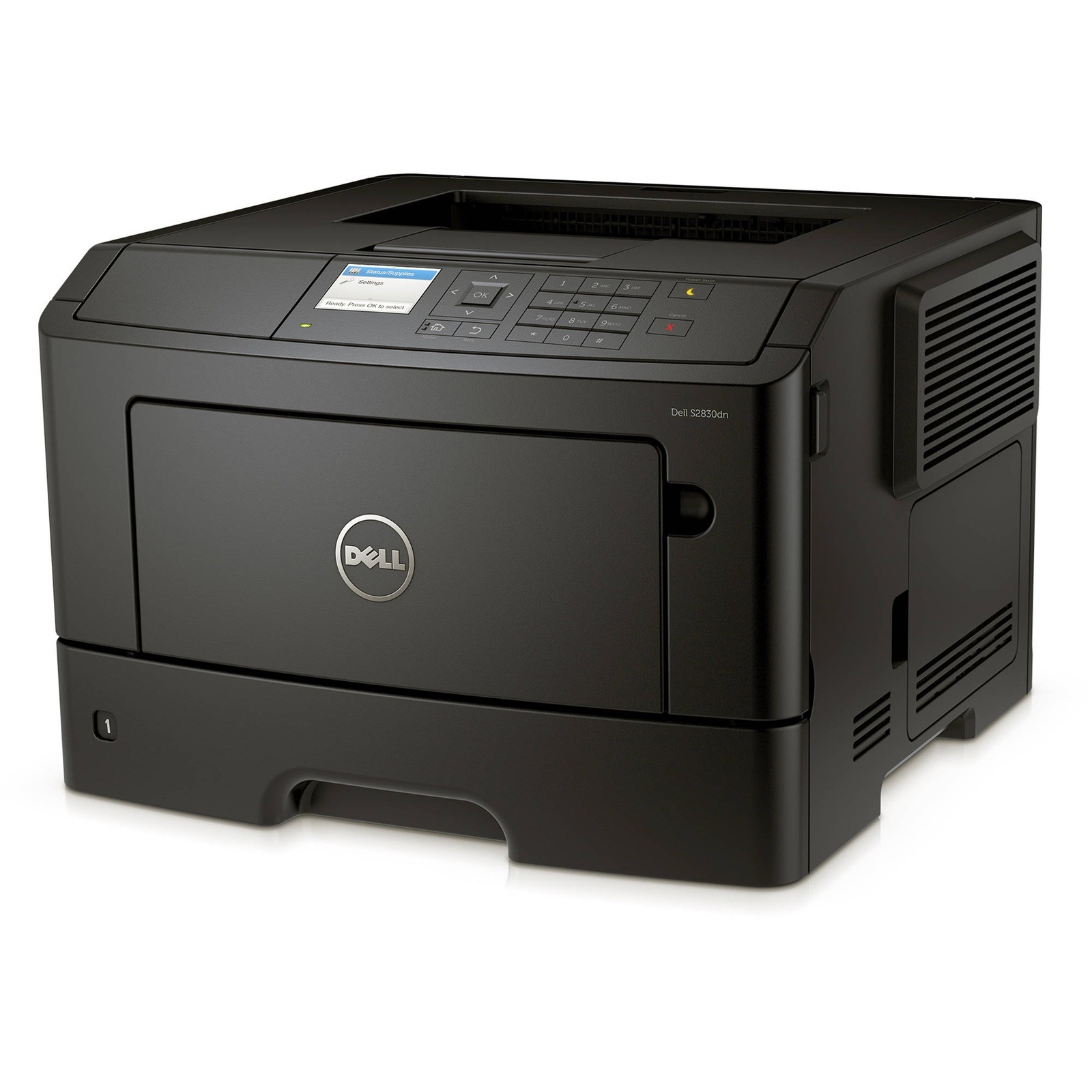
The Dell S2830dn is a 40-page-per-minute monochrome printer with duplex and networking — a solid workgroup machine for offices with steady black-and-white volume. Fast, networked, and built for shared daily use.
Its black cartridge family offers yields suited to workgroup printing, keeping per-page costs competitive. We carry genuine OEM Dell S2830dn toner and compatible cartridges with matching yields and crisp, professional output — shipped fast to keep your office running.
Toner Cartridges for Dell S2830dn
This printer works with the following toner cartridges:
- Dell 593-BBYP
- Dell 593-BBYO
- Dell GGCTW
- Dell FR3HY
- Dell 3RDYK
- Dell CH00D
- Dell TC2RH
Frequently Asked Questions
What toner does the Dell S2830dn take?
The S2830dn takes individual black, cyan, magenta and yellow cartridges: GGCTW, FR3HY, 3RDYK, CH00D and TC2RH cover the standard and high-capacity options for this model, also sold under Dell kit numbers 593-BBYP and 593-BBYO. Check your printer's supplies menu to match each code to its color slot before ordering.
Can the S2830dn print double-sided automatically?
Yes, the 'd' in S2830dn stands for duplex, so automatic two-sided printing is built in. If double-sided output is not working, open the print driver preferences and confirm the duplex option is enabled rather than set to manual, and use paper between 60 and 163 gsm so the duplexer feeds reliably.
The printer says toner is low but pages still look good, should I replace it now?
Dell printers tend to warn early, so you can usually keep printing until you notice fading or the printer stops. Order the replacement cartridge now so you have it on hand, and keep the low cartridge installed until print quality actually drops, since swapping early just wastes usable toner.