





 See Compatible Printers
 Read more about our ink!
Canon
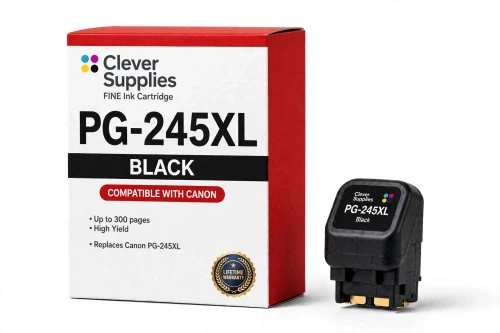
Compatible Canon PG-245XL Black Ink Cartridge
- Page Yield:
- Up to 300 pages (ISO/IEC 24711)
- Shipping:
- Calculated at Checkout

Amazon Price:

- Page Yield:
- Up to 300 pages (ISO/IEC 24711)
- Shipping:
- Calculated at Checkout
- Compatible Printers
- Canon PIXMA iP2820
- Canon PIXMA MG2420
- Canon PIXMA MG2520
- Canon PIXMA MG2522
- Canon PIXMA MG2525
- Canon PIXMA MG2920
- Canon PIXMA MG2922
- Canon PIXMA MG2924
- Canon PIXMA MG3020
- Canon PIXMA MG3022
- Canon PIXMA MX490
- Canon PIXMA MX492
- Canon PIXMA TS202
- Canon PIXMA TS302
- Canon PIXMA TS3120
- Canon PIXMA TS3122
- Canon PIXMA TS3320
- Canon PIXMA TS3322
- Canon PIXMA TR4520
- Canon PIXMA TR4522
- Specifications
- SKU:
- CS-CN-245-BKXL
- Condition:
- New Compatible
- OEM Part #:
- PG-245XL
- Color:
- Black
- Ink Type:
- Pigment
- Page Yield:
- Up to 300 pages (ISO/IEC 24711)
- Chip:
- Yes — new compatible chip; reports ink levels to the printer
- Warranty:
- Lifetime Warranty
- Returns:
- 1-Year Free Returns
- Description
- Reviews
Fits first: this compatible PG-245XL serves all 20 printers in the PG-245 / CL-246 family — Canon PIXMA iP2820, Canon PIXMA MG2420 and Canon PIXMA MG2520 and the rest of the list under Compatible Printers below. Canon rates the PG-245XL at up to 300 pages (ISO/IEC 24711); our cartridge is filled to that specification with a new compatible chip, so the printer reads levels exactly as it does with a genuine cartridge. It is the high-capacity tier of the family — same slot, bigger fill.


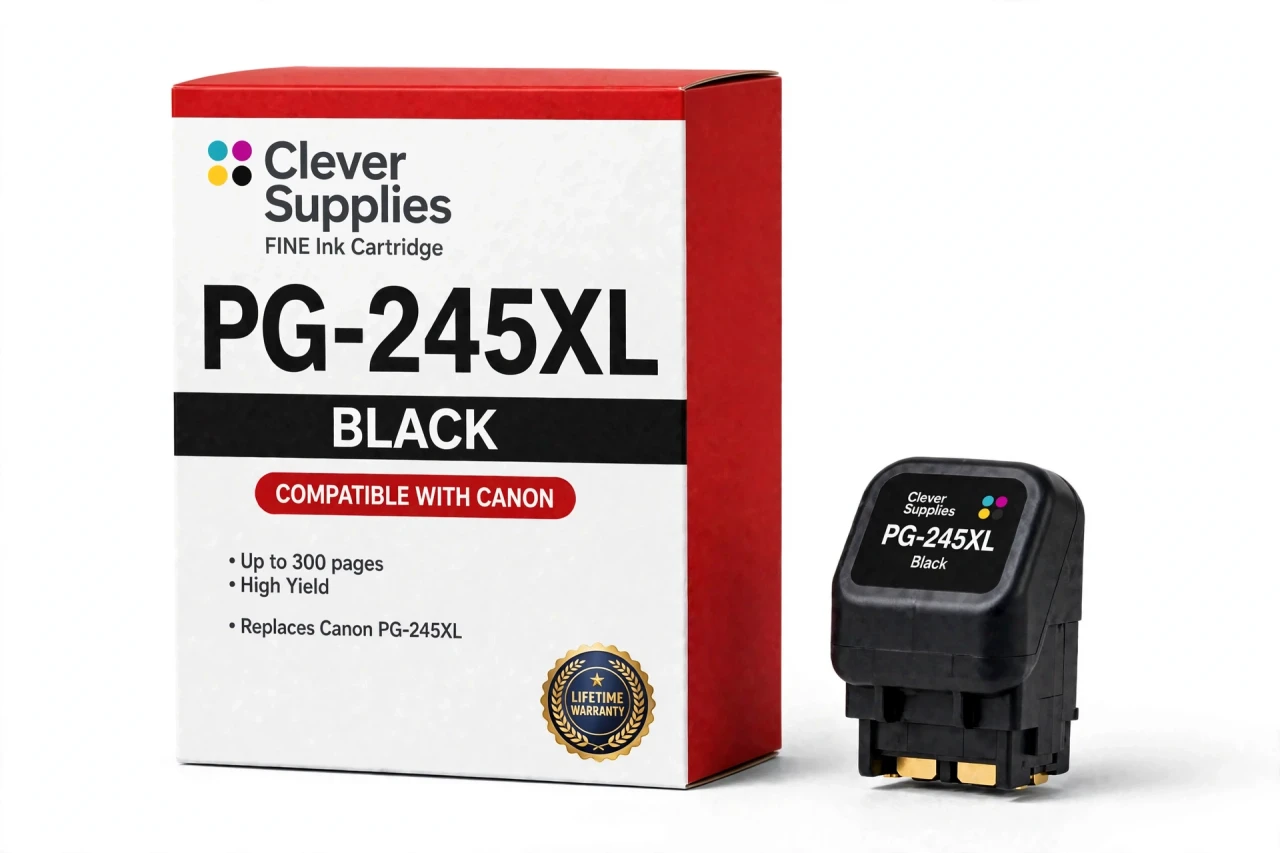
The PG-245 / CL-246 family is the budget FINE generation behind the MG2522, TS3122 and TR4520 — among the most widely sold Canon home printers in the US. Like every FINE cartridge it carries its printhead in the cartridge body, so fitting this cartridge also renews the printhead — the part that puts ink on the page — and clears the streaks and missing lines that cleaning cycles cannot. The ink is pigment ink for sharp, smudge-resistant text. Covered by our Lifetime Warranty, with free returns for the first year.
Shop the PG-245 / CL-246 family: PG-245 Black Ink Cartridge · CL-246 Tri-Color Ink Cartridge · CL-246XL Tri-Color Ink Cartridge · CL-246XL InkPods Refill Set of 3 · PG-245XL InkPods Refill Set of 4 · PG-245XL CL-246XL Ink Cartridges Set of 5 · PG-245XL CL-246XL Ink Cartridges Set of 2
Frequently Asked Questions
Will my printer accept the PG-245XL and show its ink level?
It should. A new compatible chip is fitted to this cartridge, and ink levels read normally on the printer. Should a recognition notice pop up, switch the machine off, reseat the cartridge firmly until it clicks, and restart — on FINE models an almost-seated cartridge explains most such messages, so try that before writing the cartridge off. We will not guarantee recognition against every firmware version Canon may release in the future; if a recognition problem will not clear, the cartridge falls back on our Lifetime Warranty.
A fresh cartridge fixed my banded, streaky output — why?
Because the printhead travels with the cartridge on this platform. Each FINE cartridge is manufactured with its own head built in, so the unit you install brings a brand-new head — the part that actually deposits ink on the sheet. That is the mechanism behind a swap curing the gaps, streaks and missing lines that cleaning cycles could not shift, and behind most printhead errors on these printers ending with a cartridge change instead of a repair part.
What does the PG-245XL yield in real terms?
Canon rates it at up to 300 pages on the ISO/IEC 24711 test pattern. Regard that as a yardstick, not a guarantee: what you print, the paper you load and how often the printer cleans itself all pull the figure around — heavy photo coverage can halve it, while plain memo text can exceed it.
Which PIXMA models is the PG-245XL made for?
The same PG-245 / CL-246 family machines, every one of them linked here: Canon PIXMA TR4522, Canon PIXMA TR4520, Canon PIXMA TS3322, Canon PIXMA TS3320, Canon PIXMA TS3122, Canon PIXMA TS3120, Canon PIXMA TS302, Canon PIXMA TS202, Canon PIXMA MX492, Canon PIXMA MX490, Canon PIXMA MG3022, Canon PIXMA MG3020, Canon PIXMA MG2924, Canon PIXMA MG2922, Canon PIXMA MG2920, Canon PIXMA MG2525, Canon PIXMA MG2522, Canon PIXMA MG2520, Canon PIXMA MG2420 and Canon PIXMA iP2820. You will find the identical list under Compatible Printers further down this page. Match the code stenciled on your printer’s cartridge door when you order: nearby Canon families share look-alike shells but run different codes and chips, and they do not interchange.
My printer arrived with PG-243 / CL-244 cartridges — can I move straight to this XL?
Yes. Those are simply the low-capacity starter editions of this family, rated by Canon at up to 100 pages each, and they share their slots with the PG-245 / CL-246 line sold here — whatever printer accepts one pair accepts the other. Choosing the PG-245XL together with the CL-246XL gives you three times the starters’ rated fill.
Is the ink in the PG-245XL pigment or dye based?
Pigment, as Canon specifies for this cartridge. Pigment particles rest on the paper’s surface rather than sinking in, so characters stay crisp, resist water, and do not smear when a highlighter crosses them. Its tri-color partner carries dye ink, which is the side of the pair that renders photo color.
Everything I print is black text, so why does the color cartridge keep emptying?
The machine drinks a little from each cartridge whether the page needs it or not. Printing and self-cleaning both pull small amounts of ink through every built-in head to hold them primed and clear — Canon describes this in its own support answers. So the color cartridge declines gradually under black-only use, and the printer will insist on a fresh one once it is spent before it prints again.
What is the fitting routine for this cartridge?
Lift the cover and wait for the carriage to come to rest at the replacement position. Push the lock lever, ease the spent cartridge out, and only then open the new pack; strip the protective tape and cap while keeping clear of the printhead nozzles and the gold contacts. Place the cartridge in the bay for its code — black on the left, color on the right on most models — press the lock lever down to its click, close the cover, and let the printer charge the ink system before you print.
What cover do I get with the PG-245XL?
Our Lifetime Warranty, for as long as the cartridge lasts: if it fails in normal service — a leak, recognition that survives the reseat steps, output that dies well short of the rated yield — we replace it or refund it. Returns in the first year are free. Note whose warranty it is: ours, not Canon’s. This is a Clever Supplies compatible cartridge, labeled compatible on the box and on this page, and Canon did not manufacture it.
Related Items

Canon
Compatible Canon PG-245XL CL-246XL Ink Cartridges Set of 2
A 2-cartridge stock-up set for the PG-245 / CL-246 family: 1 × PG-245XL and 1 × CL-246XL. It serves every printer in the family —


Canon
Compatible Canon PG-245XL CL-246XL Ink Cartridges Set of 5
A 5-cartridge stock-up set for the PG-245 / CL-246 family: 3 × PG-245XL and 2 × CL-246XL. It serves every printer in the family —

Canon
Compatible Canon PG-30 Black Ink Cartridge
The PG-30 is the black cartridge of the PG-30 / CL-31 family, rated at up to 219 pages (ISO/IEC 24711) — Canon’s published figure for this code. Our compatible version is filled to the same...

Canon
Compatible Canon PG-245 Black Ink Cartridge
The PG-245 is the black cartridge of the PG-245 / CL-246 family, rated at up to 180 pages (ISO/IEC 24711) — Canon’s published figure for this code. Our compatible version is filled to the same...