




What Toner Does the Brother HL-4570CDW Use?
Posted by Clever Supplies on Nov 11th 2026
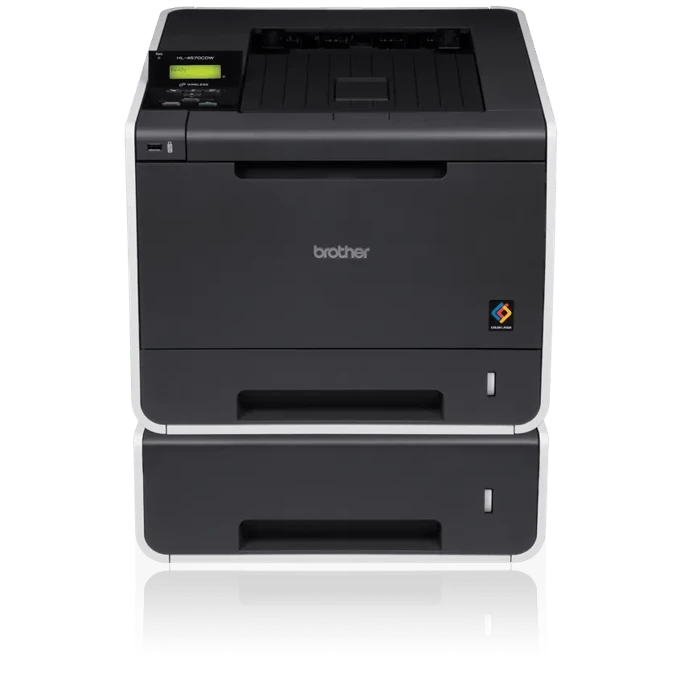
Quick answer: The Brother HL-4570CDW runs on the TN310 standard-yield cartridges (about 2,500 pages black, 1,500 pages per colour) or the TN315 high-yield cartridges (about 4,000 pages black, 3,500 pages per colour). It holds four at a time — black, cyan, magenta and yellow — and each cartridge seats in its own DR310CL drum unit, a set of four drums rated at roughly 25,000 pages.
The 30-ppm Wireless Step Up From the HL-4150CDN
Brother sold two near-identical colour lasers in this generation, and the HL-4570CDW is the one most offices actually wanted: it adds built-in wireless networking to the Ethernet and USB connections, and it prints at up to 30 pages per minute in colour and black instead of 25. Everything else about the platform — the trays, the duplex unit, the cartridge family — carries over. If your supply shelf was stocked for the older wired model, nothing about your toner changes here.
What does change is how fast a shared wireless printer consumes colour. When every laptop in the office can reach the machine without a cable, volume creeps up, and the high-yield TN315 stops being an upgrade and becomes the sensible default.
Yields for Every Colour
| Colour | TN310 (standard) | TN315 (high yield) |
|---|---|---|
| Black | ~2,500 pages | ~4,000 pages |
| Cyan | ~1,500 pages | ~3,500 pages |
| Magenta | ~1,500 pages | ~3,500 pages |
| Yellow | ~1,500 pages | ~3,500 pages |
Ratings follow ISO/IEC 19798 at standard coverage. The colour cartridges more than double in the high-yield size; black grows by about three-fifths. A department printing colour reports will empty the standard colour set noticeably sooner than the black.
Running Costs at Our Current Prices
Our shelf prices the two sizes identically: black singles are $28.33 and colour singles are $30.38 whether you choose TN310 or TN315. That makes the cost-per-page table a one-way argument.
- TN310BK: $28.33 over ~2,500 pages ≈ 1.1¢ per page
- TN310C, TN310M, TN310Y: $30.38 over ~1,500 pages ≈ 2.0¢ per page
- TN315BK: $28.33 over ~4,000 pages ≈ 0.7¢ per page
- TN315C, TN315M, TN315Y: $30.38 over ~3,500 pages ≈ 0.9¢ per page
Same money, more pages: on this shelf the standard size survives mainly as the answer to a trivia question. Heavy graphics will pull the real colour cost above these rated figures, but the ranking between the two sizes never changes.
Paper Handling and Walk-Up Printing
Paper starts with a 250-sheet tray that accepts letter or legal stock, plus a 50-sheet multipurpose tray for envelopes and heavier media; an optional 500-sheet tray raises the ceiling to 800 sheets. A USB host port on the front prints PDF and JPEG files directly from a flash drive, which office managers tend to discover the day the network goes down. Automatic duplex printing is standard, and output resolution reaches 2400 × 600 dpi — enough for the brochures and presentations this model was marketed on.
Swapping a Cartridge
With the power on, open the front cover and slide out the drum-and-toner assembly for the colour the screen names. Press the green lock lever, lift the old cartridge free, and give its replacement a slow side-to-side rock before removing the protective cover. Click the new cartridge into the drum until the lever lifts, slide the green corona tab back and forth to clean the wire, and return the assembly to the machine. Close the cover and let it warm up. A lingering "replace toner" message after a clean install is a counter issue; the reset sequence for that colour is in the manual and takes under a minute at the panel.
When the Drum, Not the Toner, Is the Problem
Four separate DR310CL drums sit beneath the four toners, each rated around 25,000 pages, and they are replaced as a set. The classic drum symptoms are defects that repeat down every page at the same spacing, a grey wash in white areas, or streaks that survive a brand-new cartridge. We do not stock a compatible DR310CL — only a genuine listing exists in our catalog — so this guide deliberately carries no drum link; plan on genuine drums when the set reaches the end of its counter.
Buying the Set Instead of Four Singles
A full colour refresh is where the set earns its keep. The TN315 four-colour set costs $71.24; the same four cartridges ordered separately total $119.47, so the set saves about $48. The TN310 four-colour set is priced identically at $71.24. Honest counter-case: colours rarely empty on the same week. If three cartridges still show healthy levels, replace only the empty one and save the set for the day the machine asks for a broader refresh.
Questions Owners Ask About This Model
Is the TN315 really supported, or is it a stretched TN310? It is a genuine Brother size for this printer, listed in the model's own supply table with its own yields — 4,000 pages black and 3,500 per colour. Nothing is modified or refilled to reach those numbers.
Can I run TN315 in two colours and TN310 in the others? Yes. Each slot is independent. Many offices run high-yield black and colour while finishing a leftover standard cartridge in one slot.
Why did my colour run out so much faster than black? The rated gap is part of it — standard colours hold 1,500 pages against black's 2,500 — and real-world colour coverage is usually heavier than the 5 percent test standard. The TN315 colour size exists precisely to close that gap.
Does wireless printing change which toner I need? No. Connectivity and cartridges are separate questions on this platform; the same TN310/TN315 family serves the wired and wireless versions alike.
How long does a DR310CL drum set last in a busy office? At 25,000 rated pages, a workgroup printing 1,500 pages a month replaces drums roughly every year and a half — about once for every six TN315 black cartridges.
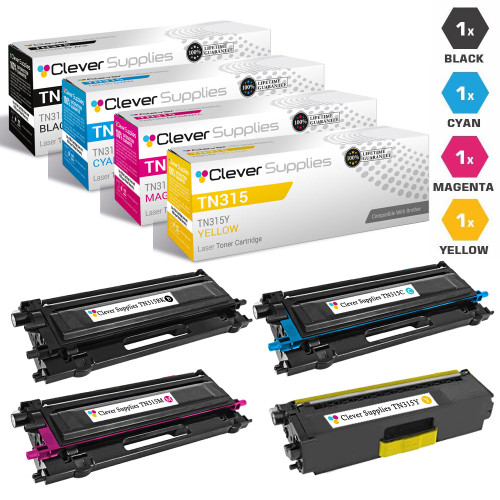 brother tn315 toner high yield cartridge 4 color set compati
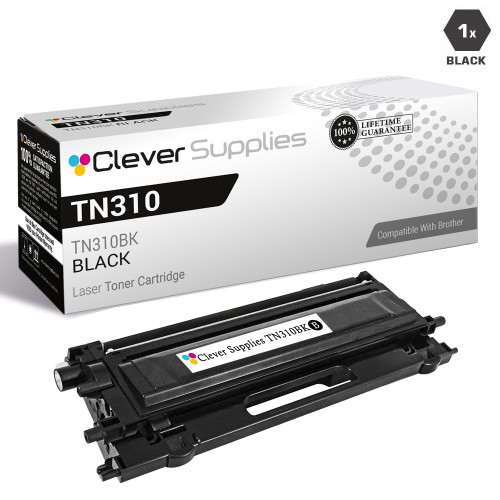 brother tn310bk laser toner compatible cartridge black
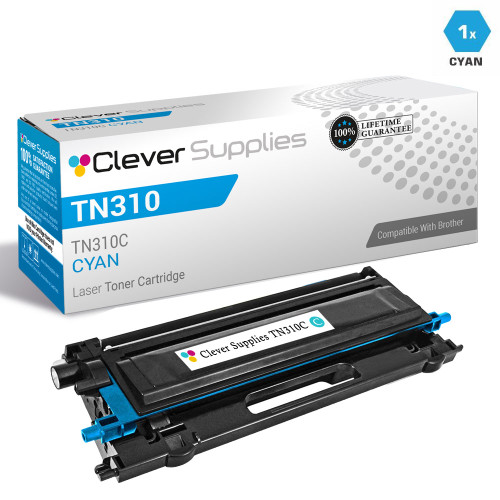 brother tn310c laser toner compatible cartridge cyan
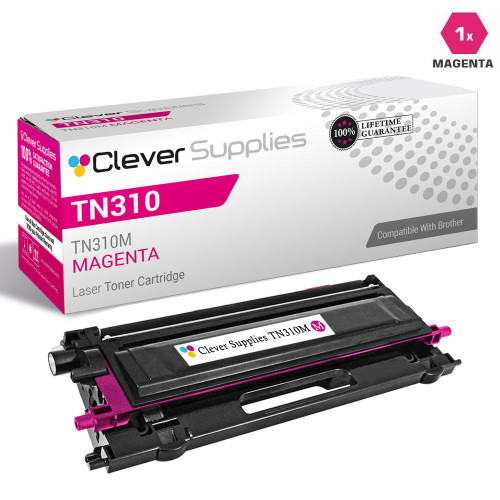 brother tn310m laser toner compatible cartridge magenta
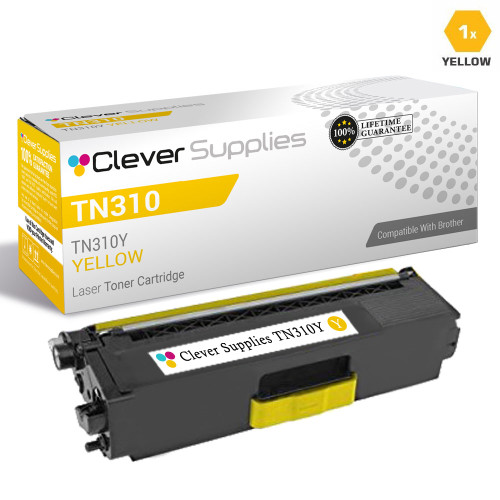 brother tn310y laser toner compatible cartridge yellow
Key takeaways
- The top cartridge here is rated at 4,000 pages — fewer swaps, lower cost per page.
- Lowest cost per page in this family: ~0.7¢ with the highest-yield cartridge.
- Toner and drum are separate parts on this printer — replace only the one the printer asks for.
Other Printers That Use TN310 and TN315
The identical cartridges and drum set also serve: HL-4150CDN, HL-4570CDWT, MFC-9460CDN, MFC-9560CDW and MFC-9970CDW. A spare bought for one machine is a spare for all six.
Everything that fits this printer is gathered on our HL-4570CDW toner page.