




What Toner Does the Brother MFC-L3750CDW Use?
Posted by Clever Supplies on Nov 7th 2026
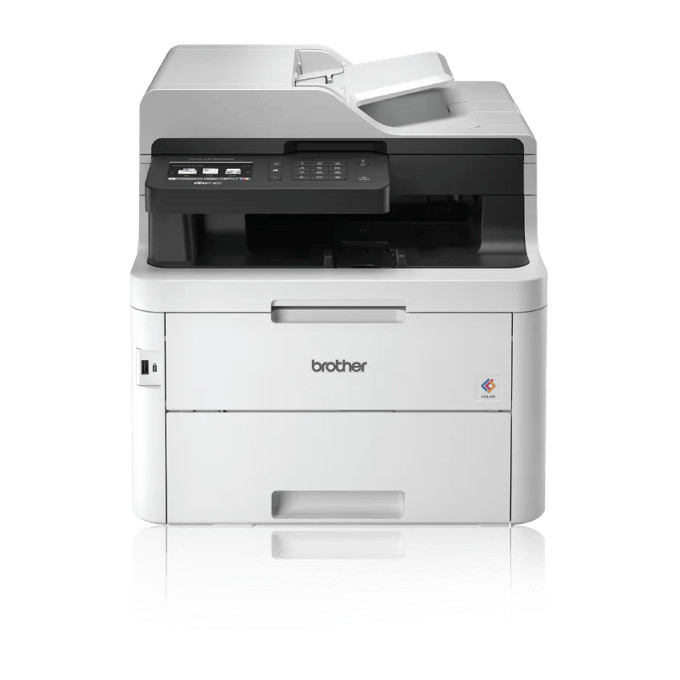
Quick answer: The Brother MFC-L3750CDW takes TN223 standard-yield or TN227 high-yield toner across four cartridges — black, cyan, magenta and yellow. Expect about 3,000 pages from a TN227BK black and 2,300 from each TN227 color, or roughly 1,400 and 1,300 pages respectively from the TN223 versions. The cartridges mount in a DR223CL drum set rated at approximately 18,000 pages.
The Middle Model, and Why It Is the Popular One
Brother positioned the MFC-L3750CDW as the balanced all-in-one of this generation, and its spec sheet shows the compromises landing in sensible places. It prints, copies, scans and faxes at up to 25 pages per minute, adds the automatic duplex printing its cheaper sibling lacks, and networks by Wi-Fi, Ethernet or USB behind a 3.7-inch color touchscreen with cloud apps and custom shortcuts. The 50-sheet document feeder and 250-sheet tray match the rest of the MFC line, and a front USB port reads thumb drives directly.
What it gives up, relative to the flagship above it, is specific: no NFC tap-to-connect, and its document feeder scans one side at a time — two-sided originals get flipped by hand. Neither omission touches the toner bay, which is the family-standard arrangement described below.
Running Costs, Worked Out
| Supply | Rated pages | Our compatible price | Cost per page |
|---|---|---|---|
| TN227BK black | ~3,000 | $25.26 | ~0.8¢ |
| TN227 colors (each) | ~2,300 | $25.26 | ~1.1¢ |
| TN223BK black | ~1,400 | $25.26 | ~1.8¢ |
| TN223 colors (each) | ~1,300 | $25.26 | ~1.9¢ |
Figures combine Brother's ISO/IEC 19798 yields with prices read from the main price element of our product pages on November 2, 2026. Duplex deserves a footnote here: printing two-sided does not change toner per page, but by halving the sheets a document occupies it halves the occasions on which a low-toner warning interrupts a long job — a small mercy that owners of this model feel weekly. With starters of roughly 1,000 pages per color in the box, plan the first high-yield restock inside the first few months of real office use.
Cartridge Links, Color by Color
TN227 high yield
TN223 standard yield
The Set Question, Answered Straight
Our compatible TN227 four-color set was $52.79 when checked — $48.25 less than the $101.04 that four singles add up to. On a machine used the way this one usually is (mixed printing, regular copying, colors draining within weeks of each other), the set is the default restock and singles are the top-up. The exception stands for genuinely lopsided use: a home office that prints contracts in black for months may need two black singles before any color stirs, and the set would leave three cartridges aging on a shelf. Read the gauges on the touchscreen; they tell you which household you are.
How a Swap Goes
Power stays on. Open the front cover, pull the drum assembly for the empty color toward you, and press its lock lever to free the old cartridge. Rock the replacement sideways a few times, pull its protective cover away, and press it into the drum until the lever locks. Slide the green corona-wire tab across the drum and back to the starting arrow — skipping this is the most common cause of streaky first pages after a change — then slide the assembly home and close the cover.
Drums, Belt, Waste Box
One level down, the DR223CL drum set carries all four toners; Brother rates the set near 18,000 pages, our listing shows an 18,500-page yield and an $86.11 price as checked. The BU223CL belt unit (about 50,000 pages) and WT223CL waste toner box (about 50,000 pages) are the machine's deep-service items. A 25 ppm all-in-one in a working office can plausibly reach drum age in a few years; belt and waste messages belong to a later chapter still, and neither is a toner problem when it arrives.
MFC-L3750CDW Questions
Can the document feeder scan both sides of a page by itself? No. The 50-sheet feeder is single-sided for scanning and copying; you turn two-sided originals over manually. Single-pass duplex scanning is the flagship MFC-L3770CDW's party trick.
Does this model have NFC? No — mobile printing runs through the network with AirPrint, Mopria and Brother's apps, or via Wi-Fi Direct. NFC tap-to-connect is another MFC-L3770CDW feature.
Is the Ethernet port useful if I already have Wi-Fi? For a fixed office machine, yes: a wired connection shrugs off the wireless dropouts that interrupt long print runs, and the printer stays reachable at one stable address.
My color copies look faded but prints look fine. Toner? Usually not the cartridge itself. Check that a toner-save or draft setting has not crept into the copy defaults, and clean the corona wires. If a single color fades in prints too, that color's drum in the DR223CL set is the next suspect.
Can I fax from my computer through it? The MFC-L3750CDW sends and receives faxes from the machine itself; Brother's own comparisons note PC fax sending as one of the features reserved for the MFC-L3770CDW above it.
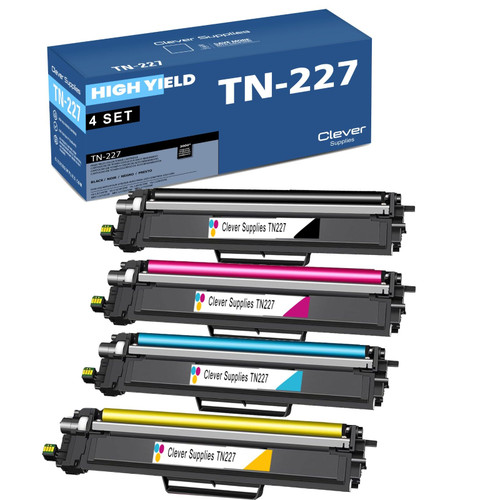 brother tn227 tn227bk tn227c tn227m tn227y toner cartridge 4
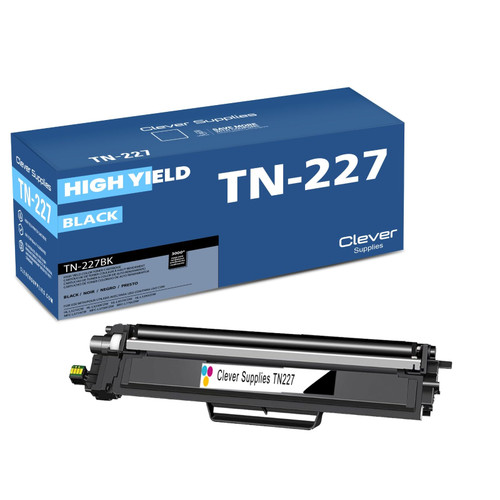 brother tn227 tn227bk toner cartridge black
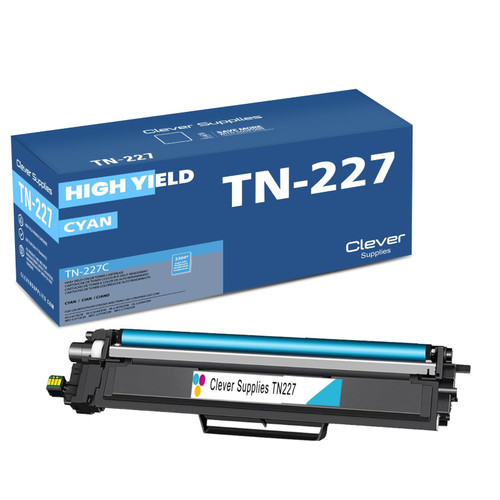 brother tn227 tn227c toner cartridge cyan
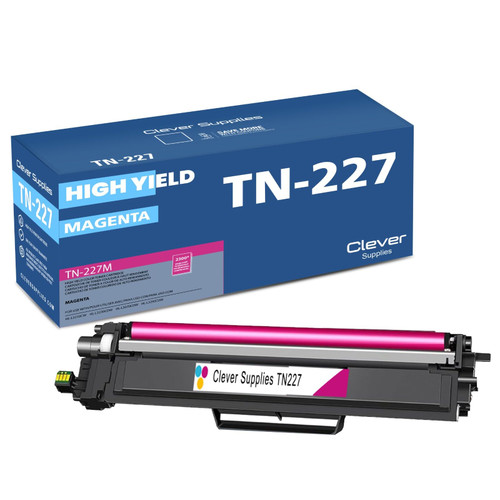 brother tn227 tn227m toner cartridge magenta
 brother tn227 tn227y toner cartridge yellow
Key takeaways
- The top cartridge here is rated at 3,000 pages — fewer swaps, lower cost per page.
- Lowest cost per page in this family: ~0.8¢ with the highest-yield cartridge.
- Toner and drum are separate parts on this printer — replace only the one the printer asks for.
Other Printers That Use TN223 and TN227
Sharing this exact supply shelf: HL-L3210CW, HL-L3230CDW, HL-L3270CDW, HL-L3290CDW, MFC-L3710CW and MFC-L3770CDW.
Ready to order? Start from our MFC-L3750CDW toner page, which lists every cartridge and set that fits this printer.