




What Toner Does the Brother MFC-L3710CW Use?
Nov 6th 2026
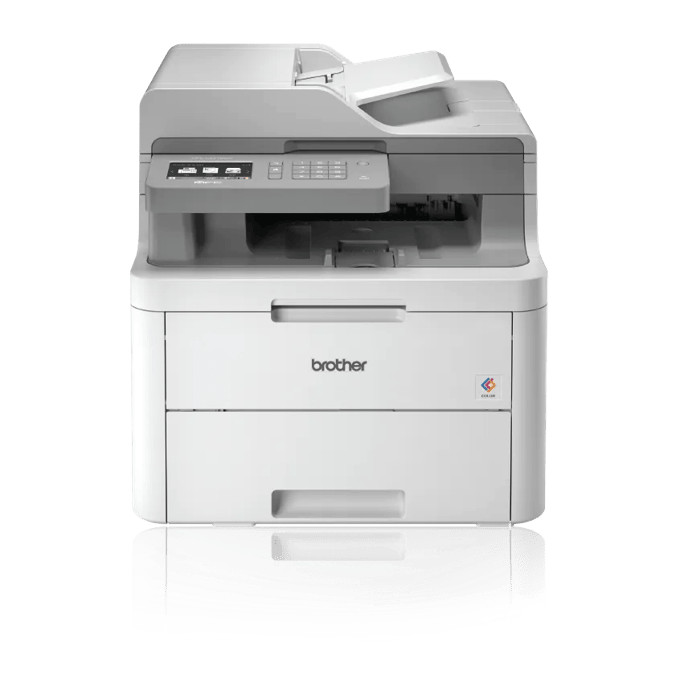
Quick answer: The Brother MFC-L3710CW uses TN223 standard-yield or TN227 high-yield toner in four colors. The TN227BK black cartridge is rated at about 3,000 pages, the TN227 cyan, magenta and yellow at about 2,300 pages each; TN223 equivalents give roughly 1,400 pages (black) and 1,300 pages (each color). Behind them, a DR223CL drum set — one drum per color — is rated around 18,000 pages.
A Real All-In-One, With Two Honest Gaps
The MFC-L3710CW is where this family becomes a full office tool: print, copy, scan and fax in one footprint, driven from a 3.7-inch color touchscreen with custom shortcuts and cloud print/scan apps. A 50-sheet automatic document feeder handles multi-page copy, scan and fax jobs, the main tray holds 250 sheets, and scanning runs at up to 29 images per minute in black and 22 in color. Print speed is a calmer 19 pages per minute.
Two limitations deserve daylight because buyers discover them late. There is no automatic two-sided printing — duplex is a manual routine — and no Ethernet port: the machine connects by Wi-Fi, Wi-Fi Direct or USB only. Neither gap affects supplies, but if your office prints double-sided all day or insists on wired networking, the MFC-L3750CDW further down this page is the sibling built for you.
The Yield Table
| Part | Color | Rated yield | Our compatible price | Cost per page |
|---|---|---|---|---|
| TN227BK | Black | ~3,000 pages | $25.26 | ~0.8¢ |
| TN227C | Cyan | ~2,300 pages | $25.26 | ~1.1¢ |
| TN227M | Magenta | ~2,300 pages | $25.26 | ~1.1¢ |
| TN227Y | Yellow | ~2,300 pages | $25.26 | ~1.1¢ |
| TN223BK | Black | ~1,400 pages | $25.26 | ~1.8¢ |
| TN223C | Cyan | ~1,300 pages | $25.26 | ~1.9¢ |
| TN223M | Magenta | ~1,300 pages | $25.26 | ~1.9¢ |
| TN223Y | Yellow | ~1,300 pages | $25.26 | ~1.9¢ |
Prices were isolated from the main price element of each product page on November 2, 2026; yields are Brother's ISO/IEC 19798 ratings. An all-in-one earns a special warning from this table: faxing and copying consume toner without a computer ever being involved, so consumption surprises people. A received fax prints whether you wanted it or not, and a color copy pulls on all four cartridges. High-yield cartridges blunt both surprises at under half the per-page cost of the standard size.
Shop by Color
TN227 high yield — TN227BK Black · TN227C Cyan · TN227M Magenta · TN227Y Yellow
TN223 standard yield — TN223BK Black · TN223C Cyan · TN223M Magenta · TN223Y Yellow
Changing a Cartridge
Turn the machine on, open the front cover, and slide out the drum unit for the color that has run dry. Push the lock lever down, take the old cartridge out, and rock the new one gently from side to side before removing its protective cover so the toner settles evenly. Set it into the drum until the lever snaps back, clean the corona wire by sliding its green tab fully across and back to the arrow, then return the unit and close the cover. If you are changing several colors, finish one completely before starting the next — the units look alike, and each color's drum and toner must stay paired with its own slot.
Four Singles or the Four-Color Set?
Four TN227 singles total $101.04 at the checked prices. The compatible TN227 four-color set is $52.79 — a saving of about $48, close to half. For an all-in-one that spends its colors in parallel through copying, the set is usually the natural restock once the machine's starter cartridges (about 1,000 pages each) give out. The counter-case is real though: offices that fax and print almost entirely in black will watch the colors age slowly, and for them three spare color cartridges are money asleep in a cupboard. Match the purchase to the pattern the touchscreen's toner gauges show you.
The Longer-Lived Parts
Toner locks into the DR223CL drum set, one drum per color at roughly 18,000 pages per set — our listing showed $86.11 and an 18,500-page listed yield when checked. When copies start showing the same blemish in the same place, suspect a drum, not a cartridge. The BU223CL belt unit and WT223CL waste toner box, each rated around 50,000 pages, complete the machine's consumables; a busy fax-and-copy office is exactly the environment where those long horizons eventually arrive.
MFC-L3710CW Toner Questions
Does copying from the ADF use the same cartridges as printing? Yes — one toner system serves print, copy and fax output alike. There is no separate copy toner.
Can the MFC-L3710CW print on both sides automatically? No. It offers manual two-sided printing only. Automatic duplex starts with the MFC-L3750CDW in this family.
How do I stop junk faxes from eating my toner? The printer cannot judge content, but you can reduce waste by keeping the fax in a mode that suits your line and by replacing the black cartridge with the high-yield TN227BK, which cuts the per-page cost of unavoidable faxes to about 0.8 cents.
Does it connect to a wired network? No Ethernet port is fitted. It joins by Wi-Fi or Wi-Fi Direct, or plugs into one computer over USB.
Which cartridge runs out first in an office that mostly faxes? Black, by a distance. Faxes and their confirmation pages are monochrome, so the TN227BK does the heavy lifting while the colors serve copying and color printing.
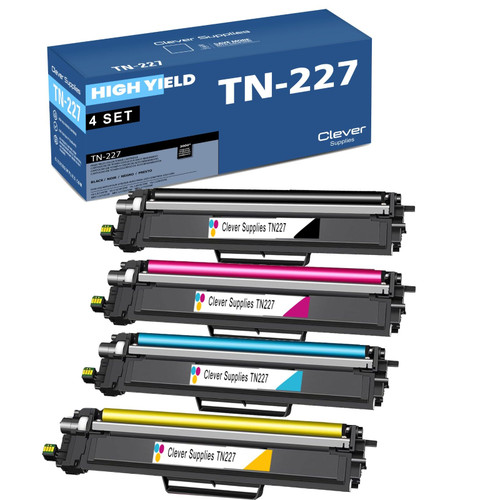 brother tn227 tn227bk tn227c tn227m tn227y toner cartridge 4
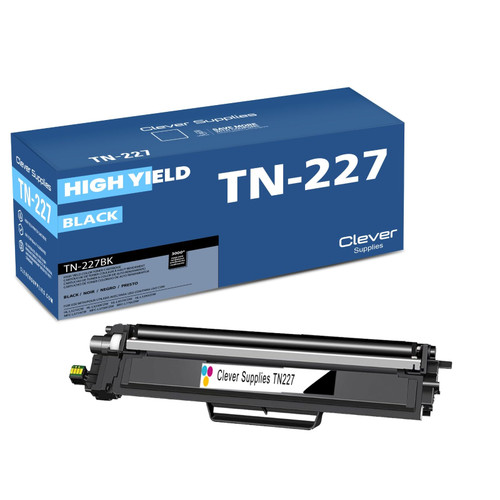 brother tn227 tn227bk toner cartridge black
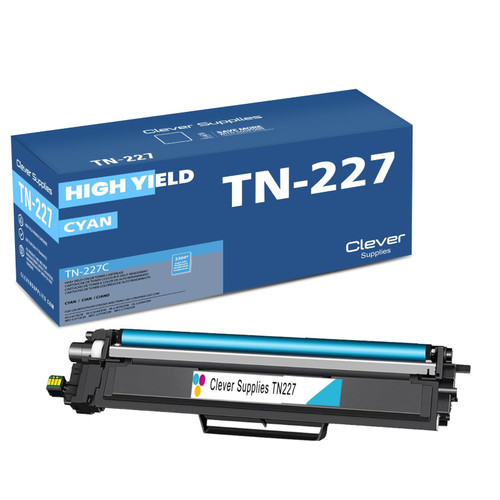 brother tn227 tn227c toner cartridge cyan
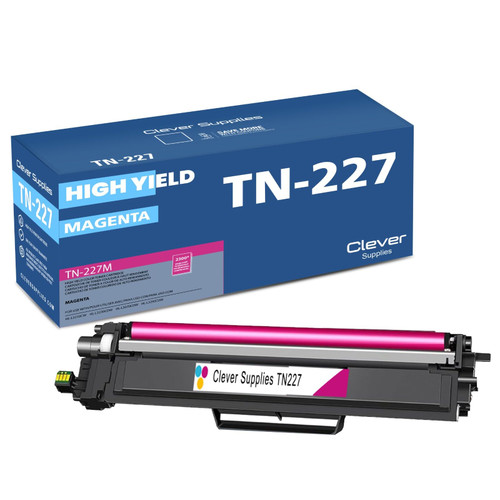 brother tn227 tn227m toner cartridge magenta
 brother tn227 tn227y toner cartridge yellow
Key takeaways
- The top cartridge here is rated at 3,000 pages — fewer swaps, lower cost per page.
- Lowest cost per page in this family: ~0.8¢ with the highest-yield cartridge.
- Buying the toner + drum set instead of the parts separately saves $48.
Other Printers That Use TN223 and TN227
The same cartridges and drums also power HL-L3210CW, HL-L3230CDW, HL-L3270CDW, HL-L3290CDW, MFC-L3750CDW and MFC-L3770CDW.
Ready to order? Start from our MFC-L3710CW toner page, which lists every cartridge and set that fits this printer.